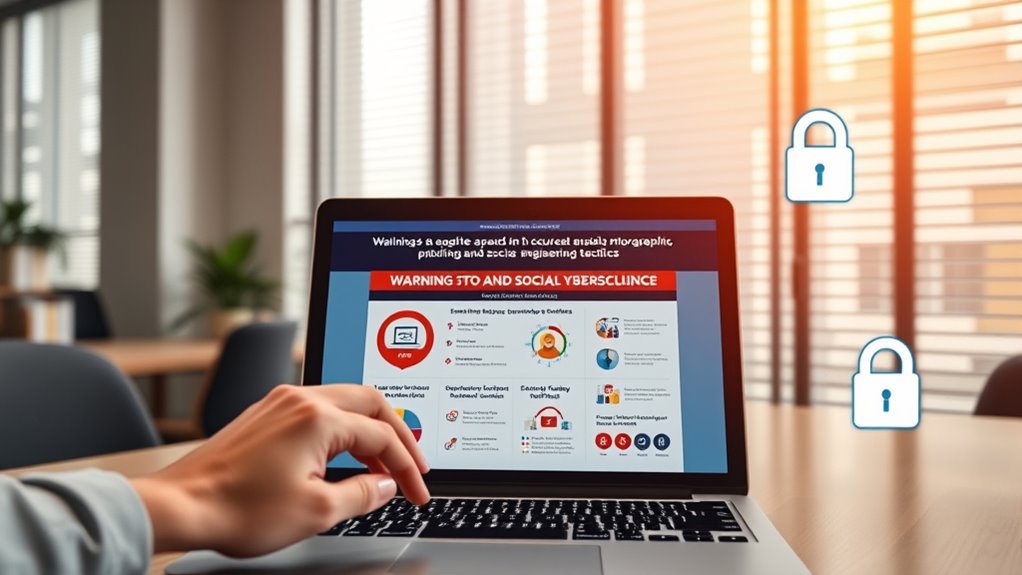

To avoid phishing and social engineering attacks, always verify the sender’s email address before clicking links or opening attachments. Stay alert for suspicious messages that use urgent language or unusual greetings. Use strong verification methods, like checking with known contacts through different channels, and enable multi-factor authentication. Regular employee training and fostering a security-conscious mindset are essential. Keep these practices in mind, and you’ll be better prepared to recognize and prevent these threats from causing harm.
Key Takeaways
- Always verify email sender addresses and look for subtle domain misspellings before clicking links or opening attachments.
- Educate employees regularly on common tactics like spear-phishing and recognize warning signs such as urgent language.
- Confirm sensitive requests through separate channels, such as calling the requester on a known phone number.
- Implement multi-factor authentication (MFA) to add an extra layer of security against unauthorized access.
- Combine technological security measures with ongoing staff training to foster a vigilant, security-conscious organizational culture.
Phishing and social engineering attacks continue to be major threats to both individuals and organizations, exploiting human psychology to gain unauthorized access to sensitive information. These attacks often come in the form of convincing emails, messages, or calls that trick you into revealing passwords, personal data, or granting access to secure systems. As cybercriminals become more sophisticated, it’s essential to stay vigilant and adopt proactive strategies to defend yourself and your organization.
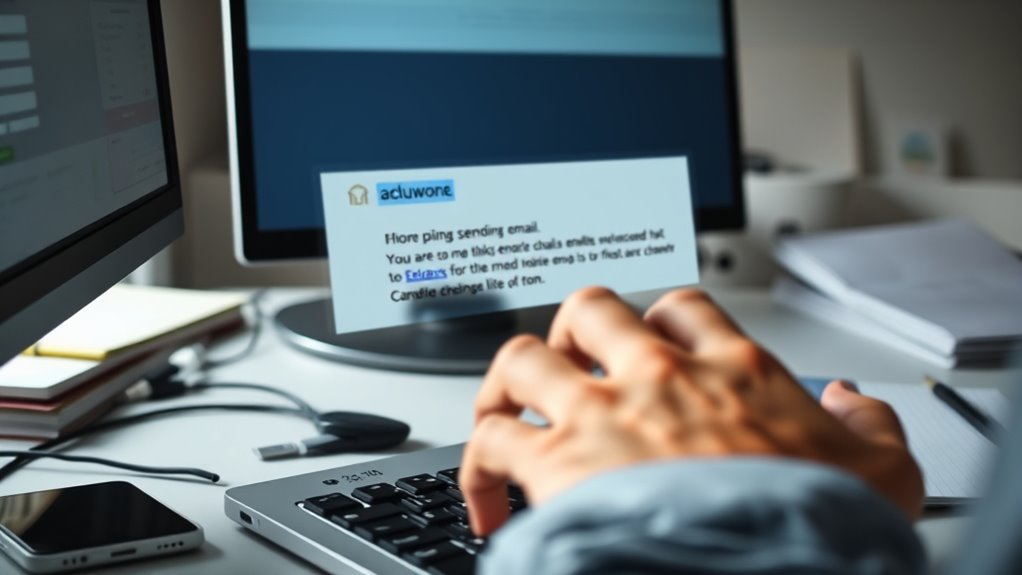
One of the most effective ways to prevent falling victim to these scams is by paying close attention to email verification processes. Before clicking any links or opening attachments, verify the sender’s email address carefully. Cybercriminals often use email addresses that look similar to legitimate ones but contain subtle misspellings or domain variations. Always double-check the email domain, especially if the message requests sensitive information or prompts immediate action. Implementing email verification protocols can help filter out suspicious messages and alert you to potential threats before any damage occurs.
Always verify email addresses before clicking links or opening attachments to prevent phishing scams.
However, technology alone isn’t enough. Employee training plays a critical role in building a resilient defense against social engineering. Regularly educating yourself and your colleagues about common attack tactics, such as spear-phishing or baiting, helps foster a security-aware culture. Training sessions should include real-world examples, highlighting recent scams and teaching you how to spot telltale signs of phishing attempts. When you understand what to look for—such as urgent language, unfamiliar greetings, or unexpected requests—you’re less likely to be duped. Empowering employees with knowledge reduces the risk of human error, which remains one of the most exploited vulnerabilities in cybersecurity.
Furthermore, adopting simple habits like questioning the legitimacy of emails and verifying requests through separate channels can make a significant difference. If an email claims to be from your IT department asking for login details or financial information, don’t respond directly. Instead, contact the sender via a known phone number or official website to confirm the request’s authenticity. Implementing multi-factor authentication (MFA) can also add an extra layer of security, making it more difficult for attackers to gain access even if login details are compromised. Recognizing the importance of security awareness can significantly reduce your risk of falling for social engineering scams.
Ultimately, staying vigilant requires a combination of technological safeguards and continuous education. By prioritizing email verification and participating in ongoing employee training, you can better recognize and resist social engineering tactics. Remember, cybercriminals rely on human error, and the more prepared and aware you are, the harder you make it for them to succeed. Protecting sensitive information isn’t just about software—it’s about cultivating a security-conscious mindset every day.

Yubico – YubiKey 5C NFC – Multi-Factor authentication (MFA) Security Key and passkey, Connect via USB-C or NFC, FIDO Certified – Protect Your Online Accounts
POWERFUL SECURITY KEY: The YubiKey 5C NFC is the most versatile physical passkey, protecting your digital life from…
As an affiliate, we earn on qualifying purchases.
As an affiliate, we earn on qualifying purchases.
Frequently Asked Questions
How Can I Report Suspected Phishing Emails Effectively?
You should immediately forward the suspected phishing email to your company’s reporting channels or designated email address. Before doing so, verify the email’s authenticity by checking sender details and links. Use email verification tools if available. Avoid clicking any links or downloading attachments. Reporting channels assure your IT team can investigate and take necessary actions. Prompt reporting helps protect your organization and prevents potential security breaches.
What Are Common Signs of Social Engineering Attempts?
Oh, the delightful art of recognizing deception! Watch for urgent language that pressures you to act quickly, like “Your account’s been compromised.” Be wary of suspicious sender addresses or mismatched URLs—sleight of hand in digital disguise. Unusual requests for personal info or freebies should raise eyebrows. Recognizing manipulation is key; stay alert, question everything, and don’t let cunning con artists lure you into their trap.
Are There Tools to Automatically Detect Phishing Sites?
Yes, there are tools for automated detection of phishing sites. You can use phishing filters integrated into browsers or security software that automatically scan URLs and block suspicious sites. These tools analyze site characteristics, verify SSL certificates, and check against blacklists to identify potential threats. By enabling these automated detection tools, you enhance your protection and reduce the risk of falling victim to phishing attacks.
How Often Should Employees Receive Security Training?
You should provide employee awareness training at least quarterly to keep skills sharp, reinforce best practices, and adapt to new threats. Regular training helps employees recognize phishing attempts, social engineering tactics, and suspicious activities. By maintaining consistent training frequency, you create a security-conscious culture, empower your team to respond confidently, and reduce vulnerabilities. Think of it as ongoing education that keeps your defenses strong, proactive, and prepared for evolving cyber threats.
What Steps Should I Take After Falling for a Phishing Scam?
If you fall for a phishing scam, act immediately by initiating your incident response plan. Change all affected passwords, especially for sensitive accounts, and alert your IT team. They’ll help contain the breach and start data recovery procedures if needed. Be honest about what happened, so they can assess the damage, prevent further issues, and strengthen your defenses against future attacks. Quick action minimizes risks and helps protect your organization.

Email Verifier – Email Verification Tool
Email Verification
As an affiliate, we earn on qualifying purchases.
As an affiliate, we earn on qualifying purchases.
Conclusion
By staying vigilant and following these tips, you’ll become an unstoppable force against phishing and social engineering attacks. Remember, cybercriminals are constantly evolving, but your awareness can outsmart even the most cunning scams. Think of yourself as an impenetrable fortress—no trick or deception can breach your defenses. Keep alert, trust your instincts, and never let your guard down. The safety of your digital world depends on it—you’re the ultimate shield in this cyber battlefield.
phishing awareness training course
As an affiliate, we earn on qualifying purchases.
As an affiliate, we earn on qualifying purchases.
Yubico – YubiKey 5C NFC – Multi-Factor authentication (MFA) Security Key and passkey, Connect via USB-C or NFC, FIDO Certified – Protect Your Online Accounts
POWERFUL SECURITY KEY: The YubiKey 5C NFC is the most versatile physical passkey, protecting your digital life from…
As an affiliate, we earn on qualifying purchases.
As an affiliate, we earn on qualifying purchases.