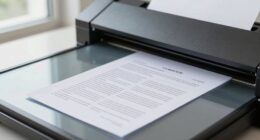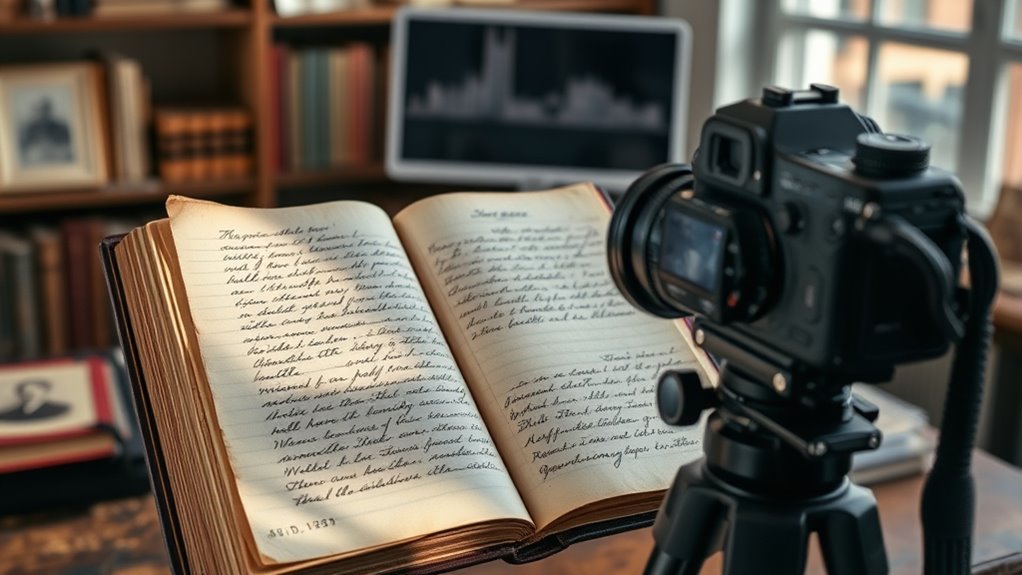

To guarantee quality genealogical scans, handle documents carefully, using gloves and a flat surface to prevent damage. Calibrate your scanner to 300–600 DPI and save images in lossless formats like TIFF or PNG for clarity and preservation. Organize files systematically with consistent naming conventions, metadata, and backups. Employ digital archives and editing tools for easier management and readability. If you keep exploring, you’ll discover more tips to help preserve your family’s history effectively.
Key Takeaways
- Use a calibrated scanner at 300–600 DPI to ensure high-quality, detailed images suitable for research.
- Save scans in lossless formats like TIFF or PNG to preserve image integrity over time.
- Organize digital files systematically with consistent naming conventions and detailed metadata.
- Handle original documents carefully, wearing gloves and using clean surfaces to prevent damage.
- Create multiple backups on external drives or cloud storage to safeguard your digital archive.
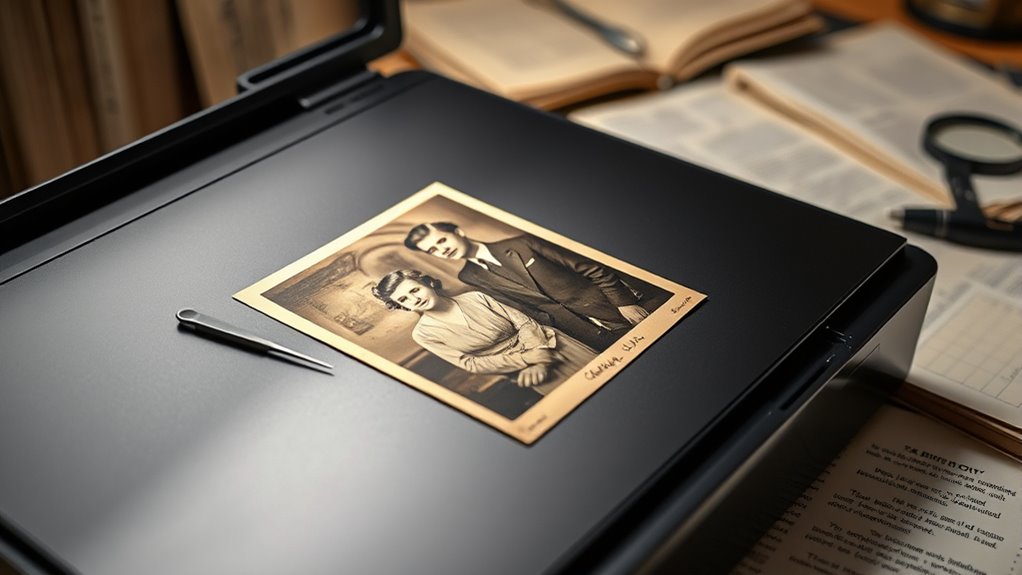
Genealogical research scanning has become an essential tool for uncovering your family history. When you start digitizing old documents, photographs, and records, you open the door to a vast world of information stored in digital archives. These archives serve as invaluable repositories where your family’s stories, records, and artifacts are preserved for future generations. To make the most of your scanning efforts, it’s important to adopt best practices that guarantee high-quality images and long-term preservation. Proper techniques not only improve the clarity and usability of your digital files but also help protect the original materials from unnecessary damage.
First, focus on understanding and applying effective preservation techniques. Handling delicate documents requires care; always wash your hands or wear gloves to avoid transferring oils or dirt. Use clean, flat surfaces to prevent bending or tearing fragile pages. When scanning, assure your equipment is calibrated for resolution—typically 300 to 600 DPI—to capture details clearly without creating excessively large files. This balances quality and storage considerations. It’s also wise to scan in a lossless format such as TIFF or PNG, which preserves image quality over time. After scanning, organize your digital files systematically—by date, record type, or family branch—so you can easily retrieve information later. Creating backups on external drives or cloud storage further safeguards your data against hardware failures or accidental loss.
Handle delicate documents with care, use 300–600 DPI for scanning, save in TIFF or PNG, and organize files systematically.
In addition, familiarize yourself with digital archives and their functionalities. Many online repositories offer tools for bulk uploading and annotating images, making it easier to catalog and cross-reference your findings. As you add new scans, keep consistent naming conventions and metadata descriptions, including dates, locations, and document types. This consistency helps maintain an organized digital library that’s accessible and meaningful. When you’re done scanning, consider editing images to improve readability—adjusting brightness, contrast, or cropping—using simple photo editing software. However, always retain the original scan as your master file to assure authenticity. Additionally, understanding the importance of high resolution in capturing all details ensures your digital copies remain useful over time.
Finally, staying updated on preservation techniques and digital archiving standards can substantially enhance your genealogical research. Joining online forums or local genealogy groups can offer tips and shared experiences that improve your scanning process. Remember, meticulous attention to detail during scanning and preservation not only preserves your ancestors’ stories but also ensures that your digital collection remains a valuable resource for yourself and future generations. By combining careful handling, high-quality imaging, and organized digital archives, you create a lasting legacy that truly honors your family history.

Epson WorkForce ES-50 Portable Sheet-Fed Document Scanner for PC and Mac
Fastest and lightest mobile single sheet fed document scanner in its class(1) small, portable scanner ideal for easy,…
As an affiliate, we earn on qualifying purchases.
As an affiliate, we earn on qualifying purchases.
Frequently Asked Questions
What Equipment Is Best for Genealogical Research Scanning?
You should choose a scanner with high photo resolution, ideally 600 dpi or higher, to capture detailed images of old documents and photos. Make sure to regularly calibrate your scanner to guarantee color accuracy and sharpness. Look for models that handle different media types and have easy-to-use software. This way, you’ll preserve your genealogical research with clear, precise scans that stand the test of time.
How Can I Organize Scanned Documents Effectively?
You can organize your scanned documents effectively by using consistent digital file naming conventions, like including dates and source details. Store them in cloud storage options such as Google Drive or Dropbox for easy access and backup. Create folders for categories like census records or family trees, and regularly update your organization system. This way, you’ll find what you need quickly, keeping your genealogy research streamlined and secure.
What File Formats Are Recommended for Genealogical Scans?
Imagine preserving your family story for generations to come. For digital preservation, you should use high-quality file formats like TIFF for master scans, ensuring longevity and detail. JPEGs are great for quick sharing, while PDFs work well for organized documents. Choosing the right file formats helps safeguard your precious history, making sure it remains clear, accessible, and meaningful for future generations.
How Do I Ensure the Longevity of Digital Genealogical Records?
To guarantee the longevity of your digital genealogical records, focus on digital preservation by storing files in widely supported formats like PDF/A or TIFF. Regularly back up your data and use reliable storage solutions. Manage metadata carefully, including details like source, date, and scan information, to keep records organized and discoverable. These steps help protect your research from data loss and ensure future access.
Are There Privacy Concerns When Sharing Scanned Genealogy Documents?
Sharing scanned genealogy documents is like opening a window to your family’s past—you’re exposing private details that could pose privacy risks. You should follow sharing guidelines carefully to protect sensitive information. Always consider what data might be private or potentially harmful if misused. Being cautious helps prevent identity theft or unwanted access, ensuring your family’s history is shared responsibly while respecting individual privacy.

Epson Perfection V19 II Color Photo and Document Flatbed Scanner with 4800 dpi Optical Resolution USB Power, High-Rise, Removable Lid
Amazing image clarity and detail — 4800 dpi optical resolution (1), ideal for photo enlargements
As an affiliate, we earn on qualifying purchases.
As an affiliate, we earn on qualifying purchases.
Conclusion
In your genealogical journey, embracing best scanning practices gently guides you toward clearer, more accurate records. While the path may seem intricate, taking careful steps guarantees you won’t miss essential details or overlook hidden clues. Remember, patience and attention to detail are your trusted allies. By nurturing these habits, you’ll find your research becoming more rewarding and less prone to unnecessary hurdles. Ultimately, your dedication will quietly open doors to stories waiting to be uncovered.
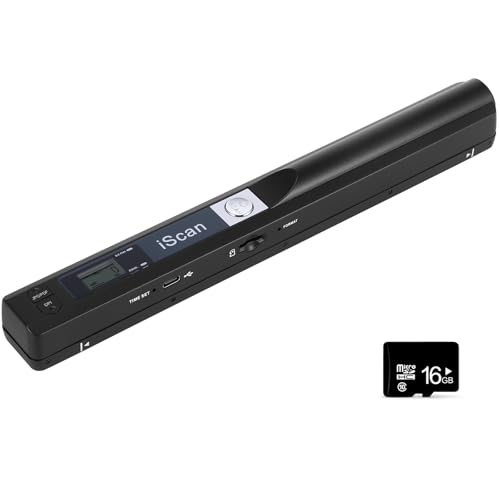
Portable Document Scanner, 900DPI Handheld Scanner Wand for Documents & Receipts, A4 Photo Image Scanner JPG/PDF, Portable Scanner for Laptop, USB 2.0 High Speed Transfer, Supports Micro SD Card
🔗 Wide Compatibility & Plug and Play | portable scanner, document scanner, scanner for laptop, handheld scanner: Works…
As an affiliate, we earn on qualifying purchases.
As an affiliate, we earn on qualifying purchases.
digital archiving software for genealogy
As an affiliate, we earn on qualifying purchases.
As an affiliate, we earn on qualifying purchases.