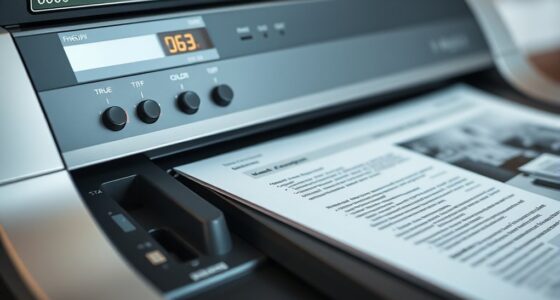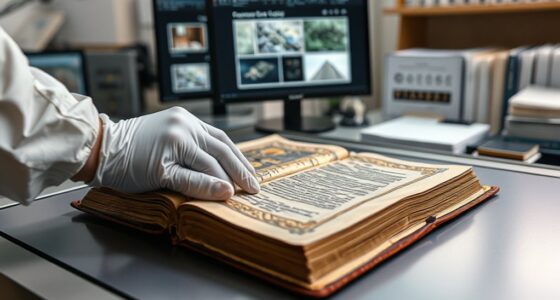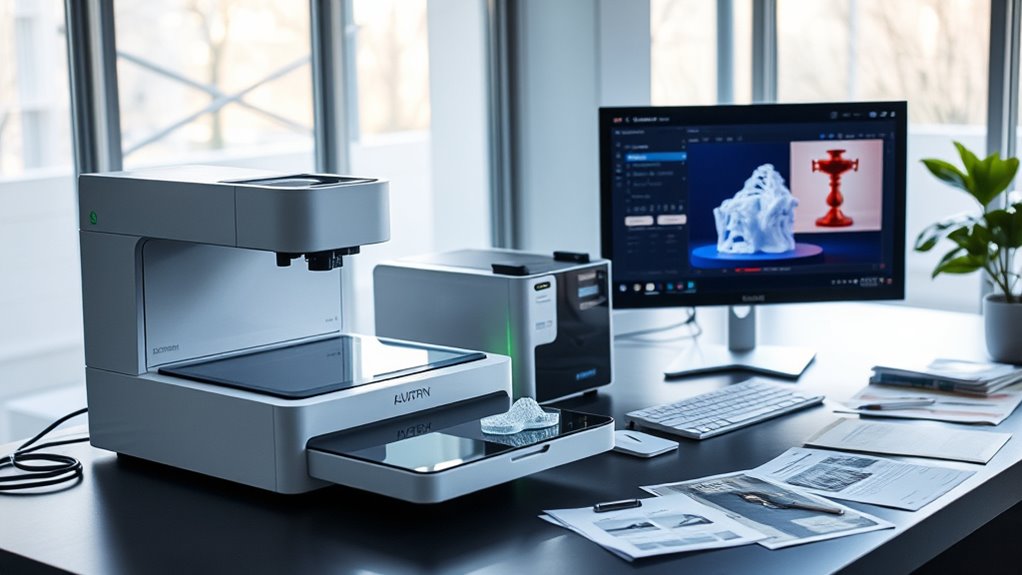

Combining scanning and printing in hybrid workflows helps you streamline document management efficiently. By integrating digital document handling with traditional printing, you can automate tasks like sorting, routing, and secure access, reducing manual effort and errors. This approach speeds up processes, guarantees security, and improves organization. As you continue exploring, you’ll discover how these integrated workflows can substantially enhance your operational agility and control over information flow.
Key Takeaways
- Integrate digital scanning with traditional printing to streamline document workflows and improve access.
- Automate routing and categorization to ensure efficient distribution between digital and physical formats.
- Use workflow automation to instantly retrieve, print, or scan documents as needed, reducing delays.
- Implement security features like encryption and access controls for sensitive hybrid document processes.
- Enhance operational agility by seamlessly switching between digital management and physical printing within workflows.
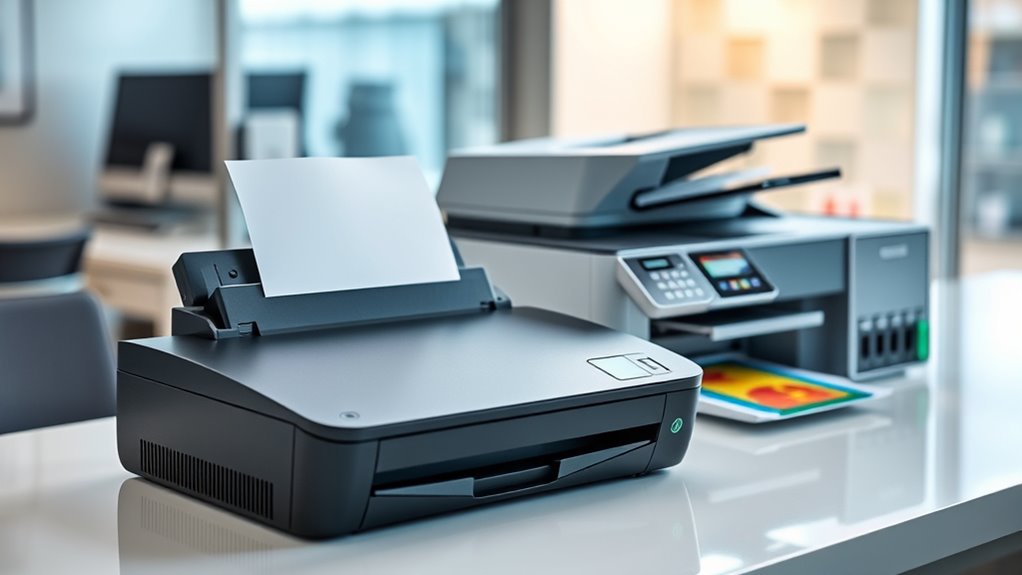
Hybrid workflow scanning and printing combines the strengths of digital and traditional methods to streamline production processes. When you integrate these approaches, you create a seamless system that enhances efficiency and reduces errors. Central to this integration is digital document management, which allows you to store, organize, and retrieve files effortlessly. Instead of dealing with paper clutter or lost documents, you can access everything through a centralized digital platform, saving time and minimizing misplacement. This setup also enables better collaboration, as team members can view, edit, and share documents instantly, regardless of their physical location.
Implementing workflow automation plays a significant role in optimizing hybrid workflows. Automation tools can handle repetitive tasks like sorting, categorizing, and routing scanned documents. For example, when you scan a physical document, automation software can automatically categorize it based on predefined criteria and send it to the appropriate department or individual. This reduces manual input, accelerates processing times, and minimizes human error. The combination of scanning and printing becomes more efficient because automation ensures that the right documents are printed, archived, or distributed without constant oversight.
You’ll find that adopting a hybrid approach improves the overall speed of your document lifecycle. Instead of waiting for manual handling or physical transfers, digital document management allows you to instantly retrieve and distribute files. When combined with workflow automation, this process becomes even more streamlined. For instance, after scanning a document, automation can trigger subsequent steps—like notifying relevant team members, updating records, or printing copies if needed. This reduces bottlenecks and keeps your workflows moving smoothly.
Hybrid workflows speed up document lifecycles through instant digital retrieval and automated task triggers.
Furthermore, hybrid workflows support better compliance and security. Digital document management systems often include encryption, access controls, and audit trails, ensuring sensitive information remains protected. When combined with printing capabilities, you can selectively print documents for secure handling, while the digital copies stay protected online. The flexibility to switch between digital and physical formats allows you to meet regulatory requirements and internal policies with ease. Additionally, understanding retail hours today can help schedule printing or scanning tasks during off-peak times to minimize disruptions.
In essence, by combining scanning and printing within a hybrid workflow, you harness the benefits of both worlds. Digital document management and workflow automation work together to create a more agile, accurate, and secure document process. This approach not only saves time but also provides you with greater control over your information flow, making your overall operations more agile and responsive to changing needs.

Plustek PS186 Desktop Document Scanner, with 50-Pages Auto Document Feeder (ADF). for Windows 7/8 / 10/11 (Intel/AMD only)
Up to 255 customize favorite scan file setting with "Single Touch" , Support Windows 7/8/10
As an affiliate, we earn on qualifying purchases.
As an affiliate, we earn on qualifying purchases.
Frequently Asked Questions
How Do I Ensure Security When Digitizing Sensitive Documents?
To guarantee security when digitizing sensitive documents, you should implement data encryption to protect files both during transmission and storage. Additionally, set up strict access controls so only authorized personnel can view or modify the documents. Regularly update your security protocols and monitor access logs. By combining data encryption with access controls, you substantially reduce the risk of unauthorized access or data breaches, keeping your sensitive information safe.
What Are the Best Practices for Maintaining Printer and Scanner Hardware?
Think of your printer and scanner as the backbone of your workflow—you must keep them in top shape. Follow regular maintenance routines like cleaning rollers and updating firmware. Don’t forget hardware upgrades when necessary; they keep your devices efficient and secure. Consistent checks prevent breakdowns, ensuring smooth operations. By staying proactive, you extend your equipment’s lifespan, save costs, and keep your work seamless and secure.
How Can I Optimize Workflow Efficiency Between Scanning and Printing?
To optimize workflow efficiency between scanning and printing, focus on digital integration and process automation. You should set up seamless connections between your scanner and printer, enabling quick data transfer without manual steps. Automate repetitive tasks like file naming and routing, and use software that integrates with your existing systems. This approach minimizes delays, reduces errors, and streamlines your hybrid workflows, helping you work faster and more efficiently.
Are There Compatible Software Options for Seamless Hybrid Workflows?
Think of your workflow as a well-oiled machine, with software integration acting as the lubricant. Many tools like PaperCut, UniFLOW, and Epson’s software support seamless hybrid workflows by enabling workflow automation and smooth communication between scanning and printing. These options allow you to automate tasks and keep operations flowing without hiccups, ensuring your hybrid environment runs efficiently and effortlessly.
What Troubleshooting Tips Exist for Common Scanning and Printing Issues?
When troubleshooting common scanning and printing issues, start by checking the document format; incompatible formats can cause errors. For connectivity issues, verify your device is properly connected via Wi-Fi or cables, and restart your router or printer if needed. Update drivers and software to fix bugs. Also, check network settings and run test scans or prints. These steps help resolve most problems quickly and keep your workflow smooth.

Brother Color Laser Printer with Wireless Printing Fast 19 PPM Output, Duplex Feature, Mobile Device Compatible, 250-Sheet Paper Tray for Professional Home Office Printing (HL-L3220CDW)
Professional Quality: Brother Genuine color laser printer delivers stunning business documents with crisp text and vibrant graphics at…
As an affiliate, we earn on qualifying purchases.
As an affiliate, we earn on qualifying purchases.
Conclusion
By merging scanning with printing, you streamline your workflow, making it seamless and efficient. You save time, reduce errors, and enhance productivity. Yet, this integration also demands attention to detail and adaptability. As you embrace this hybrid approach, remember that technology speeds up your process, but precision keeps it sharp. In balancing speed and accuracy, you unbar a workflow that’s both dynamic and reliable, transforming how you approach your tasks every day.

Adobe Acrobat DC Pro 2026 Guide for Beginners: A Step By Step Practical Guide To Editing Securing Automating And Enhancing PDF Documents For Modern Workflows And Everyday Professional Use
As an affiliate, we earn on qualifying purchases.
As an affiliate, we earn on qualifying purchases.
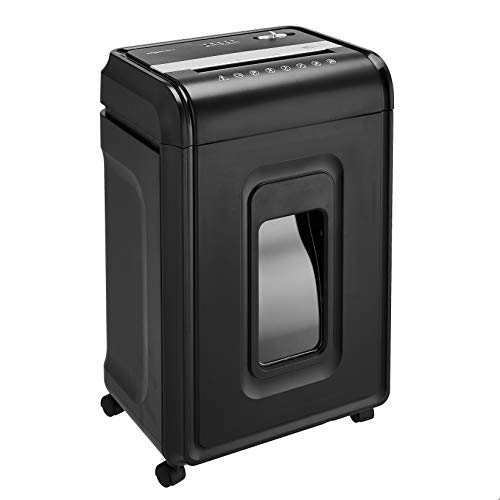
Amazon Basics 24-Sheet Cross Cut High Security Paper Shredder for Home Use, P-4 Security, CD and Credit Card Document Shredder with Pullout Basket, Black
Cross-cut shredder turns paper into confetti-like pieces measuring 5/32 by 1-1/2 inches (4 by 38 mm); meets security…
As an affiliate, we earn on qualifying purchases.
As an affiliate, we earn on qualifying purchases.