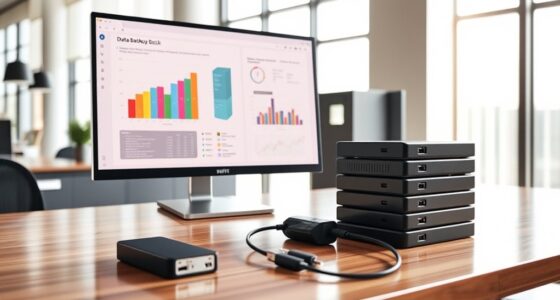
To organize receipts and invoices for your small business, create a consistent system that combines digital and physical methods. Scan or photograph paper receipts using reliable apps, then name and file them into folders by date, expense type, or client. Keep physical copies in labeled folders or filing cabinets. Regularly update your files and back them up to prevent loss. Using these strategies can simplify your record-keeping—stay with us to discover more useful tips.
Key Takeaways
- Implement a consistent digital filing system using clear naming conventions and organized folders by date or category.
- Regularly scan and digitize paper receipts to create a reliable electronic archive.
- Use labeled physical folders or filing cabinets to organize paper documents by month or expense type.
- Establish routine schedules (daily, weekly, monthly) for updating and maintaining both digital and physical records.
- Back up all digital files regularly and keep physical copies secured to prevent data loss and ensure easy retrieval.
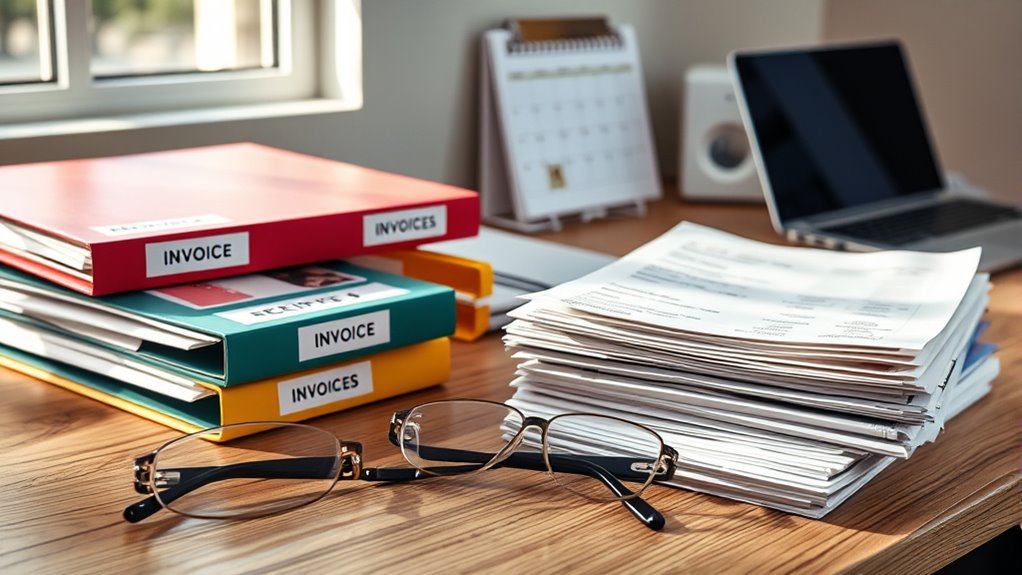
Keeping your receipts and invoices organized can save you time and frustration, especially when it’s time to file taxes or track expenses. One of the most effective ways to do this is by establishing a solid paper management system combined with digital filing methods. Digital filing allows you to store your receipts and invoices electronically, freeing up physical space and making retrieval quick and effortless. When you scan or take clear photos of your paper documents, you can categorize them into folders by month, expense type, or client, creating a structured digital archive. This reduces clutter, minimizes the risk of losing important documents, and makes it easier to search for specific receipts during tax season or audits.
Organize receipts and invoices digitally to save time, reduce clutter, and streamline your record-keeping process.
To implement effective digital filing, start by choosing a reliable scanning app or software that allows you to convert paper receipts into clear digital images. Once scanned, organize these files into folders on your computer or cloud storage service, like Google Drive or Dropbox. Be consistent with your naming conventions—include dates, vendors, or categories in the file names—so you can find what you need in seconds. Regularly backing up your digital files ensures you won’t lose essential information if your device crashes or gets stolen. This approach turns a messy pile of paper into an easily navigable digital library, saving you hours of searching and reducing stress.
For paper management, keep a designated filing system in place. Use labeled folders or filing cabinets to physically organize receipts and invoices by month, project, or expense type. This makes it straightforward to grab what you need without sifting through piles of unorganized papers. Consider using clear plastic sleeves or folders to protect important documents and make sorting easier. Set aside time each week or month to update your paper files and scan new receipts, so your system stays current and manageable. Combining paper management with digital filing ensures you have both a physical backup and a digital record, preventing loss and making your bookkeeping more efficient.
Ultimately, the key to staying organized is consistency. Develop a routine for managing receipts and invoices—whether that’s daily, weekly, or monthly—and stick to it. By integrating digital filing with a solid paper management system, you’ll streamline your record-keeping process, save time during tax season, and keep your business finances clear and accessible. This dual approach minimizes stress and maximizes your ability to stay on top of expenses, giving you peace of mind and more time to focus on growing your business. Incorporating effective organization tools can further enhance your system’s efficiency and reliability.
receipt scanner app for small business
As an affiliate, we earn on qualifying purchases.
As an affiliate, we earn on qualifying purchases.
Frequently Asked Questions
How Long Should I Keep Business Receipts and Invoices?
You should keep your business receipts and invoices for at least 3 to 7 years, depending on your record retention needs and tax requirements. Staying consistent with your filing organization helps you easily access documents when needed, especially for audits or tax purposes. Regularly review and purge outdated records to maintain a streamlined system, ensuring your record retention is both compliant and efficient.
What Digital Tools Can I Use for Organizing Documents?
You can streamline your document management with digital tools like cloud storage, document scanning apps, and dedicated accounting software. Cloud storage keeps your files accessible and secure, while document scanning apps allow you to digitize receipts and invoices quickly. Use these tools to organize, categorize, and search your documents effortlessly. By integrating cloud storage and document scanning, you create a seamless, efficient system that simplifies managing your business records.
How Do I Handle Lost or Damaged Receipts?
If you lose or damage a receipt, don’t panic. First, check your digital backup if you’ve scanned or photographed it. If no digital copy exists, try to get a duplicate from the vendor. Meanwhile, keep physical receipts organized in a designated storage area to prevent future loss. Regularly backing up digital copies and maintaining physical storage helps you stay prepared for any receipt mishaps.
Are There Legal Requirements for Receipt Storage?
Think of laws like the rulebook in a game—you need to follow them to stay in good standing. Yes, there are legal requirements for receipt storage; you must keep accurate records for tax documentation and legal compliance. Typically, you should retain receipts for at least three to seven years, depending on your jurisdiction. Staying organized guarantees you’re ready for audits and helps you claim deductions correctly.
How Often Should I Review and Update My Filing System?
You should review and update your filing system at least quarterly to stay organized. During these reviews, incorporate digital archiving for easy access and backup, ensuring your records are secure. Also, shred outdated or unnecessary paper receipts to protect sensitive information and prevent clutter. Regular checks help you spot errors, keep compliance, and maintain a streamlined system that adapts to your business needs.

NeatReceipts Mobile Scanner and Digital Filing System – PC
Slim and lightweight, can run on USB from your computer
As an affiliate, we earn on qualifying purchases.
As an affiliate, we earn on qualifying purchases.
Conclusion
Now that you know how to organize your receipts and invoices, isn’t it time to take control of your business records? Staying organized not only saves you time during tax season but also gives you peace of mind knowing your finances are in order. Don’t let clutter or lost documents hold you back—start implementing these tips today. After all, isn’t smooth sailing in your business just a well-organized filing system away?

Pendaflex File Folders, 100 Pack, Durable Manila Folders, Letter Size (8.5" x 11"), 3 Top Tabs for Easy Labeling, Everyday Filing Essential for Offices, Classrooms & Home Document Organization
PACK OF 100 MANILA FOLDERS: A great value pack of file folders to build or refresh your files…
As an affiliate, we earn on qualifying purchases.
As an affiliate, we earn on qualifying purchases.

ScanSnap iX2500 Wireless or USB High-Speed Cloud Enabled Document, Photo & Receipt Scanner with Large 5" Touchscreen and 100 Page Auto Document Feeder for Mac or PC, Black
OUR MOST ADVANCED SCANSNAP. Large touchscreen, fast 45ppm double-sided scanning, 100-sheet document feeder, Wi-Fi and USB connectivity, automatic…
As an affiliate, we earn on qualifying purchases.
As an affiliate, we earn on qualifying purchases.