
To digitize your family papers and photos, start by gathering all your cherished items and use reliable scanners or mobile apps to create high-resolution images. Organize these files with descriptive names, add tags for easy searching, and back them up regularly to cloud storage or external drives. Enhancing and sharing your digital collection helps preserve memories and keeps family stories alive for future generations. If you’re curious about more tips, keep exploring how to create a lasting family archive.
Key Takeaways
- Gather and prioritize physical family papers and photos for digital conversion.
- Use high-resolution scanners or mobile apps to create clear digital copies.
- Organize files with descriptive filenames, dates, and tags for easy retrieval.
- Back up digital archives regularly using cloud storage or external drives.
- Enhance and share digital files to preserve family stories and facilitate research.
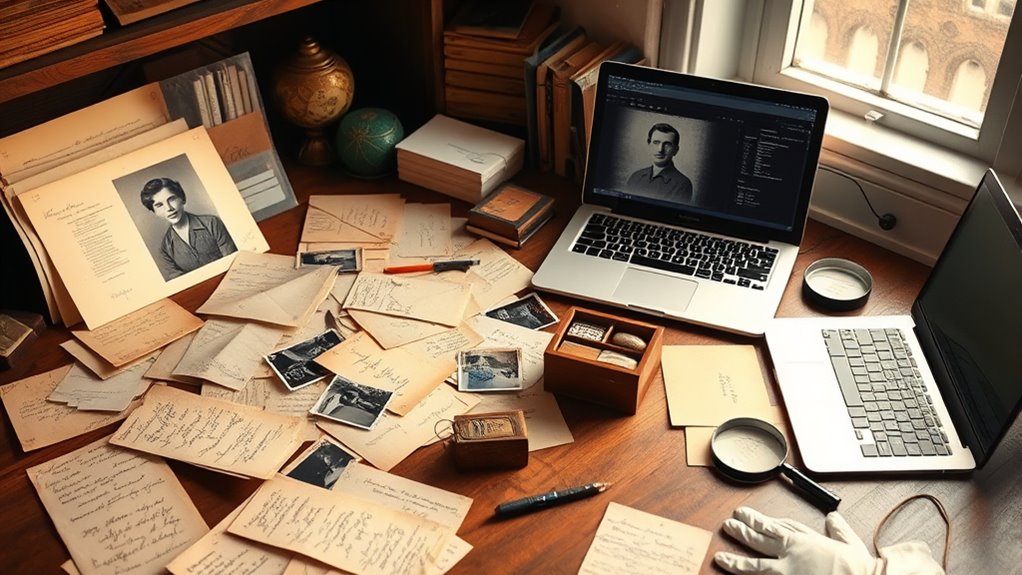
In today’s digital world, managing your personal data has become more important than ever. When it comes to preserving your family’s legacy, digital preservation plays an essential role. By digitizing your family papers and photos, you ensure that these precious memories are protected from physical deterioration and easily accessible for future generations. This process not only saves space but also safeguards your family history research from the risks of fire, floods, or other disasters that could destroy original documents and photographs. You can organize, annotate, and share your family history more efficiently when everything is stored digitally.
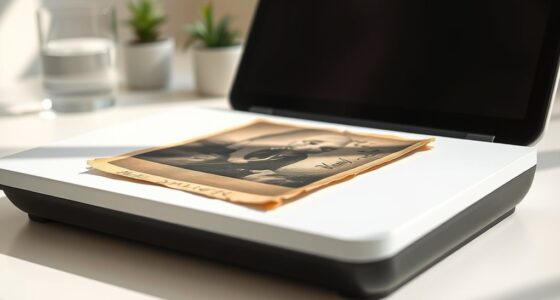
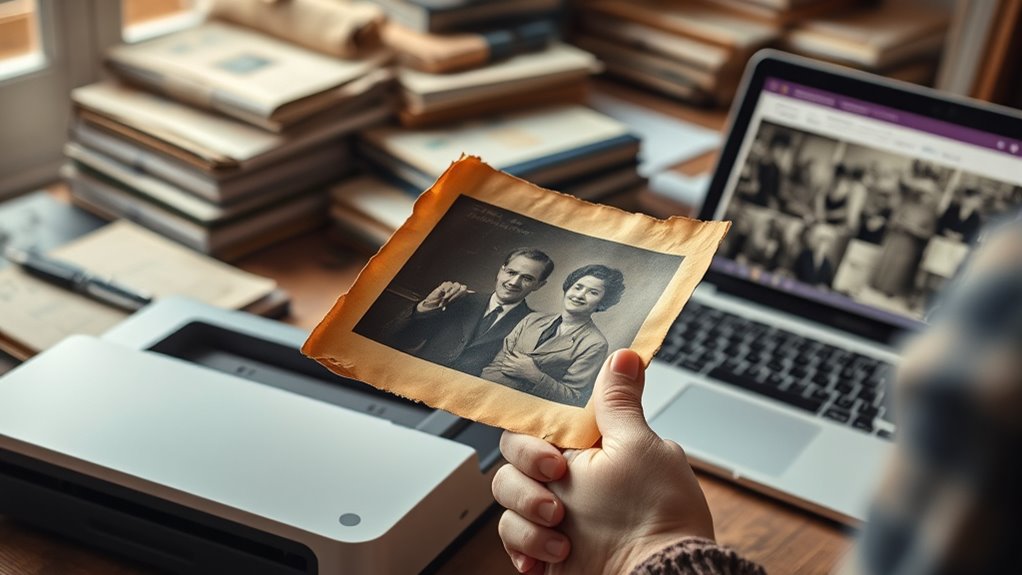
Starting your personal archiving journey might seem overwhelming, but it’s manageable if you approach it step-by-step. First, gather all the physical items that hold family significance—letters, certificates, photographs, and heirlooms. Then, choose a reliable scanner or use a mobile scanning app to convert these items into digital files. Pay attention to the quality of the scans; high-resolution images will capture more detail and make future research easier. For documents, consider converting handwritten letters or notes into clear PDFs, so they’re easy to read and search through later. Photos can be enhanced with editing tools to restore faded or damaged images, further improving their longevity.
Begin your digital family archive by gathering key items and scanning them with high-quality tools.
As you digitize your family history research, it’s essential to create an organized file system. Use folders and descriptive filenames that include dates, names, or events to locate items quickly. Adding metadata or tags to files can also make searching more efficient. Don’t forget to back up your digital collection regularly—use cloud storage, external drives, or both—to prevent data loss. Multiple backups ensure that your family history remains safe, even if one copy becomes corrupted or lost.
Additionally, learning about family history research can help you identify gaps and discover new relatives, enriching your digital archive. Sharing your digital archives with relatives can deepen family connections and encourage others to contribute their memories. Digital preservation makes it simple to email, upload, or create online family trees. It also allows you to preserve stories, photographs, and documents that might otherwise be forgotten. By taking these steps, you not only safeguard your family’s history but also make it accessible for generations to come, helping others understand their roots and heritage. Personal archiving through digitization empowers you to keep your family’s story alive, making sure that your family history research continues to enrich your life and the lives of your descendants.

Epson Perfection V19 II Color Photo and Document Flatbed Scanner with 4800 dpi Optical Resolution USB Power, High-Rise, Removable Lid
Amazing image clarity and detail — 4800 dpi optical resolution (1), ideal for photo enlargements
As an affiliate, we earn on qualifying purchases.
As an affiliate, we earn on qualifying purchases.
Frequently Asked Questions
How Can I Organize Digital Files for Easy Access?
To organize your digital files for easy access, start by creating a clear folder structure based on categories like dates or subjects. Use metadata management to tag files with relevant keywords, making searches faster. Store everything in reliable cloud storage, so you can access your files from anywhere and guarantee they’re backed up. Regularly update and clean your files to keep your archive organized and easy to navigate.
What Are the Best Tools for Photo Restoration?
For photo restoration, you should try tools like Adobe Photoshop and GIMP, which excel at photo editing and image enhancement. Photoshop offers advanced features like healing brushes and noise reduction, making damaged photos look new. GIMP is a free alternative with powerful editing capabilities. Both tools allow you to repair tears, remove blemishes, and enhance colors, ensuring your family photos look preserved and vivid for generations.
How Do I Ensure Long-Term Digital Preservation?
Think of your digital archive as a treasure chest; to keep it safe, you must manage its metadata like a map guiding you through its contents. Use reliable cloud storage for redundancy, ensuring your memories stay protected even if one source fails. Regularly update your files and organize metadata consistently, so your digital treasures remain accessible and intact for generations, like a family heirloom passed down with care.
What Privacy Concerns Should I Consider When Digitizing?
When digitizing family papers and photos, you should consider privacy concerns like securing your data through encryption and setting appropriate access permissions. Use strong passwords and encryption tools to protect sensitive information. Limit access to trusted family members or individuals. Regularly review permissions and update security measures to prevent unauthorized viewing. Being proactive about privacy guarantees your family’s memories remain safe and private in digital form.
How Can I Involve Family Members in Archiving Efforts?
Imagine your family’s history as a tapestry, waiting to be woven together. You can involve family members by inviting them to share stories, scan photos, and organize papers. Encourage collaborative archiving, where everyone contributes their memories and finds. Use shared digital folders or online albums to foster teamwork. This way, you turn individual pieces into a collective masterpiece, preserving your family’s legacy for generations to come.

Epson FastFoto FF-680W Wireless High-Speed Photo and Document Scanning System, Black
World’s Fastest Personal Photo Scanner (1) — scan thousands of photos as fast as 1 photo per second…
As an affiliate, we earn on qualifying purchases.
As an affiliate, we earn on qualifying purchases.
Conclusion
By digitizing your family papers and photos, you preserve precious memories for generations to come. Did you know that 80% of family photos are at risk of being lost or damaged within the next 20 years? Taking even small steps now can make a huge difference. Start organizing and digitizing today—your future family will thank you for safeguarding their history. Don’t wait until it’s too late; your memories deserve to be protected.

WD 2TB My Passport, Portable External Hard Drive, Black, backup software with defense against ransomware, and password protection, USB 3.1/USB 3.0 compatible – WDBYVG0020BBK-WESN
Slim durable design to help take your important files with you
As an affiliate, we earn on qualifying purchases.
As an affiliate, we earn on qualifying purchases.

Adobe Creative Cloud Pro STE | Student & Teacher Edition | 20+ creative apps plus 100GB Storage |12-Month Subscription | PC/Mac
Best value – Over 60% off the world's leading pro creativity tools. Students and teachers get 20+ industry-leading…
As an affiliate, we earn on qualifying purchases.
As an affiliate, we earn on qualifying purchases.