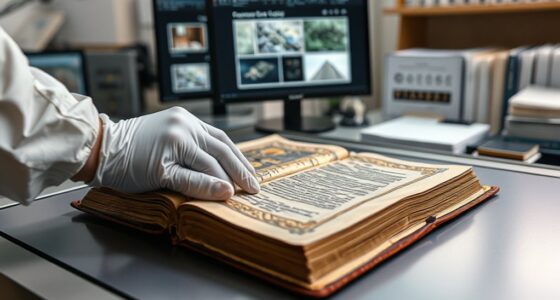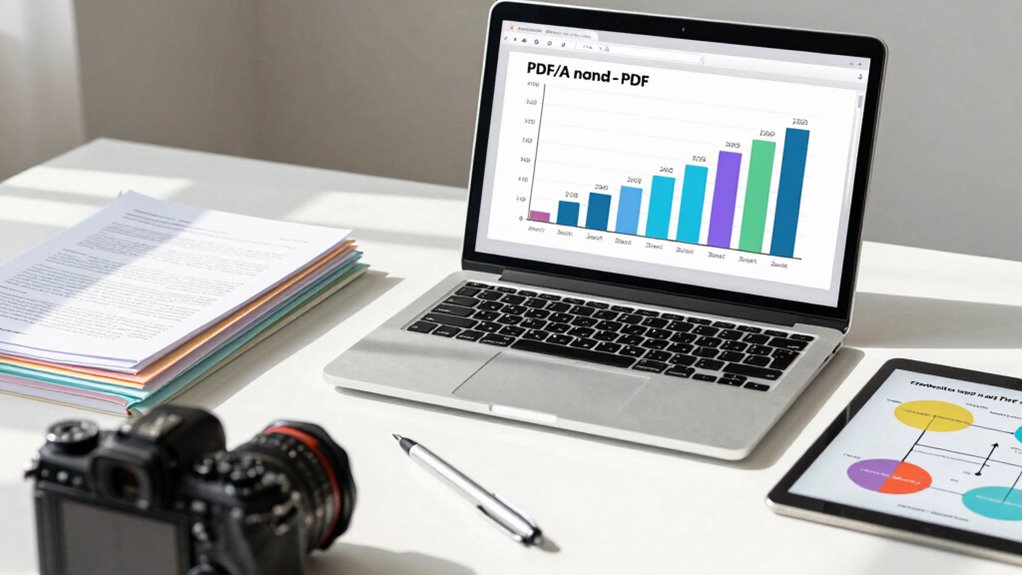

If you’re archiving documents for the long term, PDF/A is your best choice because it guarantees files stay accessible, authentic, and consistent over time. Unlike standard PDF, PDF/A embeds all necessary information, such as metadata and fonts, making it self-contained and reliable for future use. However, it has strict standards and limitations that may not suit every need. Stay with us to explore how each format fits your storage goals and the best way to convert your files.
Key Takeaways
- PDF/A is specifically designed for long-term archival preservation, ensuring documents remain readable over decades.
- PDF supports dynamic content, external links, and multimedia, making it less suitable for stable, long-term storage.
- PDF/A embeds all necessary metadata and fonts, reducing dependency on external resources for future access.
- Regular PDFs offer greater flexibility but may lose formatting or functionality over time, risking accessibility.
- Choose PDF/A for official records and archival purposes, while PDF is better for everyday, editable documents.

Corel PDF Fusion Software
Save money by using PDF Fusion to view over 100 file formats without having to purchase additional software
As an affiliate, we earn on qualifying purchases.
As an affiliate, we earn on qualifying purchases.
What Are PDF and PDF/A, and How Do They Differ?
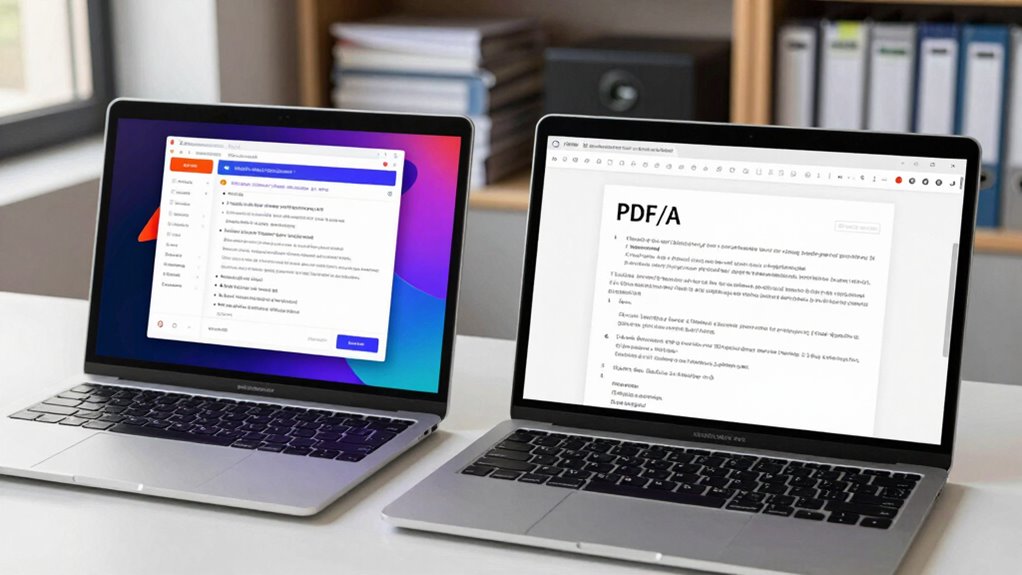
Have you ever wondered what sets PDF and PDF/A apart? Both formats are designed for document sharing, but PDF/A is specialized for archiving. PDF files support metadata management, allowing you to embed details like author and keywords, which helps with organization. They also include accessibility features, making content usable by people with disabilities. PDF/A, however, mandates strict standards to ensure long-term preservation. It disallows features like external links or multimedia that might become inaccessible over time. While PDFs are flexible for everyday use, PDF/A prioritizes consistency and durability, making it ideal for legal and archival purposes. Understanding these differences helps you choose the right format based on your document’s purpose and longevity needs. Additionally, color accuracy plays a significant role in ensuring that archived documents are visually consistent over time. The exploration of digital concepts in content management can further enhance your understanding of these formats. Effective requirements traceability can also improve the management of document versions and ensure compliance with archival standards.
PDF Converter – PDF Tools & PDF Editor
✔ PDF Converter
As an affiliate, we earn on qualifying purchases.
As an affiliate, we earn on qualifying purchases.
Why Use PDF Files for Your Digital Documents?

Using PDF files helps guarantee your documents stay accessible and intact over time, no matter how long they’re stored. They preserve formatting so your content looks consistent across devices and platforms. This reliability makes PDFs a smart choice for maintaining the quality and longevity of your digital documents. Additionally, using eco-friendly practices in your digital archiving can further enhance sustainability efforts.
Ensuring Document Longevity
Ever wondered how to guarantee your digital documents remain accessible and intact over time? Using PDF files helps ensure longevity because they’re designed for long-term preservation. Digital signatures verify the authenticity of your documents, providing security and trust for future access. Metadata management plays a vital role by embedding descriptive information within the file, making it easier to organize, search, and retrieve your documents decades from now. PDF files maintain their formatting and content integrity, even as technology evolves. By choosing the right format, you guarantee your files stay legible and reliable, safeguarding your valuable information against corruption or obsolescence. Whether for legal, financial, or archival purposes, PDFs offer a stable, standardized solution to keep your documents accessible for years to come.
Maintaining Formatting Integrity
Maintaining the visual and structural integrity of your digital documents is essential for effective communication and professional presentation. PDF files excel at preserving formatting because they embed detailed metadata management, ensuring fonts, images, and layout stay consistent across devices. Compression techniques also help reduce file size without sacrificing quality, making sharing and storage more efficient. When you choose PDF/A, it locks in formatting by restricting changes and embedding all necessary data, preventing alterations that could compromise presentation. This stability is vital for long-term archiving, where consistent appearance matters. By leveraging robust metadata management and advanced compression techniques, PDFs safeguard your documents’ integrity, ensuring they look the same now and in the future, no matter where or how they’re accessed. Additionally, understanding the nuances of various brewing methods can enhance your documentation practices by ensuring clarity in instructional content. Utilizing effective crypto pump finder tools can enhance your understanding of market trends for better documentation practices. Understanding the importance of format preservation is crucial when selecting the right file format for your digital assets.
Western Digital Elements SE WDBEPK0020BBK-WESN 2 TB Portable Hard Drive – External – Black
Hard Drive is reliable and offers convenient storage solution
As an affiliate, we earn on qualifying purchases.
As an affiliate, we earn on qualifying purchases.
PDF/A: The Best Format for Long-Term Preservation
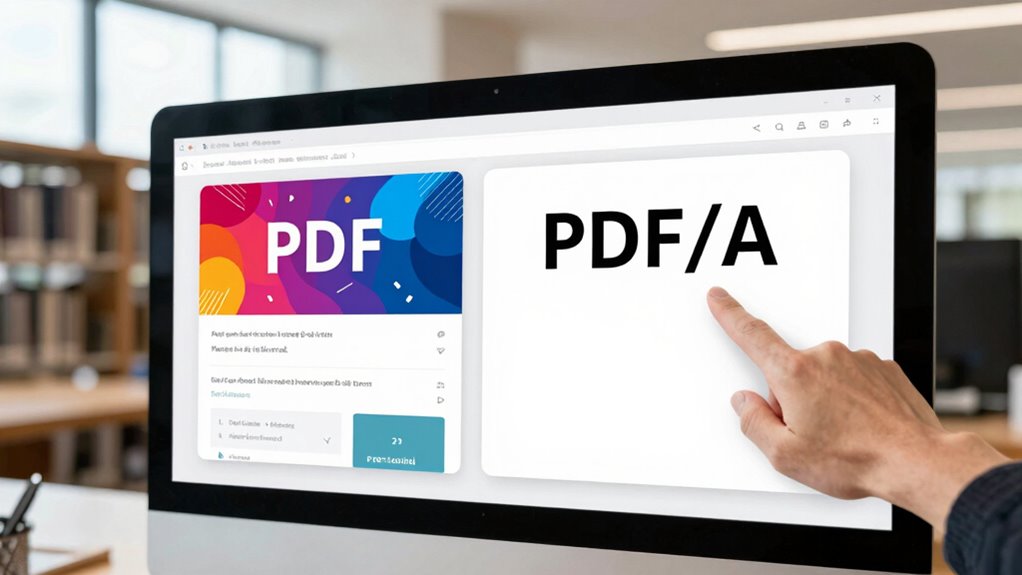
When it comes to preserving digital documents over the long term, PDF/A stands out as the preferred format because it’s specifically designed for archival stability. It ensures documents remain accessible and unaltered, supporting features like digital signatures for verification and robust metadata management for future retrieval. Unlike standard PDFs, PDF/A embeds all necessary information within the file, preventing dependency on external sources. This guarantees document integrity over decades. Additionally, utilizing fireproof storage can further protect these important digital documents from unforeseen disasters. Furthermore, implementing compatible lubricant specifications can enhance the longevity of digital formats by ensuring that the tools used for archiving are reliable and well-maintained. Maintaining flawless digital integrity is crucial for archival purposes, and incorporating body-based methods can enhance the overall preservation process by addressing any potential stress that may arise during digital archiving. The importance of regional flavors in document design can also play a role in creating culturally relevant materials that stand the test of time.
| Feature | Benefit | Limitation |
|---|---|---|
| Digital signatures | Verify authenticity over time | May increase file size |
| Metadata management | Easier long-term retrieval | Requires proper initial setup |
| Embedded fonts | Consistent appearance across devices | Slightly larger files |
| No external links | Maintains integrity | Less flexible for updates |
| Self-containment | Ensures future readability | Less adaptable to edits |
PDF/A compliance validation tools
As an affiliate, we earn on qualifying purchases.
As an affiliate, we earn on qualifying purchases.
Key Features That Make PDF/A Ideal for Archiving
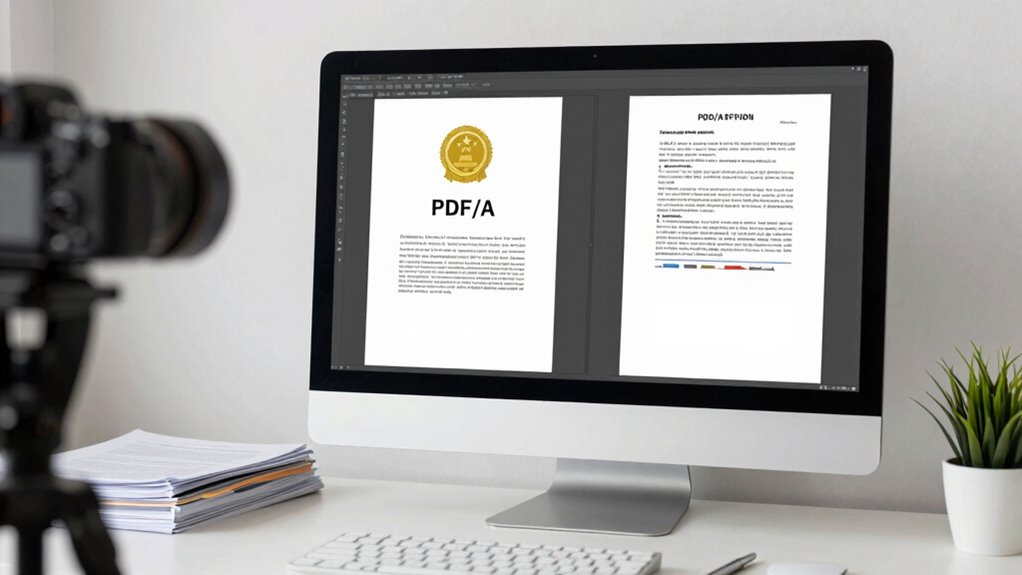
PDF/A is designed with several key features that make it ideal for long-term archiving. One crucial aspect is its support for digital signatures, which guarantees your documents remain secure and verifiable over time. This feature helps you maintain document integrity and trustworthiness, essential for legal or official records. Additionally, PDF/A emphasizes robust metadata management, allowing you to embed descriptive information directly into the file. This makes searching, categorizing, and retrieving archived documents easier and more reliable, even years later. The format also enforces restrictions on dynamic content and external links, guaranteeing the document’s appearance and content stay consistent. These features collectively make PDF/A a dependable choice for preserving documents securely and accessibly over the long haul. Furthermore, just as gear care tips are vital for maintaining cycling equipment, ensuring the longevity of your archived documents is equally important. Traditional techniques can significantly enhance the durability of your files in an archive.
Choosing Between PDF and PDF/A for Your Archive
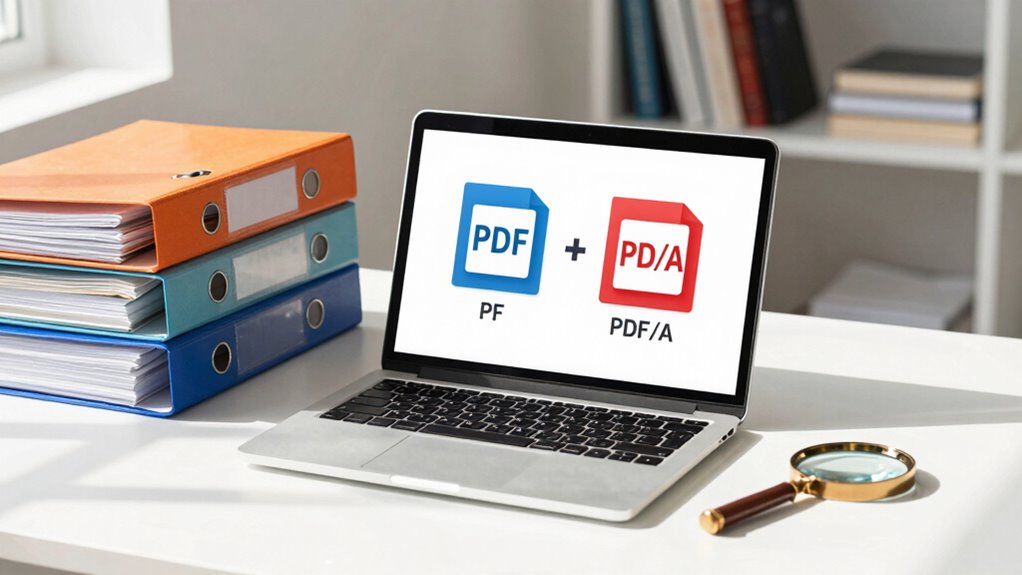
When deciding between PDF and PDF/A for your archive, consider your long-term preservation needs and whether the format guarantees future readability. Compatibility with current and future systems also plays a vital role in your choice. Making the right decision now can save you from potential access issues down the line.
Long-Term Preservation Needs
Choosing the right format for long-term preservation is essential to guaranteeing that your digital documents remain accessible and unaltered over time. PDF/A is designed specifically for this purpose, embedding all necessary information—like metadata—to ensure future readability. It also supports file encryption, helping protect sensitive content while maintaining integrity. Unlike standard PDFs, PDF/A restricts features that could jeopardize long-term access, such as dynamic content or external links. This focus on stability means your documents stay consistent, regardless of evolving software environments. By prioritizing metadata management and security, PDF/A guarantees your archive remains reliable and authentic for years to come. For long-term preservation, this makes PDF/A the clear choice over regular PDFs.
Format Compatibility Considerations
Ensuring your digital documents remain accessible over time involves considering how well different formats will work with your existing and future software. Choosing the right file format is vital for managing compatibility concerns. PDF offers broad compatibility across many platforms and applications, making it suitable for everyday use and sharing. However, its format can sometimes lead to issues with long-term preservation, especially as software evolves. PDF/A, designed specifically for archiving, enforces strict standards that guarantee documents display consistently over time. While PDF/A may have more limited compatibility with some older or specialized software, it ensures that your files will remain viewable without reliance on external links or non-standard features. Balancing compatibility concerns with preservation needs helps determine the best format for your archive.
How to Convert PDFs to PDF/A in Simple Steps
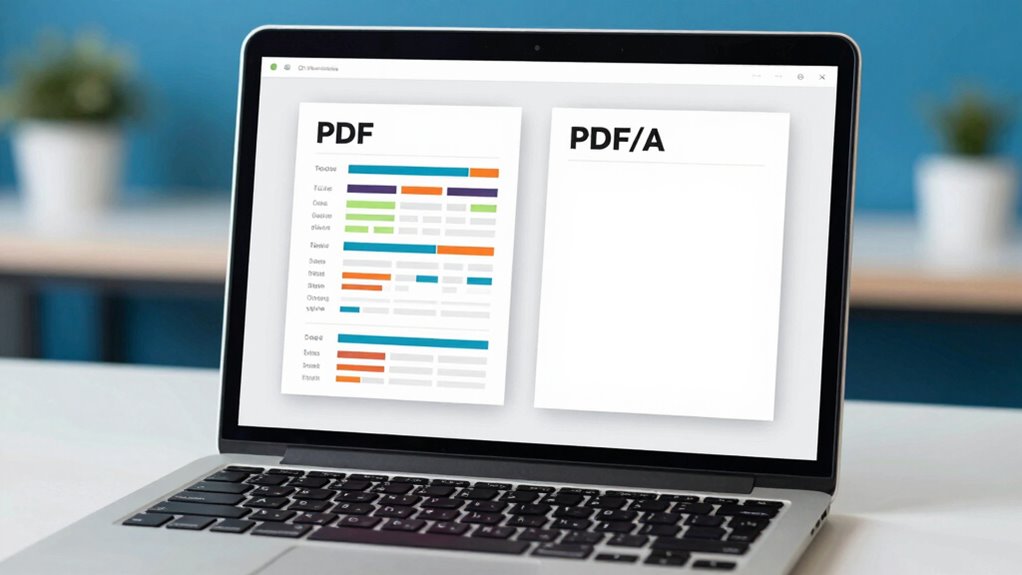
Converting PDFs to PDF/A format is simpler than you might think. With just a few steps, you can ensure your documents meet long-term archiving standards. Here’s how:
Converting PDFs to PDF/A ensures long-term preservation and compliance with archival standards effortlessly.
- Open your PDF in a compatible editor or converter tool.
- Select the “Save As” or “Export” option, then choose PDF/A as the format.
- Check for compliance by verifying digital signatures and Accessibility standards to ensure your document remains trustworthy and accessible.
This process helps preserve your files’ integrity over time, making them suitable for legal and archival purposes. Converting ensures your PDFs meet necessary standards, giving you confidence that digital signatures are intact and accessibility features are preserved. Take control of your documents today!
Limitations of PDF/A for Long-Term Document Storage

Despite its advantages, PDF/A has notable limitations that can impact long-term storage. One key issue is that PDF/A’s strict adherence to standards can restrict the use of digital signatures, which are vital for verifying authenticity over time. This limitation may hinder legal or compliance requirements. Additionally, while PDF/A enforces specific metadata standards to ensure consistency, it can be rigid, making it difficult to update or add new metadata later. This rigidity can pose challenges if your organization’s needs evolve or if new standards emerge. As a result, PDF/A might not be flexible enough for all long-term storage scenarios, especially when document validation and detailed metadata are essential. Consider these constraints before choosing PDF/A for your archival needs. Furthermore, understanding Victorian etiquette can enhance your roleplay experience and contextualize the documents you are preserving. Moreover, the importance of styling cream as a versatile product for various hair types highlights the need for adaptability in document formats as well. Additionally, exploring current wall art trends can inspire creative ways to present and archive documents visually.
Tips for Choosing the Right Format to Preserve Your Files
Choosing the right format to preserve your files is essential for maintaining access and authenticity over time. To do this effectively, consider these tips:
- Prioritize formats supporting digital signatures to ensure document integrity and verification.
- Opt for formats with robust metadata management features, making future searches and organization easier.
- Confirm the format you choose aligns with your needs, whether for long-term storage or sharing, and verify its compatibility with your archiving systems.
Selecting the right format isn’t just about current convenience; it’s about safeguarding your documents’ integrity for years to come. By focusing on features like digital signatures and metadata management, you make sure your files stay authentic, accessible, and well-organized.
Final Tips for Preserving Your Digital Documents Effectively
To preserve your digital documents effectively, it’s vital to implement consistent organization and regular backups. Use clear folder structures and naming conventions to keep files easy to locate. Incorporate digital signatures to verify authenticity and prevent tampering. Prioritize metadata preservation to retain essential details like authorship and creation date, which support long-term accessibility. Regularly update your backup copies and store them securely. Additionally, consider format choices—PDF/A ensures long-term readability. Here’s a quick guide:
| Action | Purpose | Best Practice |
|---|---|---|
| Organize Files | Easy retrieval | Use logical folder structures |
| Backup Files | Data security | Automate backups regularly |
| Apply Digital Signatures | Verify document integrity | Sign important files digitally |
| Preserve Metadata | Maintain context and authenticity | Use compatible software for metadata preservation |
Frequently Asked Questions
Can Pdf/A Files Be Edited Without Losing Compliance?
You can edit PDF/A files without losing compliance, but it requires careful handling. To maintain legal compliance and guarantee long-term preservation, use specialized tools designed for PDF/A editing. These tools help preserve document integrity, metadata, and formatting, preventing non-compliance issues. Always verify the document after editing to ensure it still meets PDF/A standards, safeguarding your archived files for future legal and preservation needs.
Are There Specific Software Requirements for Creating Pdf/A Documents?
You need specific software to create PDF/A documents. Notably, over 60% of organizations report difficulties with metadata management and digital signatures in non-compliant PDFs. To ensure compliance, your software should support embedded metadata, proper color management, and digital signatures. Look for tools that validate PDF/A standards, allowing seamless management of metadata and secure digital signing, ensuring your documents stay archive-ready and legally compliant.
How Does Pdf/A Handle Interactive Elements Like Forms?
PDF/A handles interactive elements like forms by imposing interactive restrictions that prevent editing or adding new content, ensuring long-term preservation. It preserves existing forms, but you can’t add or modify interactive features later. This focus on form preservation guarantees that documents remain consistent and accessible over time, making PDF/A ideal for archiving important forms without worrying about future alterations that could compromise their integrity.
Is Pdf/A Suitable for All Types of Digital Documents?
Yes, PDF/A is suitable for most digital documents focused on digital preservation and guaranteeing long-term accessibility. It’s designed to maintain the integrity of documents over time by embedding fonts, restricting certain features, and using standardized formats. However, if your documents require interactive elements or multimedia, PDF/A might not be ideal, as it limits these features to ensure consistent preservation. Choose PDF/A for static, archival-quality content.
Can Pdf/A Files Be Converted Back to Standard PDFS Easily?
Converting PDF/A files back to standard PDFs is like trying to unbake a cake—it’s possible but complicated. You can perform file format conversion, but it often requires specialized tools or software. Since PDF/A is designed for long-term archiving with strict standards, converting it back risks losing its compliance with archiving standards. So, while doable, be prepared for potential challenges in maintaining the document’s integrity during the process.
Conclusion
Think of choosing between PDF and PDF/A like picking the right container for your cherished memories. Just as you’d use a sturdy, archival box to protect a priceless photo, PDF/A ensures your digital documents stay intact for years to come. By selecting the right format now, you guarantee your information like passing down a family heirloom—preserved, accessible, and meaningful for generations. Make the right choice today, and your digital history will stand the test of time.