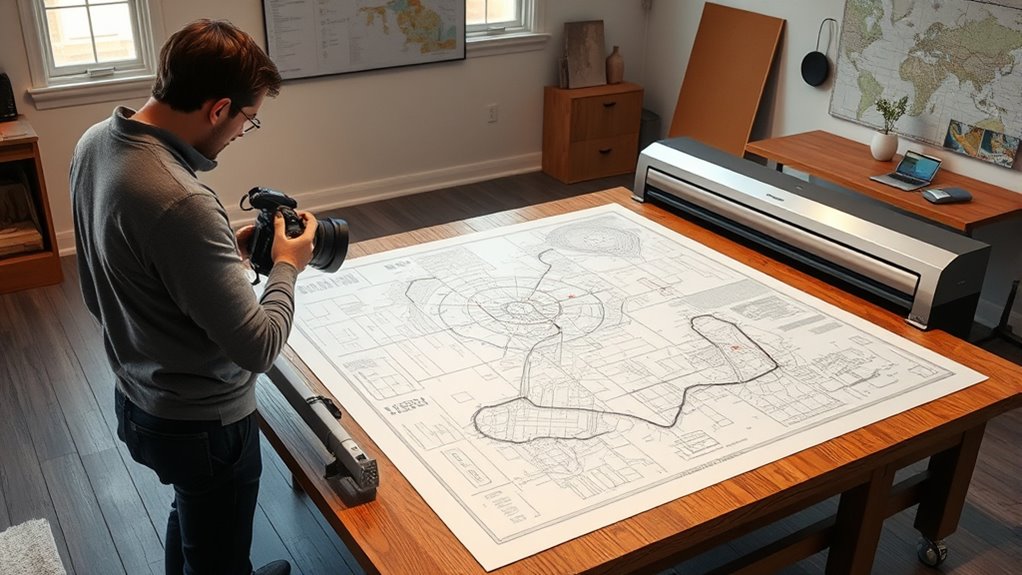

When handling large format scans like maps, blueprints, and posters, you should handle documents gently on a flat, sturdy surface and wear gloves to prevent oils from damaging fragile materials. Use a wide-format scanner designed for oversized items, and set high resolution for detailed images. Carefully flatten rolled or folded documents without creasing. Proper handling preserves both the physical and digital quality—keep exploring to discover more expert tips for successful large format scanning.
Key Takeaways
- Use a large, flat, stable surface and appropriate handling techniques to prevent tears or creases during document placement.
- Handle maps, blueprints, and posters with gloves and gentle support to avoid damage from oils or excessive pressure.
- Select scanners with wide beds designed for oversized documents, ensuring they accommodate the full item without folding.
- Set high-resolution (300-600 dpi) scanning parameters to capture fine details and maintain color fidelity.
- Organize digital files with metadata, create multiple backups, and follow preservation standards for long-term access.
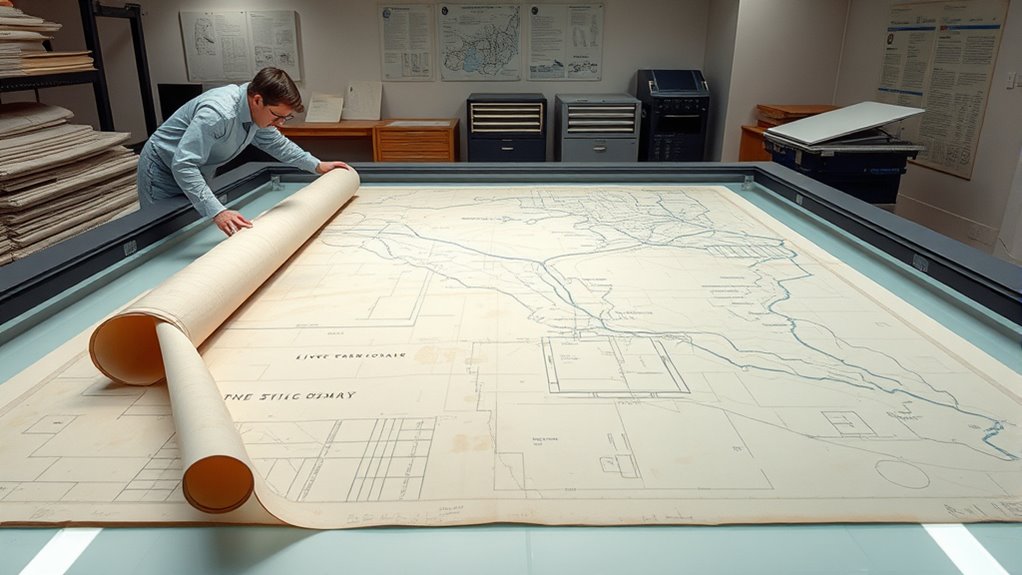
Have you ever wondered how to effectively handle large format scanning projects? When dealing with maps, blueprints, or posters, the key lies in understanding the significance of proper preparation and handling techniques. Large format scanning isn’t just about capturing images; it’s about preserving the integrity of fragile documents while creating high-quality digital copies. Digital archiving plays an essential role here, enabling you to store, access, and share these valuable items without risking further damage. Using appropriate preservation techniques ensures that the originals are protected during the scanning process and that the digital files remain faithful to the original materials.
Proper handling and preservation are essential for successful large format scanning projects.
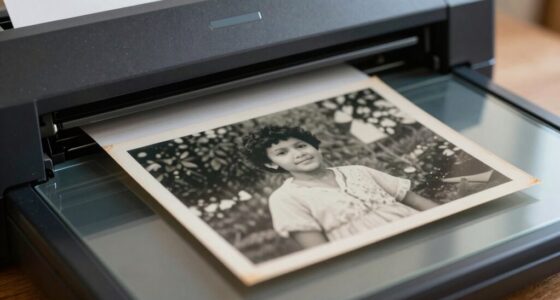
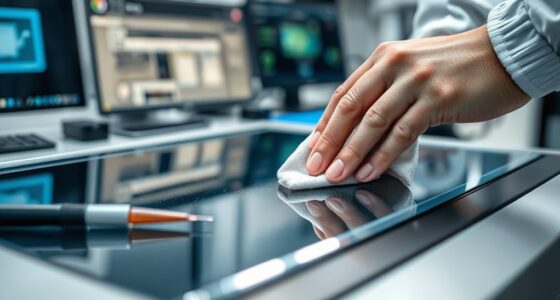
To start, you need to assess the condition of each item carefully. Fragile or deteriorating documents require special attention to avoid tearing or further damage. Before scanning, gently clean the surface of the document to remove dust or debris that could interfere with image quality. When handling large documents, always wear gloves to prevent oils from your skin from transferring onto the paper. If the documents are rolled or folded, carefully flatten them without forcing or creasing, as this can cause irreversible damage. Using a supporting surface, such as a large, clean, and flat table, helps keep the items stable and reduces the risk of accidental tears. Proper handling techniques are essential to prevent damage during the process.
Choosing the right scanner is vital. Large format scanners designed specifically for maps, blueprints, and posters will provide the best resolution and color accuracy. Ensure the scanner has a wide enough bed or is capable of handling oversized documents without needing to fold or fold back parts of the item. When scanning, set the resolution high enough to capture fine details—generally 300 to 600 dpi—especially for archival quality digital copies. It’s also important to use proper color management to maintain the fidelity of the original colors, which is critical for historical or technical documents.
Once scanned, the digital files should be stored in a well-organized digital archive. Use standardized formats like TIFF for master files to preserve quality, and JPEG or PDF for easier sharing and access. Implementing metadata standards helps catalog each item with relevant details, making future retrieval more efficient. Maintaining multiple backups in geographically separate locations protects against data loss. Additionally, regularly updating your preservation techniques ensures that your digital archive remains compatible with new technologies and standards. This proactive approach guarantees the longevity of both your digital files and the physical documents, allowing future generations to access and appreciate these important records.
Handling large format scanning projects with care, proper equipment, and effective preservation techniques ensures that your maps, blueprints, and posters are preserved with integrity—both physically and digitally—for years to come.

Epson Workforce ES-580W Wireless Color Duplex Tax Receipt & Desktop Document Scanner for PC and Mac with 100-sheet Auto Feeder (ADF), Intuitive 4.3' Touchscreen
EFFORTLESS WIRELESS SCANNING – With a 4.3" touchscreen and wireless connectivity, this high-speed scanner sends scans straight to...
As an affiliate, we earn on qualifying purchases.
Frequently Asked Questions
What Are the Best Storage Methods for Large Scanned Files?
You should use digital archiving combined with cloud storage for your large scanned files. Cloud storage offers easy access, secure backups, and scalability, making it ideal for managing big files like maps and blueprints. Organize your files with clear naming conventions and folder structures to keep everything manageable. Regularly update and back up your digital archive to prevent data loss and guarantee quick retrieval whenever you need it.
How Do I Prevent Damage During Large Format Scanning?
You might worry about potential damage during large format scanning, but with proper handling techniques, you can prevent that. Always use protective coverings like gloves or clean sheets to avoid dirt and oils. Handle the documents gently, supporting their edges, and avoid folding or creasing. By following these practices, you guarantee your maps, blueprints, or posters stay intact and pristine throughout the scanning process.
What Equipment Is Essential for High-Quality Large Format Scans?
To achieve high-quality large format scans, you need a flatbed scanner or drum scanner with high resolution capabilities. Make certain it features digital calibration for accurate color reproduction and consistent results. Incorporate robust color management tools to maintain color fidelity across different devices. Proper lighting and a clean, level surface are also essential to prevent distortion and ensure sharp, detailed scans. This setup guarantees professional, precise digital reproductions of your large-format items.
How Do I Choose the Right Resolution for Large Maps?
Think of choosing resolution like focusing a camera lens for a clear shot. For large maps, follow resolution guidelines: aim for at least 300 dpi for detailed clarity, especially if you plan to print or zoom in. Higher resolutions guarantee image clarity, capturing fine lines and text. Consider the map’s purpose—if it’s for detailed analysis, opt for higher; for general viewing, 200-300 dpi suffices.
What Are Cost-Effective Options for Occasional Large Format Scanning?
For occasional large format scanning, you should consider cost-effective options like using portable or entry-level scanning hardware. Look for scanners with good resolution and compatibility with your digital storage setup. Renting high-end equipment can save costs, or you could outsource scans to professional services. This way, you get quality results without the expense of buying expensive hardware, and you can easily manage your digital storage for quick access and backup.

ScanSnap iX2500 Wireless or USB High-Speed Cloud Enabled Document, Photo & Receipt Scanner with Large 5" Touchscreen and 100 Page Auto Document Feeder for Mac or PC, Black
OUR MOST ADVANCED SCANSNAP. Large touchscreen, fast 45ppm double-sided scanning, 100-sheet document feeder, Wi-Fi and USB connectivity, automatic...
As an affiliate, we earn on qualifying purchases.
Conclusion
Handling large format scanning is like steering a vast ocean—you need the right tools and techniques to stay afloat. By carefully preparing your maps, blueprints, or posters, you guarantee crisp, accurate digital copies that preserve their details. With patience and attention, you’ll transform bulky, fragile originals into manageable digital files. Just like steering a steady course, your careful approach makes the process smooth and successful, turning complex tasks into achievable results.

Epson Workforce ES-400 II Color Duplex Desktop Document Scanner for PC and Mac with Auto Doc Feeder (ADF), Image Adjustment Tools
FAST DOCUMENT SCANNING – Speed through stacks with the 50-sheet Auto Document Feeder, perfect for office scanning and...
As an affiliate, we earn on qualifying purchases.

ScanSnap iX2400 High-Speed Simple One-Touch Button Color Document, Photo & Receipt Scanner with 100 Page Auto Document Feeder for Mac or PC, Black
SIMPLE, FAST ONE-TOUCH SCANNING. Press one button and documents are scanned, cleaned up, and organized at incredible speeds...
As an affiliate, we earn on qualifying purchases.