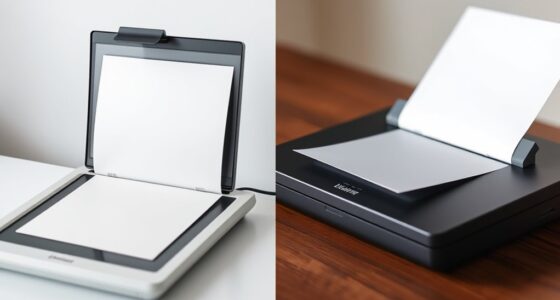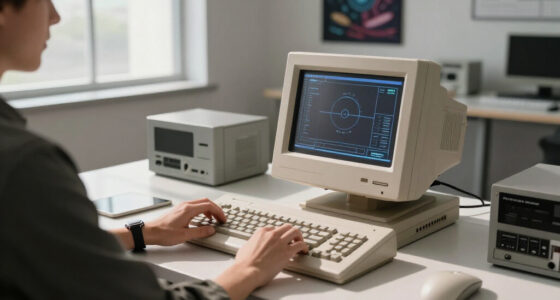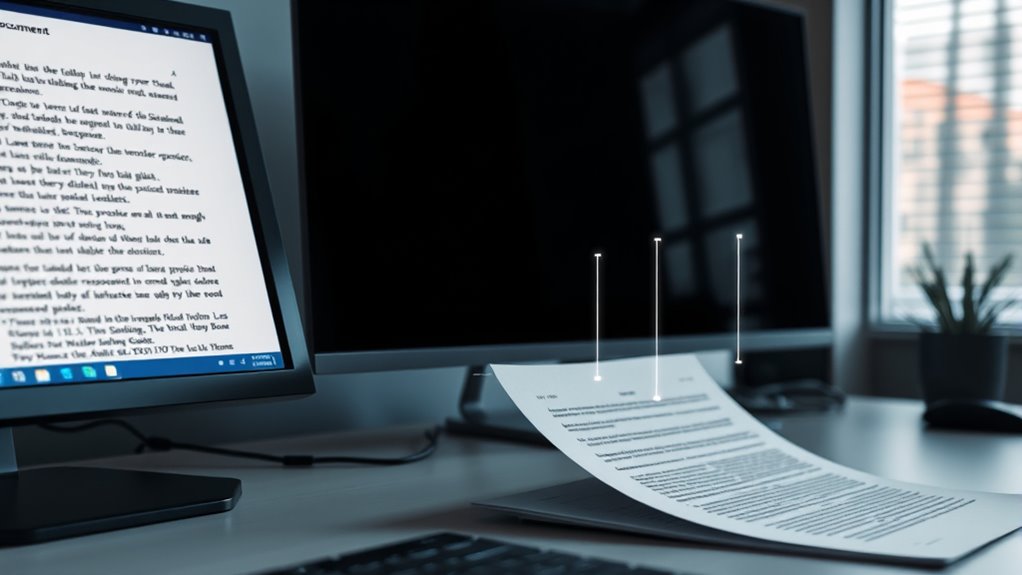

OCR technology transforms your scanned images of printed or handwritten text into searchable, editable digital data. It recognizes characters across various fonts, languages, and messy handwriting, making it easier to organize, search, and edit your documents. By converting images into text, OCR saves you time and effort, helping you digitize archives, forms, and notes seamlessly. Keep exploring to discover how this advanced technology can benefit your personal and professional tasks even further.

Prime made for students and young adults
- Fast, free delivery for dorm and study essentials
- Prime Video and Amazon Music included
- Member-only deals
Key Takeaways
- OCR technology converts scanned images of text into editable, searchable digital data for easier access and management.
- It uses advanced algorithms to recognize characters, fonts, and handwriting with high accuracy.
- Multilingual OCR supports multiple languages within a single document, enabling broader usability.
- Making scanned text searchable allows users to quickly find, copy, and translate information.
- OCR enhances workflows by digitizing paper documents, improving organization, and reducing manual transcription efforts.
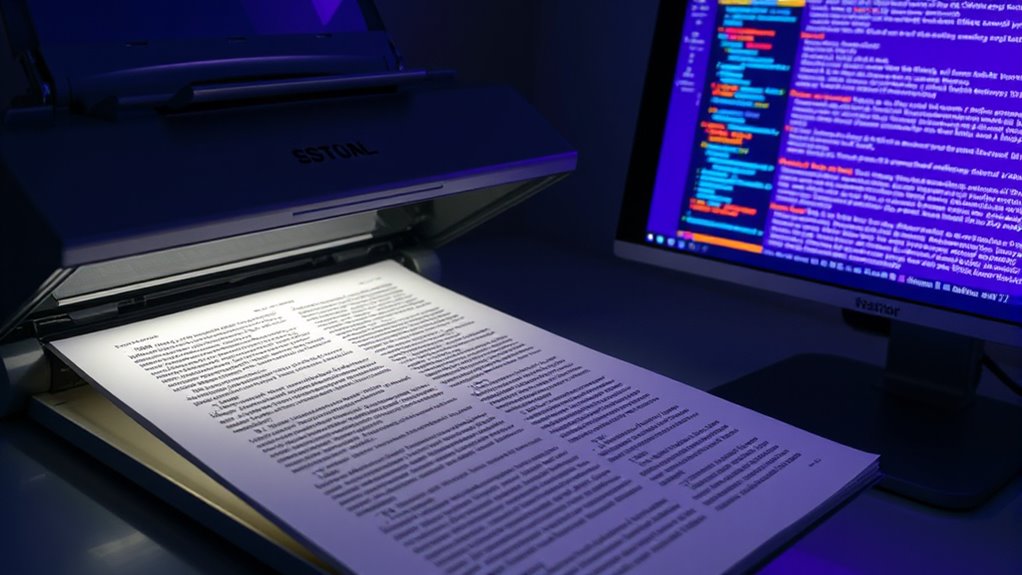
Have you ever wondered how your smartphone can instantly convert a photograph of a document into editable text? That’s thanks to OCR technology, or Optical Character Recognition. It works behind the scenes to analyze images of printed or handwritten text and then transform them into digital data that you can edit, search, or share. Modern OCR systems are incredibly advanced, capable of handling various languages, fonts, and even messy handwriting, making them invaluable tools for both personal and professional use.
OCR technology instantly converts photos of documents into editable, searchable digital text.
One of the key features of OCR is handwriting recognition. Unlike standard OCR, which primarily focuses on printed characters, handwriting recognition enables the software to decipher cursive, block letters, or even scribbled notes. This process involves complex algorithms trained to interpret the nuances of individual handwriting styles. As a result, you can scan handwritten notes or forms and convert them into editable digital text, saving you hours of manual transcription. Handwriting recognition is especially useful in contexts like digitizing historical documents, personal notes, or forms filled out by hand.
Multilingual OCR is another significant advancement. It allows the software to recognize and process text in multiple languages within a single document or image. Whether you’re scanning a menu written in both English and Spanish or a research paper containing several languages, multilingual OCR ensures accurate text extraction across diverse scripts. This capability relies on specialized language models and character sets embedded within the OCR system, making it adaptable to global needs. Thanks to this feature, you no longer need separate tools for different languages, streamlining your workflow and reducing errors caused by incorrect language assumptions.
OCR technology isn’t just about converting images to text; it also enhances accessibility and productivity. Once text is digitized, you can search for specific keywords, copy and paste content into other applications, or translate text instantly. This makes it easier to organize information, create editable documents from scanned copies, or digitize large volumes of paperwork efficiently. Whether you’re digitizing old archives, processing invoices, or extracting data from handwritten surveys, OCR simplifies these tasks seamlessly. Additionally, advanced OCR systems often incorporate high accuracy algorithms to ensure minimal errors during the conversion process.
As an affiliate, we earn on qualifying purchases.
Frequently Asked Questions
How Accurate Is OCR With Handwritten Documents?
You’ll find that OCR accuracy with handwritten documents varies based on handwriting quality and document legibility. Handwritten accuracy tends to be lower than printed text, often around 70-80%. Clear, neat handwriting improves results, while messy or faded scripts reduce accuracy. For best outcomes, make certain documents are legible and use advanced OCR tools designed specifically for handwriting recognition. This way, you get the most reliable conversion and searchable digital text.
Can OCR Process Images With Complex Backgrounds?
Yes, OCR can process images with complex backgrounds, but accuracy depends on background complexity. You need effective image preprocessing to improve results, such as background removal or contrast adjustment. These steps help OCR software distinguish text from busy backgrounds. When backgrounds are highly detailed, preprocessing becomes essential for accurate text recognition, ensuring that the OCR engine can focus on the characters rather than distractions in the image.
What Are the Best OCR Tools for Mobile Devices?
You should try mobile apps like Adobe Scan, Microsoft Office Lens, or Google Keep, which are user-friendly and highly effective. They use OCR technology to convert images into searchable text. For added convenience, many of these apps sync with cloud services like Google Drive or OneDrive, allowing you to access your documents anywhere. These tools make capturing and managing scanned documents quick and easy right from your mobile device.
How Does OCR Handle Multiple Languages in One Document?
When handling multiple languages in one document, OCR software uses multilingual recognition and language detection features. It automatically identifies different languages within the scanned text and adjusts its recognition algorithms accordingly. You can often specify supported languages beforehand, and the OCR engine switches seamlessly between them during processing. This guarantees accurate conversion of diverse scripts, making your multi-language documents searchable and editable without manually changing settings for each section.
Is OCR Technology Suitable for Converting Old, Degraded Texts?
Your old, degraded texts might seem like ancient scrolls, but OCR technology can still work wonders. It’s suitable for historical preservation and archival digitization, even with faded ink and torn pages. While not perfect, advanced OCR tools can often decipher and convert these fragile documents into searchable, digital formats. This process helps preserve history and makes rare texts accessible, ensuring they’re not lost to time or decay.
handwriting recognition OCR software
As an affiliate, we earn on qualifying purchases.
As an affiliate, we earn on qualifying purchases.
Conclusion
Now that you understand how OCR technology transforms scanned images into searchable text, you can see its true power. It simplifies your workflow and unleashes valuable information hidden within documents. Isn’t it amazing how a simple tool can make your life so much easier? As you explore OCR further, imagine all the possibilities it opens up—saving time, increasing efficiency, and making your digital experience seamless. Are you ready to harness this game-changing technology?
As an affiliate, we earn on qualifying purchases.
As an affiliate, we earn on qualifying purchases.
Halloween Picks
halloween
As an affiliate, we earn on qualifying purchases.