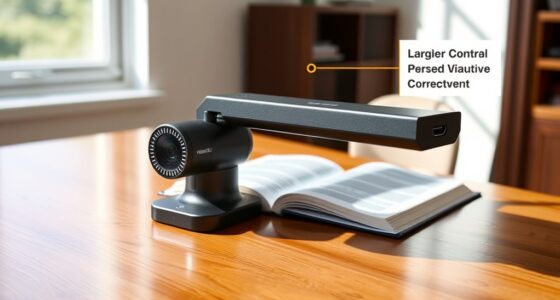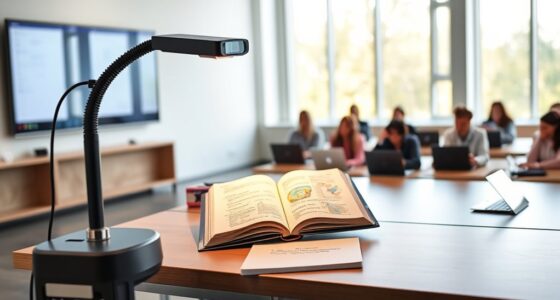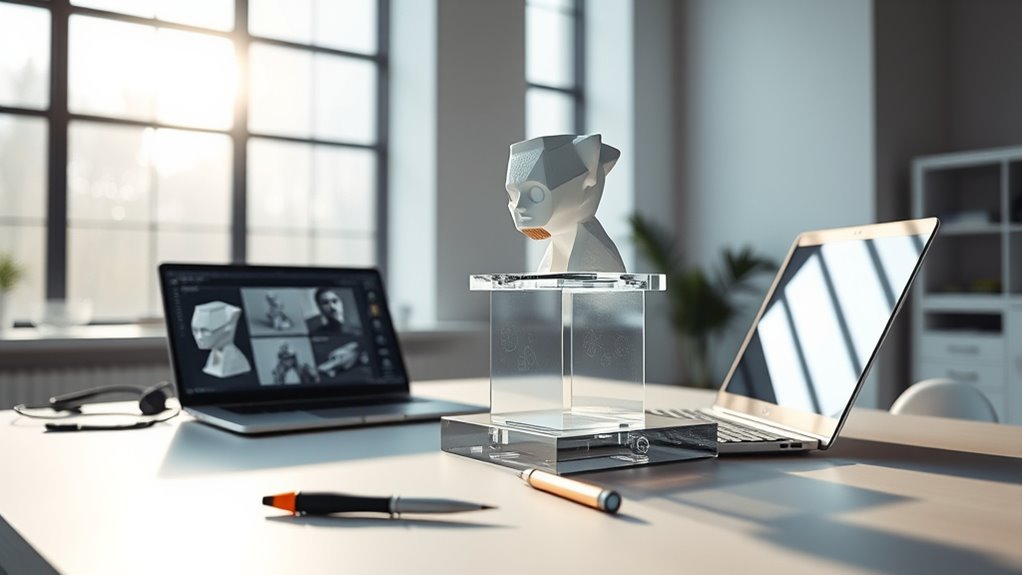

Remote visualization of prototypes and physical objects lets you view, manipulate, and analyze models from anywhere in real time, enhancing collaboration for your team. You can explore digital twins, rotate 3D models, and observe real-time data, all without being physically present. This approach reduces costs, speeds up decision-making, and improves design accuracy. If you want to discover how this technology can transform your projects, there’s more to explore ahead.
Key Takeaways
- Digital twins and 3D models enable remote visualization, allowing team members to view and manipulate prototypes virtually from anywhere.
- Cloud-based visualization platforms provide real-time access to physical objects’ data, supporting remote monitoring and analysis.
- IoT integration allows live streaming of sensor data, giving remote teams instant insights into prototype performance.
- Virtual collaboration tools facilitate remote review, annotation, and modification of prototypes, improving communication and decision-making.
- Augmented and virtual reality technologies enhance remote visualization, offering immersive interactions with physical objects.
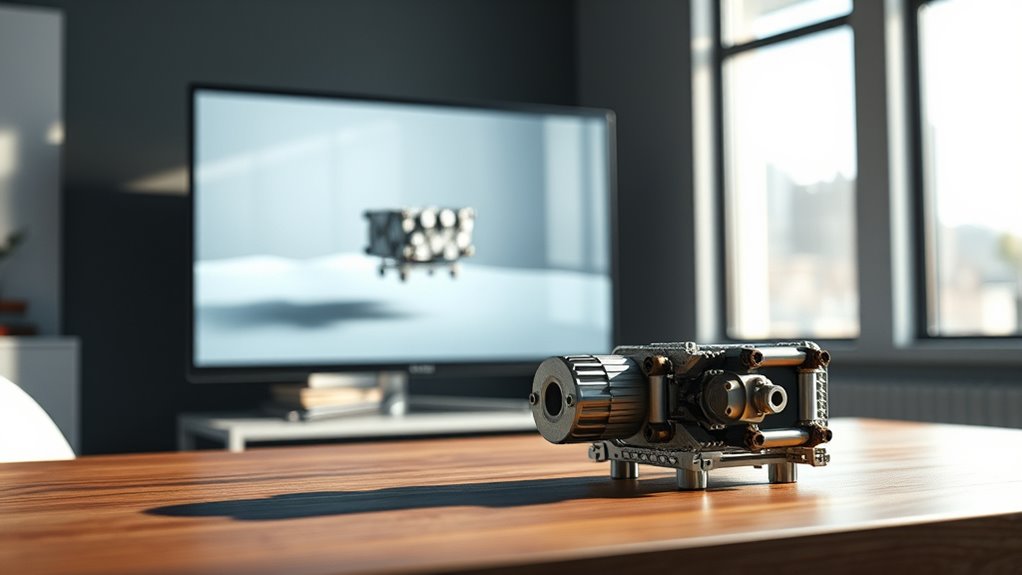
Remote visualization of prototypes and physical objects has become essential for teams working across distances, especially as collaboration moves online. When you’re managing a project with members in different locations, being able to see, manipulate, and understand models virtually is no longer a luxury—it’s a necessity. Digital twins play a pivotal role here, offering highly detailed, real-time digital replicas of physical objects or systems. These virtual counterparts enable you to explore and analyze designs without needing to be physically present. With digital twins, you can simulate how a prototype will perform under various conditions, identify potential issues early, and make iterative adjustments swiftly. This capability revolutionizes remote collaboration, as all team members can access, review, and contribute to the same digital model simultaneously, regardless of their physical location.
Remote visualization with digital twins enhances collaboration by enabling real-time, detailed interaction with prototypes from anywhere.
Using digital twins for remote visualization streamlines communication and reduces misunderstandings. Instead of relying solely on static images or 2D drawings, you can interact with a 3D model that accurately reflects the real-world object. You can rotate, zoom, and explore every detail, gaining a thorough understanding of the design’s nuances. This immersive experience makes it easier to spot flaws, suggest improvements, and align everyone’s expectations. Plus, because digital twins are often integrated with IoT sensors and real-time data streams, you can observe how a physical prototype behaves in real-time, even when you’re miles away. This level of insight helps teams make informed decisions faster and with greater confidence.
In remote collaboration, this approach minimizes the need for physical prototypes or in-person meetings, saving time and costs. You can virtually test modifications, run simulations, and validate ideas without waiting for physical parts or travel arrangements. Cloud-based platforms further enhance this process, allowing you and your team to access and share digital twins anytime, from anywhere. The ability to visualize prototypes remotely fosters a more agile development cycle, where feedback loops are shorter and adjustments are more precise. As a result, you can accelerate project timelines, improve product quality, and foster innovation across distributed teams.
In essence, leveraging digital twins for remote visualization transforms the way you collaborate on physical objects. It bridges the gap between physical and virtual worlds, making remote collaboration more effective, insightful, and efficient. Whether you’re designing complex machinery, testing new concepts, or troubleshooting issues, digital twins give you the power to see, analyze, and optimize your prototypes from afar, ensuring your team stays aligned and productive no matter where everyone is located. Understanding store hours and their variations can help schedule in-person visits when necessary, complementing remote visualization efforts.

Virtual Reality Headset for Phone with Controller, 3D VR Glasses Adjustable VR Virtual Reality Goggles, Compatible 4.7-6.5 inch for iPhone & Android, for Movies Games(Black)
3D VR Headset View: Let your smartphone become a virtual reality viewer, immerse yourself in a magical world…
As an affiliate, we earn on qualifying purchases.
As an affiliate, we earn on qualifying purchases.
Frequently Asked Questions
What Tools Are Best for Real-Time Remote Prototype Visualization?
You should try tools like ARKit, ARCore, or Vuforia for real-time remote prototype visualization. These leverage augmented reality to overlay 3D models in your environment, making it easy to visualize prototypes interactively. Using 3D modeling software like Blender or Fusion 360 helps create detailed designs that you can import into AR platforms. These tools enable you to see and modify prototypes instantly, enhancing collaboration and design accuracy remotely.
How Can Remote Visualization Improve Collaboration Across Different Time Zones?
Remote visualization enhances collaboration across time zones by enabling real-time feedback, reducing misunderstandings, and fostering better communication. You can coordinate schedules to include diverse team members, making it easier to address cultural differences and guarantee everyone’s input is heard. This approach breaks down geographical barriers, promotes inclusivity, and streamlines decision-making, ultimately leading to more innovative solutions that consider different perspectives and work rhythms.
What Are Common Challenges When Visualizing Physical Objects Remotely?
Think of remote visualization as a dial-up connection; bandwidth limitations often cause delays and loss of detail. You might struggle with remote resolution, making it hard to see fine features clearly. These challenges hinder your ability to accurately assess physical objects. To overcome them, optimize your bandwidth and use high-quality imaging tools. This way, you get clearer visuals and better collaboration, even with the constraints of remote viewing.
How Secure Are Remote Visualization Platforms for Sensitive Prototypes?
Remote visualization platforms generally offer strong security, but your protection relies on their implementation. They use data encryption to keep your sensitive prototype data safe during transmission and storage. Access control features ensure only authorized users can view or modify your files. Nonetheless, you should choose platforms with robust security measures, regularly update your software, and enforce strict access controls to minimize risks and keep your sensitive prototypes secure.
Can Remote Visualization Replace In-Person Prototype Testing Entirely?
While virtual prototyping and remote collaboration have advanced considerably, they can’t fully replace in-person prototype testing. Think of it as trying to feel the texture of a fabric through a screen—you get close, but the true experience remains tactile. Remote visualization complements, rather than replaces, hands-on testing, offering convenience and broader collaboration. For critical insights, in-person testing still provides the depth that virtual methods can’t entirely replicate.

Digital Twins, Simulation, and the Metaverse: Driving Efficiency and Effectiveness in the Physical World through Simulation in the Virtual Worlds (Simulation Foundations, Methods and Applications)
As an affiliate, we earn on qualifying purchases.
As an affiliate, we earn on qualifying purchases.
Conclusion
By mastering remote visualization techniques, you open the power to see prototypes and physical objects as if they’re right in front of you—no matter the distance. This skill transcends mere convenience, transforming your entire design process into an almost magical experience where boundaries vanish. With these tools, you become a visionary capable of scrutinizing details with the precision of a microscope or the grandeur of a satellite orbiting Earth—redefining what’s possible in remote collaboration.
remote collaboration 3D visualization tools
As an affiliate, we earn on qualifying purchases.
As an affiliate, we earn on qualifying purchases.

Remote WiFi Temperature & Humidity Sensor, No Subscription 24/7 Remote Temp Monitor with Email, Text Alerts, Sound & Light Alarm, Idea for RV, Pet, Greenhouse, Farm, Freezer, Server Room
No Subscription: The WiFi temperature & humidity monitor is ONLY compatible with 2.4GHz WiFi networks.No monthly fee or…
As an affiliate, we earn on qualifying purchases.
As an affiliate, we earn on qualifying purchases.