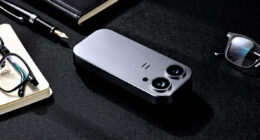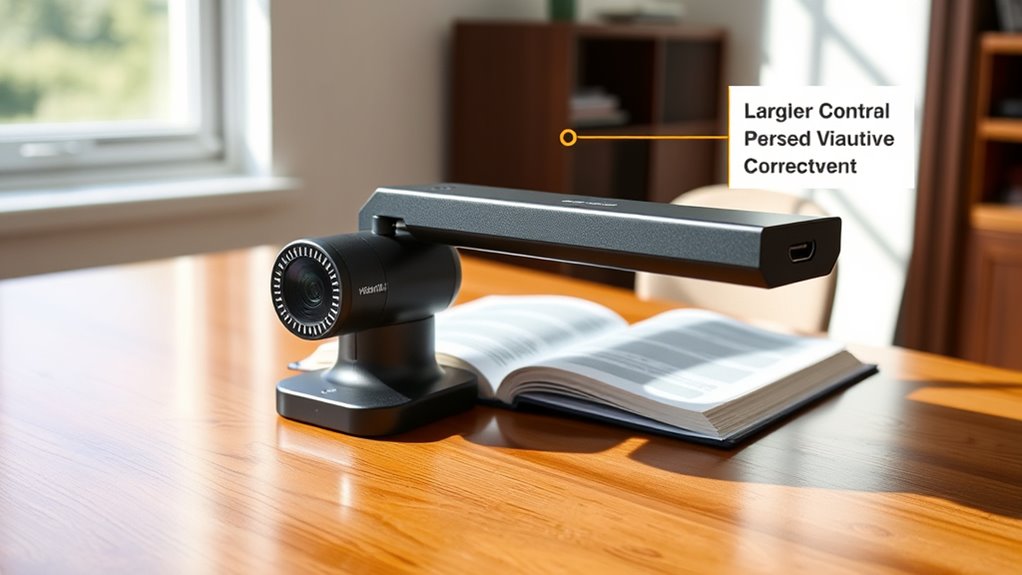

Modern document cameras come with great accessibility features to make your tasks easier. You can control the device hands-free using voice commands to turn on/off, zoom, or capture images. Magnification tools help you see small print or details more clearly, which is ideal for visual impairments. These features are easy to activate and customize, promoting inclusivity and making your experience smoother. Keep exploring to discover how these tools can best support your needs.
Key Takeaways
- Modern document cameras include voice control for hands-free operation, enabling easy on/off, zoom, and mode switching.
- Magnification tools enhance visibility by enlarging text, images, or objects, aiding users with visual impairments.
- These devices are designed for intuitive use, with simple activation, customizable settings, and remote control compatibility.
- Accessibility features support users with mobility and visual impairments, promoting inclusive use in educational and professional settings.
- Integration of voice commands and magnification tools exemplifies inclusive, user-friendly design in contemporary document cameras.
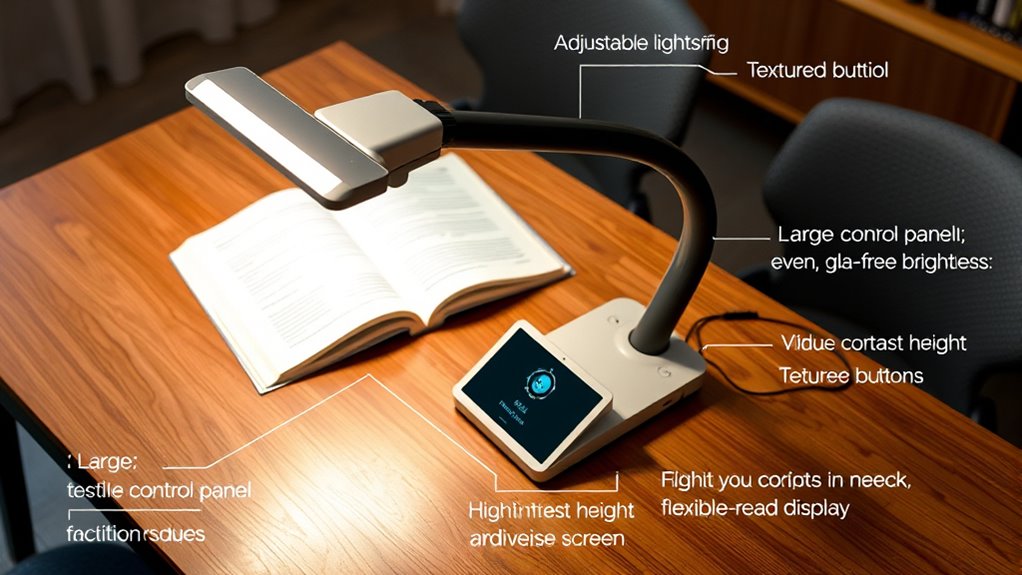
Modern document cameras are increasingly incorporating accessibility features to guarantee that everyone can benefit from their use. These innovations aim to create an inclusive environment where users of all abilities can easily operate and benefit from the technology. One of the most notable features is voice control, which allows you to manage the device hands-free. With voice commands, you can turn the camera on or off, adjust the zoom, switch between modes, or even capture images without needing to press buttons. This feature is especially helpful if you have mobility impairments or find physical buttons challenging to access. Simply speaking your commands makes the process more seamless and less strenuous, enabling you to focus on your presentation or lesson without interruption.
Alongside voice control, magnification tools play a vital role in enhancing accessibility. These tools allow you to enlarge text, images, or objects displayed on the camera’s screen, making it easier to see details that might otherwise be missed. Whether you’re viewing small print, intricate diagrams, or fine handwriting, magnification features help you scrutinize details clearly. Many modern document cameras integrate digital zoom, which can be adjusted smoothly via remote control or voice commands, providing precise control over magnification levels. Some models even include a built-in magnifier that enhances contrast and sharpness, further improving visibility. These tools are invaluable for users with visual impairments or those who need to closely examine materials for educational or professional purposes.
Implementing these features doesn’t require complex setup or technical expertise. You can typically activate voice control through simple voice commands after initial configuration, and magnification settings are often accessible via intuitive menus or remote controls. Additionally, many devices offer customizable settings, allowing you to tailor the magnification level or voice command phrases to your preferences. This flexibility guarantees that the device adapts to your specific needs, making it easier to incorporate into daily routines. Airless paint sprayers are a good example of modern tools designed with user accessibility in mind, offering features that simplify operation for all users.

Kitchbai Document Camera for Classroom, USB Camera for Teacher, 12MP & 9X Zoom-in, Move lmage, Mic and Speaker, Mirroring, LED Light, 2 Port HUB, for Remote Learning, Painting, Live Demo (with Remote)
12-megapixel document camera is highly versatile, offering zoom in and out, mirroring left/right and up/down, image on/off, speaker…
As an affiliate, we earn on qualifying purchases.
As an affiliate, we earn on qualifying purchases.
Frequently Asked Questions
Can Document Cameras Support Multiple Languages for Accessibility?
Yes, modern document cameras support multiple languages for accessibility. You can easily activate multilingual support, allowing users to view content in different languages. With simple language switching features, you can toggle between languages seamlessly, making the device more inclusive for diverse users. This flexibility ensures that students and teachers with different language preferences can access the content effectively, enhancing the overall learning experience.
Are There Customizable Color Contrast Options for Visual Impairments?
Yes, modern document cameras often include customizable color contrast options for visual impairments. You can adjust the color settings through easy-to-use menus, allowing for personalized contrast customization that makes content more visible and easier to read. By enabling color adjustment features, you improve accessibility, ensuring users with visual impairments can better see details, enhancing their overall experience and making the device more inclusive for diverse needs.
Do Document Cameras Offer Compatibility With Screen Readers?
You’ll be pleased to know that many modern document cameras do offer screen reader compatibility and text-to-speech integration, making content more accessible. This means you can seamlessly connect them with assistive technologies, ensuring that visually impaired users can follow along easily. By supporting these features, the camera becomes a versatile tool that promotes inclusivity and enhances learning experiences for everyone.
Can Audio Descriptions Be Integrated Into the Device?
Yes, you can integrate audio descriptions into a modern document camera. Many devices include accessibility settings that allow you to enable audio descriptions, which provide spoken narration of visual content. By adjusting these settings, you guarantee that students with visual impairments can better understand the material. Check your specific model’s options, as compatibility and features might vary, but overall, audio descriptions are increasingly supported in new document camera designs.
Are There Specific Models Designed for Users With Motor Impairments?
If you’re seeking models tailored for users with motor impairments, you’ll find options with accessibility-specific designs that make operation easier. These motor impairment models often feature simplified controls, ergonomic layouts, and alternative input methods that enhance usability. By choosing these specialized devices, you guarantee a smoother experience, allowing you to focus on your work or presentations without frustration. Many manufacturers now prioritize accessible design, making technology more inclusive for everyone.

IPEVO V4K Ultra High Definition 8MP USB Document Camera — Mac OS, Windows, Chromebook Compatible for Live Demo, Web Conferencing, Distance Learning, Remote Teaching, Green
Features an 8 Megapixel camera for capturing Ultra High Definition live images up to 3264 x 2448 pixels
As an affiliate, we earn on qualifying purchases.
As an affiliate, we earn on qualifying purchases.
Conclusion
In today’s tech-savvy world, modern document cameras are like the Swiss Army knives of classrooms, packed with accessibility features that make learning inclusive for everyone. From adjustable viewing options to speech-to-text capabilities, these tools guarantee no one is left behind—no matter how old-fashioned the classroom might seem, like a forgotten floppy disk in a digital age. Embrace these features, and you’ll create a more welcoming, accessible environment where every student can thrive.
IPEVO V4K Ultra High Definition 8MP USB Document Camera — Mac OS, Windows, Chromebook Compatible for Live Demo, Web Conferencing, Distance Learning, Remote Teaching, Green
Features an 8 Megapixel camera for capturing Ultra High Definition live images up to 3264 x 2448 pixels
As an affiliate, we earn on qualifying purchases.
As an affiliate, we earn on qualifying purchases.

Elmo 1379 Model TT-12W STEM-CAM Visual Presenter, Document Camera with 192x Zoom (12x Optical + 16x Digital), 1/2.3" CMOS Sensor, 3.4 Megapixel, 30 Fps, HDMI in & Out, RGB, USB, Ethernet, Wi-Fi
192x Zoom (12x Optical + 16x Digital) and multiple auto focus options
As an affiliate, we earn on qualifying purchases.
As an affiliate, we earn on qualifying purchases.