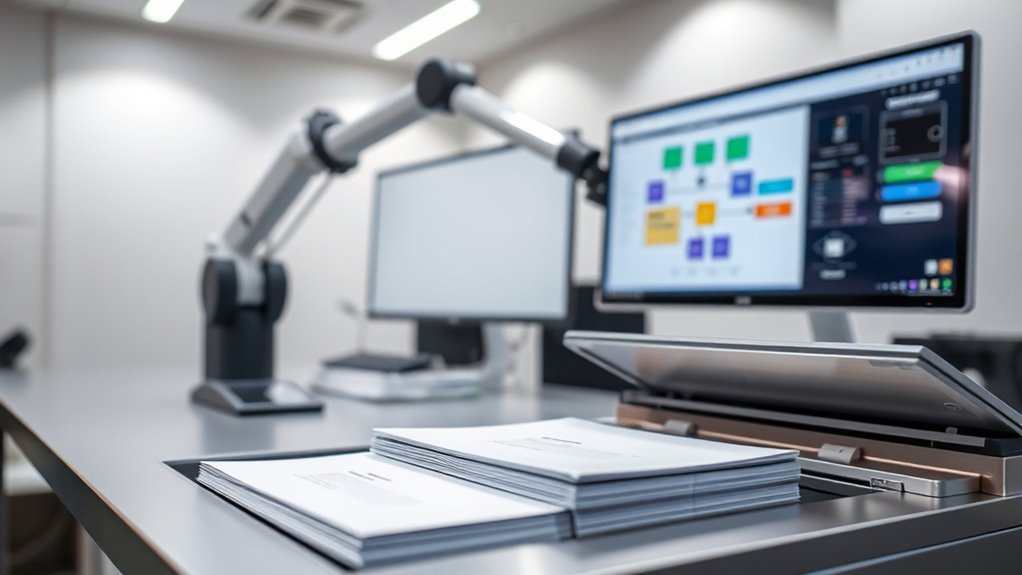

Incorporating scanning into automated workflows helps you turn physical documents into digital data that your systems can process instantly. By using OCR technology, you can recognize and extract relevant information, reducing manual entry and speeding up retrieval. This integration streamlines your document management, boosts efficiency, and guarantees accuracy. When you understand how to set up the right hardware and software, you’ll greatly enhance your organization’s productivity and compliance. Keep exploring to see how it all comes together.
Key Takeaways
- Integrate scanners with OCR software to convert physical documents into searchable digital data for streamlined processing.
- Automate data extraction from scanned images to enable quick indexing, categorization, and retrieval.
- Ensure compatibility between scanning hardware, OCR tools, and existing workflow systems for seamless integration.
- Use scanned digital documents to automate validation, storage, and compliance tasks, reducing manual effort.
- Leverage real-time scanning and OCR capabilities to accelerate decision-making and improve organizational efficiency.
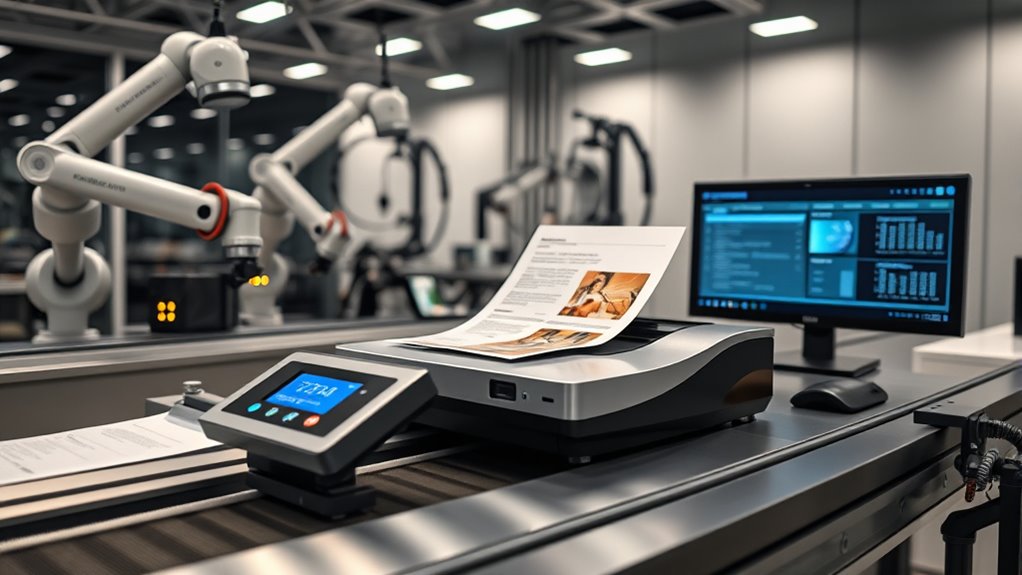
Integrating scanning into automated workflows can substantially boost efficiency by transforming physical documents into digital data that systems can process seamlessly. When you incorporate scanning, you eliminate the manual bottlenecks associated with handling paper documents, making it easier for your organization to manage large volumes of information quickly. The key to maximizing this process lies in converting your scanned images into digital documents that your systems can understand and work with effortlessly. This is where OCR integration becomes essential. Optical Character Recognition (OCR) technology allows your scanners to recognize and extract text from scanned images, turning physical papers into editable, searchable digital documents.
Integrating scanning and OCR boosts efficiency by transforming paper documents into searchable, editable digital data seamlessly.
Once you’ve integrated OCR into your scanning process, the value of your digital documents skyrockets. Instead of dealing with static images that require manual data entry or tedious searches, OCR enables your system to index and categorize information automatically. This not only speeds up document retrieval but also reduces errors caused by manual data input. Imagine scanning hundreds of invoices, contracts, or reports and having the system instantly extract relevant data—vendor names, dates, amounts—saving you hours each week. OCR integration ensures that your digital documents are not just images but dynamic data sources that your workflows can leverage for further automation.
Furthermore, integrating scanning with OCR streamlines compliance and record-keeping. With digital documents, you can set up automated processes for document validation, storage, and archiving, ensuring that your organization adheres to regulatory standards. You can also implement automatic data routing based on content, so relevant documents reach the right department or system without delay. This reduces manual intervention, accelerates decision-making, and enhances overall productivity. Retail hours are an example of a type of information that can benefit from automated extraction and management in certain workflow scenarios.
To make the most of this system, you need compatible hardware and software that support robust OCR integration. Modern scanners often come with built-in OCR capabilities, but you might also consider specialized software solutions that enhance accuracy and processing speed. When choosing these tools, ensure they can handle your document types and volume, and that they integrate smoothly with your existing workflow systems. Proper setup and ongoing calibration help maintain high recognition accuracy, reducing the need for manual correction later on.

ScanSnap iX2500 Wireless or USB High-Speed Cloud Enabled Document, Photo & Receipt Scanner with Large 5" Touchscreen and 100 Page Auto Document Feeder for Mac or PC, Black
OUR MOST ADVANCED SCANSNAP. Large touchscreen, fast 45ppm double-sided scanning, 100-sheet document feeder, Wi-Fi and USB connectivity, automatic…
As an affiliate, we earn on qualifying purchases.
As an affiliate, we earn on qualifying purchases.
Frequently Asked Questions
How Secure Is the Scanned Data During Automation?
The scanned data during automation is quite secure if you use strong encryption protocols and robust access controls. Encryption keeps your data protected during transmission and storage, while access controls ensure only authorized personnel can view or modify it. By implementing these security measures, you minimize risks of data breaches or leaks, maintaining confidentiality throughout the automated process. Always stay updated on security standards to keep your data safe.
Can Scanning Be Integrated With Existing Legacy Systems?
Yes, you can integrate scanning with existing legacy systems. You’ll need to focus on system compatibility and legacy integration, ensuring the scanner’s software or middleware can connect seamlessly with your older infrastructure. Often, this involves using APIs or specialized connectors that bridge modern scanning technology with legacy platforms. With proper setup, you’ll streamline workflows without replacing your entire system, making your automation more efficient and cost-effective.
What Are the Cost Implications of Automated Scanning Solutions?
Sure, automated scanning solutions seem cheap—until you do a thorough cost analysis. You’ll find the initial investment, training, and maintenance costs add up quickly, impacting your financials more than expected. While they save time long-term, the upfront expenses and ongoing support can surprise you. So, if you’re ready for a deeper look at the real financial impact, you’ll want to weigh these costs carefully before jumping in.
How Do Scanning Workflows Handle Sensitive or Confidential Documents?
You handle sensitive or confidential documents by implementing robust security measures like document encryption and strict access controls. Encryption protects data during scanning and transmission, guaranteeing unauthorized users can’t access the contents. Access controls limit who can view or manage these documents, maintaining confidentiality. By combining encryption with access controls, you ensure your scanning workflows securely manage sensitive information, preventing data breaches and complying with privacy regulations.
What Are the Best Practices for Maintaining Scan Quality?
Did you know that 70% of scanning errors are caused by poor image quality? To maintain scan quality, you should regularly clean your scanner and guarantee proper calibration. Use error correction features in your software to fix issues like skew or blurriness. Always check image resolution settings and avoid overloading the scanner. These steps help produce clear, accurate digital copies, preventing costly re-scans and ensuring reliable workflow automation.
ScanSnap iX2500 Wireless or USB High-Speed Cloud Enabled Document, Photo & Receipt Scanner with Large 5" Touchscreen and 100 Page Auto Document Feeder for Mac or PC, Black
OUR MOST ADVANCED SCANSNAP. Large touchscreen, fast 45ppm double-sided scanning, 100-sheet document feeder, Wi-Fi and USB connectivity, automatic…
As an affiliate, we earn on qualifying purchases.
As an affiliate, we earn on qualifying purchases.
Conclusion
By blending brilliant batching with bold scanning, you build a seamless, smooth system that speeds up your success. Incorporate intuitive ideas, innovate instantly, and inspire efficiency every step of the way. With a little bit of planning and a lot of persistence, your workflows will work wonders, weaving automation into your daily routine. Embrace the ease, energize your efforts, and enjoy the excellence that effortless integration empowers. Now, go grow your game with confidence and clarity!

Plustek Mobile Scanner S410 Plus – Portable Sheet-Fed Document Scanner – for Windows 7 / 8 / 10 / 11, Featuring Button-Free Scanning with Included OCR Software
Digitize on the Go – Connect to your computer via BUS powered, eliminating the need for batteries or…
As an affiliate, we earn on qualifying purchases.
As an affiliate, we earn on qualifying purchases.

Implementing Electronic Document and Record Management Systems
New
As an affiliate, we earn on qualifying purchases.
As an affiliate, we earn on qualifying purchases.