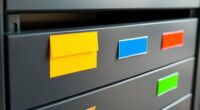
To create an effective home filing system, start by grouping documents into broad categories like financial, medical, and household, then use folders or binders for each. Label everything clearly for quick access. Incorporate digital tools by scanning important papers and saving them in organized, named folders on your computer or cloud storage. Regularly review and update your system to stay clutter-free. Keep exploring for more tips to streamline your organization process.
Key Takeaways
- Categorize documents into broad groups such as financial, medical, insurance, and household for easier access.
- Use labeled folders, binders, or accordion files to organize each category and subcategory systematically.
- Implement clear labeling with large, legible text for quick identification of files and folders.
- Incorporate digital storage by scanning documents and saving them in organized, consistently named folders.
- Regularly review, purge outdated papers, and update digital files to maintain an efficient, clutter-free system.
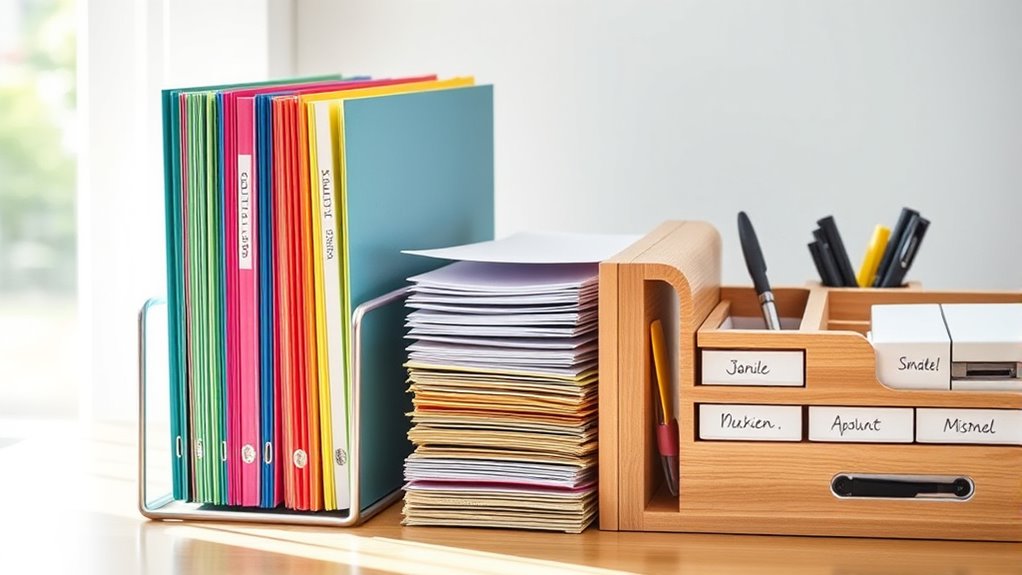
Having an organized home filing system can save you time and reduce stress when you’re looking for important documents. When you set up a system that combines digital organization with effective paper management, you make it easier to find what you need quickly. Digital tools, like cloud storage and scanning apps, allow you to keep digital copies of important papers, reducing clutter and safeguarding against loss. This way, you can access essential files from anywhere, whether you’re at home or on the go. By integrating digital organization into your filing routine, you minimize the need to sift through piles of paper and make your document retrieval more efficient.
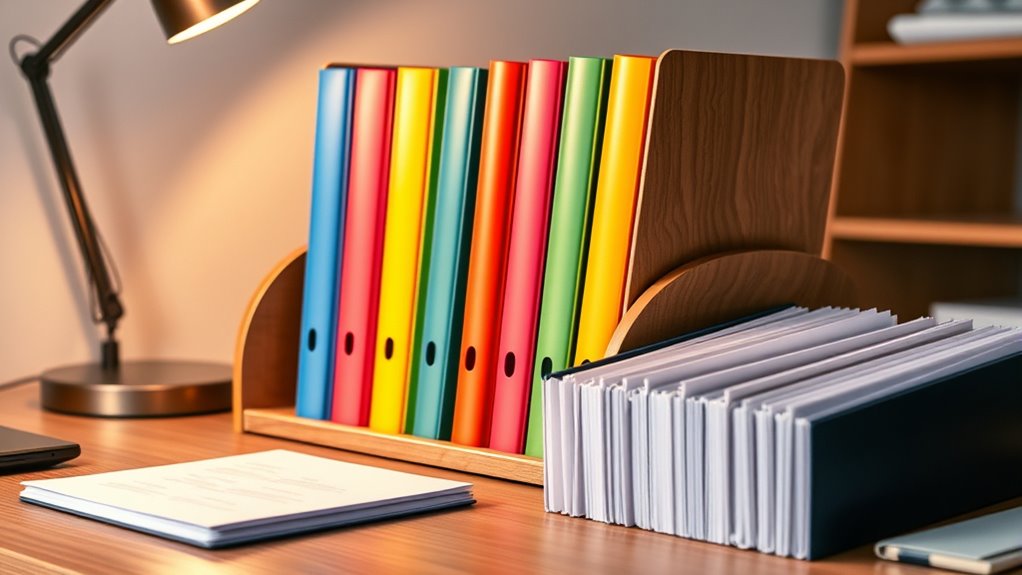
To start, categorize your documents into broad groups such as financial records, medical files, insurance policies, and household paperwork. Within each category, create specific folders or labels that clearly identify the contents. For instance, your financial folder might include subfolders for bank statements, tax documents, and receipts. Use physical folders, binders, or accordion files to keep these documents neat and easily accessible. Label each folder clearly with large, legible text so you can quickly identify what’s inside. When managing paper documents, always prioritize paper management techniques like regularly purging outdated items and filing documents promptly to prevent clutter from building up.
In addition to physical folders, consider adopting a digital filing system. Scan important documents and save them in organized folders on your computer or cloud storage service. Use consistent naming conventions so you can search for files easily later. For example, name files with dates and descriptive keywords—like “2024_Tax_Returns” or “Medical_Records_June2023.” This system improves digital organization and prevents files from becoming disorganized over time. Regularly backing up your digital files safeguards against data loss, ensuring your important documents are protected. Additionally, understanding the importance of file organization can help you develop a more efficient system that reduces clutter and saves time when searching for specific documents.
Creating a routine for managing both digital and paper documents is key. Dedicate a specific time each week to file new papers, scan receipts, and update your digital folders. This habit keeps your system current and prevents overwhelm. Keep frequently accessed documents within reach—perhaps in a desk drawer or a labeled folder on your desk—so you don’t waste time searching when you need them. For less-used papers, store them in a dedicated storage area, but review and declutter periodically to avoid unnecessary buildup.

Lovable Labels Modern File Labels, 96 Pre-Printed & Blank File Folder Labels, Organize Your Filing Folders
EASY TO USE: These pre-printed label stickers already come with the most common labels that you will need.
As an affiliate, we earn on qualifying purchases.
As an affiliate, we earn on qualifying purchases.
Frequently Asked Questions
How Often Should I Review and Update My Filing System?
You should review and update your filing system at least every six months to stay organized. Conduct a file audit during these reviews to remove outdated documents and guarantee everything’s in order. Set an organization schedule that fits your routine, making it easier to keep your files current. Regular upkeep prevents clutter, saves time, and keeps your important documents accessible when you need them most.
What Are the Best Labels for Different Document Types?
Labels are like signposts guiding you through your filing system. Use clear, specific category naming, such as “Medical Records” or “Tax Documents,” to make retrieval easy. Incorporate simple labeling strategies like color-coding or numbered categories for quick identification. Avoid vague terms; instead, be precise to save time. Your goal is to create labels that instantly tell you what’s inside, making your system efficient and user-friendly.
How Can I Secure Sensitive or Confidential Documents?
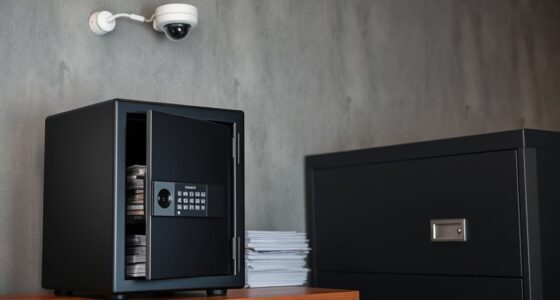
To secure sensitive documents, you should use strong encryption methods like password protection or digital encryption tools. Also, implement access control by limiting who can view or modify these files. Store confidential documents in locked drawers or safes, and keep digital passwords secure. Regularly update your security measures to stay ahead of potential threats, ensuring your sensitive information remains private and protected from unauthorized access.
What Digital Tools Can Complement My Physical Filing System?
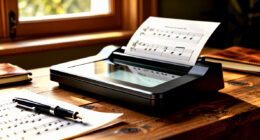
Imagine your digital tools as a secret vault guarding your most precious documents. You can complement your physical filing system with cloud storage, offering secure, easy access from anywhere. Document scanning transforms paper files into digital images, making them simple to organize and search. Together, these tools streamline your system, reduce clutter, and enhance security, turning your home filing into a seamless blend of physical and digital organization.
How Do I Organize Files for Multiple Household Members?
To organize files for multiple household members, set up family member folders labeled by name or category. Use shared access systems like cloud storage or digital folders so everyone can easily add or find documents. Keep physical copies in clearly labeled binders or folders for each person, and regularly update them. This method guarantees quick access, reduces clutter, and keeps everyone’s important documents organized and secure.
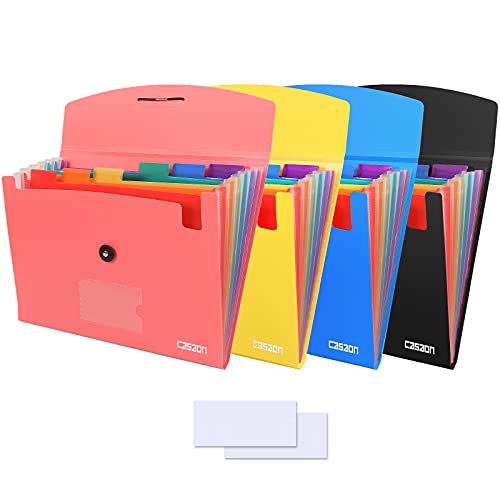
4 Pack 7-Pocket Expanding File, Plastic Expandable File Folder with Pockets, A4/Letter Size Accordion Organizer Folder, for School and Office Supplies – Black&Blue&Pink&Yellow
4-Pack 7-Pocket Expanding file folder, suitable for A4 size paper and letter size, standard documents and filing
As an affiliate, we earn on qualifying purchases.
As an affiliate, we earn on qualifying purchases.
Conclusion
So, after all this effort, you’ve created a perfect filing system—only to realize it’s easier to just toss everything in a drawer. Ironically, your neat folders and binders might become just another cluttered mess, mirroring the chaos you initially wanted to avoid. But hey, at least you’ll have a stylish place to store your forgetfulness. Sometimes, the simplest system is just knowing where not to bother. Happy organizing… or not!

Epson WorkForce ES-50 Portable Sheet-Fed Document Scanner for PC and Mac
Fastest and lightest mobile single sheet fed document scanner in its class(1) small, portable scanner ideal for easy,…
As an affiliate, we earn on qualifying purchases.
As an affiliate, we earn on qualifying purchases.
Google Workspace 2026 Guide for Beginners: The Complete Beginner Friendly Guide To Master Email Cloud Storage Documents Collaboration Automation … Tools For Work School And Business
As an affiliate, we earn on qualifying purchases.
As an affiliate, we earn on qualifying purchases.