

To create digital backups of your important papers, start by scanning physical documents like birth certificates and passports into digital files. Store these files securely using cloud storage services that offer encryption and strong security features. Organize your files systematically for quick access when needed. Regularly update your backups to include new or changed documents. Keep your files protected with strong passwords and two-factor authentication. Continue exploring to learn how to enhance your backup safety and organization.
Key Takeaways
- Scan physical documents to create high-quality digital copies for safekeeping.
- Store scanned files securely in encrypted cloud storage services.
- Organize files systematically with clear labels and folder structures for easy retrieval.
- Regularly update backups to include new or modified important papers.
- Use strong passwords and enable two-factor authentication to protect cloud accounts.
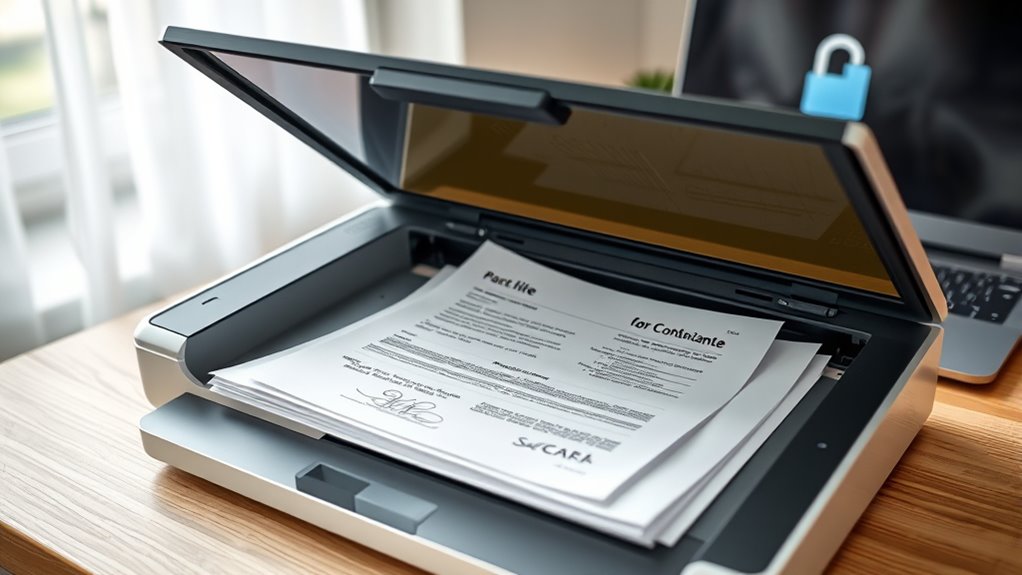
Have you ever lost important documents due to a fire, flood, or theft? If so, you know how devastating it can be to lose irreplaceable papers like birth certificates, passports, or legal agreements. That’s why creating digital backups is crucial. By converting your physical documents into digital files, you create a safeguard against unexpected disasters. The key is to store these backups securely and accessibly, so you can retrieve them anytime you need.
One of the most effective ways to do this is by using cloud storage services. Cloud storage allows you to upload your scanned documents to remote servers, making them accessible from any device with an internet connection. This not only ensures your files are safe from physical damage but also provides a convenient way to organize and manage your important papers. When choosing a cloud storage provider, look for one that offers robust security features, including encryption techniques. Encryption transforms your files into an unreadable format unless you have the decryption key, adding an extra layer of protection. This means that even if someone gains access to the cloud storage account without your permission, they won’t be able to read or misuse your sensitive information.
Use cloud storage with encryption to securely back up and protect your important documents from damage or theft.
To maximize security, consider encrypting your files before uploading them to the cloud. Many services support end-to-end encryption, but you can also use third-party encryption tools to do this yourself. This way, your documents stay protected both during transmission and while stored remotely. It’s a good practice to choose strong, unique passwords for your cloud accounts and enable two-factor authentication whenever possible. This minimizes the risk of unauthorized access and keeps your digital backups safe from cyber threats. Additionally, regularly updating your backups ensures that new or changed documents are also protected.
Organizing your files systematically makes it easier to find what you need when an emergency strikes. By combining cloud storage with encryption techniques, you create a reliable, secure digital archive of your most important papers. This proactive step gives you peace of mind, knowing that your crucial documents are protected, accessible, and ready whenever you need them. Incorporating proper file management practices can further enhance the safety and efficiency of your digital backup system.

Apricorn 2TB Aegis Padlock USB 3.0 256-Bit AES XTS Hardware Encrypted Portable External Hard Drive (A25-3PL256-2000)
Hardware encrypted drive
As an affiliate, we earn on qualifying purchases.
As an affiliate, we earn on qualifying purchases.
Frequently Asked Questions
What Are the Best File Formats for Digital Backups?
You should use PDF for important documents because it maintains formatting and is widely compatible. For images, JPEG or PNG work best, with PNG offering better file compression and quality. If you’re saving large files, consider ZIP or RAR formats to compress multiple files efficiently. Using cloud storage helps keep backups safe and accessible, so choose formats that balance quality and size to optimize your storage space and guarantee easy retrieval.
How Often Should I Update My Digital Backups?
Did you know that 60% of data loss incidents occur due to outdated backups? You should update your digital backups at least monthly, especially if you add or change important papers frequently. Regular updates guarantee your files stay current and protected. Use cloud storage for easy access and employ strong encryption methods to keep your backups secure. This way, you reduce risks and always have your critical documents safe and ready when needed.
Can Digital Backups Replace Physical Copies Entirely?
Digital backups can’t fully substitute physical copies because they rely on cloud storage, which can be vulnerable if not properly encrypted. You should keep physical copies for critical documents and use encrypted digital backups for convenience and extra security. Combining both methods ensures your important papers are protected against loss or damage, giving you peace of mind. Always prioritize encryption security to keep your digital files safe from unauthorized access.
What Are the Legal Considerations for Digital Document Storage?
You need to understand that legal considerations for digital document storage include privacy concerns and storage encryption. You must guarantee your sensitive information stays protected from breaches and unauthorized access. Using strong encryption methods helps comply with data protection laws and maintains confidentiality. Stay aware of regulations like GDPR or HIPAA, and always verify that your digital storage solutions meet legal standards to avoid penalties and safeguard your important papers effectively.
How Do I Organize Digital Backups for Easy Access?
You wonder how to organize digital backups effortlessly. Start by creating clearly labeled folders in your cloud storage, grouping related documents together. Use consistent naming conventions for quick searching. Prioritize backup security by enabling two-factor authentication and encryption. Regularly update and review your backups to prevent chaos. With a strategic approach, you’ll always find what you need instantly, avoiding the stress of misplaced files and ensuring your important papers stay protected and accessible.

Brother DS-640 Compact Mobile Document Scanner, (Model: DS640)
FAST SPEEDS – Scans color and black and white documents a blazing speed up to 16ppm (1). Color…
As an affiliate, we earn on qualifying purchases.
As an affiliate, we earn on qualifying purchases.
Conclusion
By creating digital backups of your important papers, you guarantee they’re safe from physical damage or loss. Did you know that 60% of people have lost important documents at some point? Don’t be part of that statistic. Take a few minutes to scan and store your papers securely online or on a hard drive. It’s a simple step that can save you countless headaches and protect your most essential information for years to come.

Kingston Ironkey Locker+ 50 32GB Encrypted USB Flash Drive | USB 3.2 Gen 1 | XTS-AES Protection | Multi-Password Security Options | Automatic Cloud Backup | Metal Casing | IKLP50/32GB,Silver
XTS-AES Encryption with Brute Force and BadUSB Attack Protection
As an affiliate, we earn on qualifying purchases.
As an affiliate, we earn on qualifying purchases.
![WinZip 30 Pro | File Management, Encryption, Compression & Backup Software [PC Download]](https://m.media-amazon.com/images/I/31Vmn-wXrwL._SL500_.jpg)
WinZip 30 Pro | File Management, Encryption, Compression & Backup Software [PC Download]
One-stop file manager: Seamless integration with leading cloud storage providers, zip/unzip all major compression formats, and keep your…
As an affiliate, we earn on qualifying purchases.
As an affiliate, we earn on qualifying purchases.