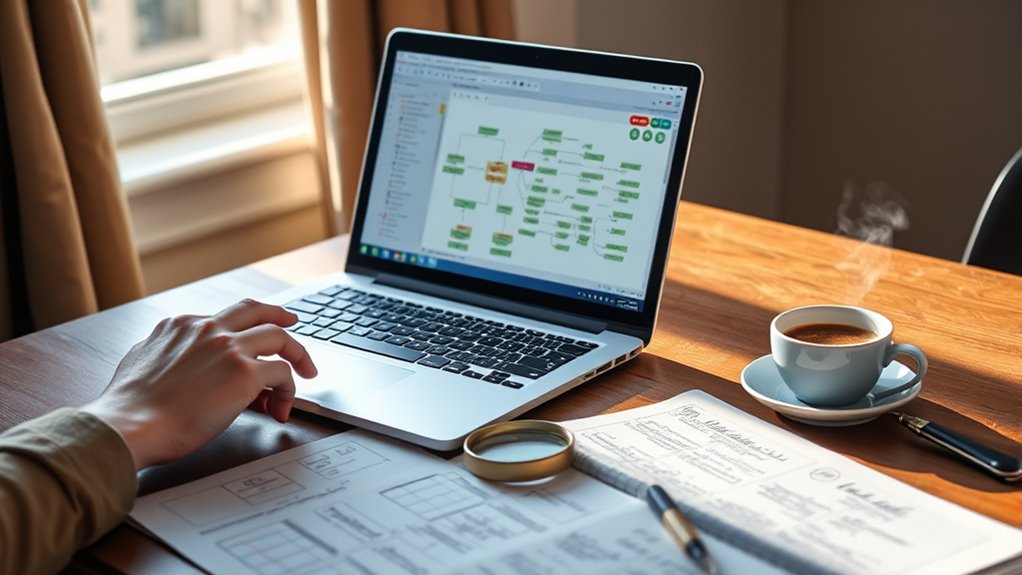

Using genealogical software helps you organize your research by managing large data sets, attaching sources and images, and visualizing relationships with family trees and charts. It streamlines collaboration by allowing real-time sharing and joint editing, making teamwork easier. With tools that suggest connections and verify accuracy, your research becomes more efficient and less overwhelming. Keep exploring to discover how these features can transform your family history journey even further.
Key Takeaways
- Utilize software to systematically manage and attach sources, images, and notes to individual records for organized research.
- Leverage data visualization tools like family trees and timelines to clarify relationships and identify gaps.
- Use cloud storage and real-time sharing features for secure collaboration with relatives and research communities.
- Import, export, and verify data with algorithms to ensure accuracy and streamline data integration.
- Keep records accessible and well-structured for easy future reference and storytelling.

Organizing your genealogical research can feel overwhelming, but the right software makes it manageable and even enjoyable. When you’re working on tracing your family history, it’s easy to accumulate a mountain of data—birth certificates, census records, photographs, and family stories. Without a solid system, these can become scattered and hard to navigate. That’s where genealogical software steps in, offering tools that streamline your research process and help you see the bigger picture. One of the biggest advantages is digital collaboration, which allows you to share your findings with relatives, fellow researchers, or genealogical communities. Instead of sending files back and forth via email, you can work together within the same platform, making corrections, adding new data, and discussing discrepancies in real time. This collaborative approach saves time and ensures everyone stays on the same page. Plus, many programs integrate cloud storage, so your data remains secure and accessible from any device, whether you’re at home or on the go.
Data visualization is another powerful feature that transforms how you interpret your genealogical data. Instead of sifting through endless spreadsheets or lists, you can generate family trees, timelines, and charts that make complex relationships clear at a glance. These visual tools help you spot patterns, identify gaps, and verify connections more efficiently. For example, a well-designed family tree isn’t just a list of names—it’s a dynamic map that reveals generations, marriages, and migrations visually. This makes storytelling more engaging and can even uncover new research avenues you hadn’t considered before. Tools that offer data visualization also often include color coding, symbols, and interactive features, so you can customize your view to highlight specific ancestors or historical events.
Using genealogical software also promotes better data management. You can attach sources, images, and notes directly to each individual record, ensuring all relevant information is easily accessible. This reduces the risk of losing important details or mixing up similar names. Many programs support import and export features, so you can incorporate data from different sources or share your research with others seamlessly. Additionally, some software options use intelligent algorithms to suggest connections or identify inconsistencies, helping you verify your research and maintain accuracy. Furthermore, incorporating CMS (Content Management System) features can streamline organizing large amounts of data and media within your project, making it easier to update and revise your family history as new information becomes available.
In essence, the right genealogical software becomes your digital research assistant, enhancing collaboration and providing visual clarity. It transforms what can be an overwhelming collection of data into a well-organized, insightful narrative of your family history. With these tools, you’re not just gathering information—you’re creating a rich, accessible record that future generations will appreciate.

16 Family Tree Charts to Fill In, with 50 Family Group Sheets 8th Generation Genealogy Worksheets Family Tree Diagrams Genealogy Supplies for Ancestry and Family History Organizer, Blue-White
Clean Blue and White Design: Muzlineuro’s family tree charts to fill in feature a unique blue and white…
As an affiliate, we earn on qualifying purchases.
As an affiliate, we earn on qualifying purchases.
Frequently Asked Questions
Can Genealogical Software Handle DNA Test Results?
Yes, genealogical software can handle DNA test results through DNA integration features. You can import and organize your DNA data, making it easier to analyze and connect with relatives. However, you should always consider data privacy concerns, ensuring your sensitive genetic information remains secure. Look for software with strong privacy protections and clear data sharing policies, so you control how your DNA results are stored and used.
Is There a Mobile App Version for On-The-Go Research?
Did you know that over 60% of genealogists use mobile apps for research? Yes, many genealogical software programs now offer mobile app compatibility, making on-the-go research easier and more efficient. With these apps, you can access your family tree, add new information, and analyze data anytime, anywhere. This flexibility helps you stay connected to your research, even when you’re away from your computer.
How Secure Is My Family Data Stored in the Software?
Your family data stored in genealogical software is generally secure thanks to data encryption and cloud storage. Reputable programs use strong encryption protocols to protect your information from unauthorized access. Cloud storage offers automatic backups and secure remote access. However, always choose trusted software with good security reviews, enable two-factor authentication if available, and regularly update your software to keep your family history safe from potential threats.
Can I Share My Research Easily With Relatives?
Yes, you can easily share your research with relatives using genealogical software. Most programs allow you to share documents and photo sharing through built-in export options or online portals. You can generate reports, share entire family trees, or send specific files via email or cloud services. This makes it simple for your relatives to access and collaborate on your family history, fostering better connections and preserving your research.
What Are the Best Options for Free Genealogical Software?
Think of free genealogical software as a garden full of vibrant blooms waiting to be explored. Options like FamilySearch and RootsMagic Essentials offer great family tree visualization, helping you see your lineage with clarity. They also come equipped with source citation tools, so your research stays well-grounded. These tools are user-friendly, making it easy to grow your family history without spending a dime, nurturing your passion for genealogy freely.

Tracing Your Family History on the Internet: A Guide for Family Historians (Tracing your Ancestors)
As an affiliate, we earn on qualifying purchases.
As an affiliate, we earn on qualifying purchases.
Conclusion
Using genealogical software is like tending a well-organized garden—you’ll see your family history flourish with every detail properly cultivated. It transforms scattered clues into a beautiful, cohesive tapestry, making your research more manageable and rewarding. Embrace these digital tools to nurture your family story, and watch it grow richer and more vibrant with each click. With organization as your gardener, your ancestral roots will stand tall and proud for generations to come.

Five Generation Pedigree Charts for Genealogists (7-pack) | Archival-Quality Genealogy Forms
✅ SEVEN blank five-generation pedigree charts for genealogists and family trees
As an affiliate, we earn on qualifying purchases.
As an affiliate, we earn on qualifying purchases.
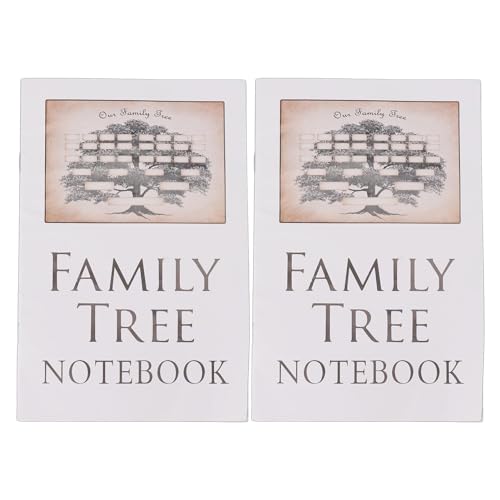
OVAQUIXI Genealogy Workbook, Ancestral History Record Keeping Notebook, 2 Pieces
[CELEBRATE ANCESTRAL HISTORY]: Preserve your family's with this Notebook, providing a tangible link to the past for siblings…
As an affiliate, we earn on qualifying purchases.
As an affiliate, we earn on qualifying purchases.