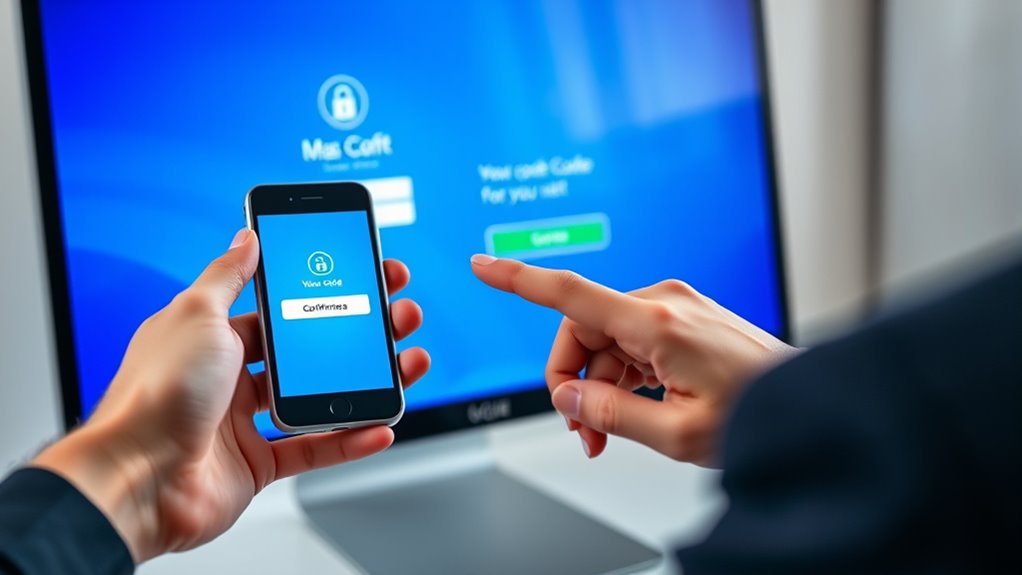

To implement two-factor authentication for document access, start by choosing a multi-factor authentication platform that supports biometric options like fingerprint or facial recognition. Integrate these tools with your existing security system and clearly communicate how biometric data is stored and protected. Set policies to specify when biometrics are required, such as login or editing, and include fallback options to prevent lockouts. Continuing will help you understand effective ways to develop and manage your security framework.

Prime made for students and young adults
- Fast, free delivery for dorm and study essentials
- Prime Video and Amazon Music included
- Member-only deals
Key Takeaways
- Define access policies specifying when and where biometric verification is required for document access.
- Choose a multi-factor authentication platform that supports biometric options and integrates with existing systems.
- Encrypt biometric data both during transmission and storage to ensure user privacy and data security.
- Provide fallback options like backup codes or alternative verification methods to prevent access lockouts.
- Regularly review and update access control policies to adapt to evolving security standards and threats.
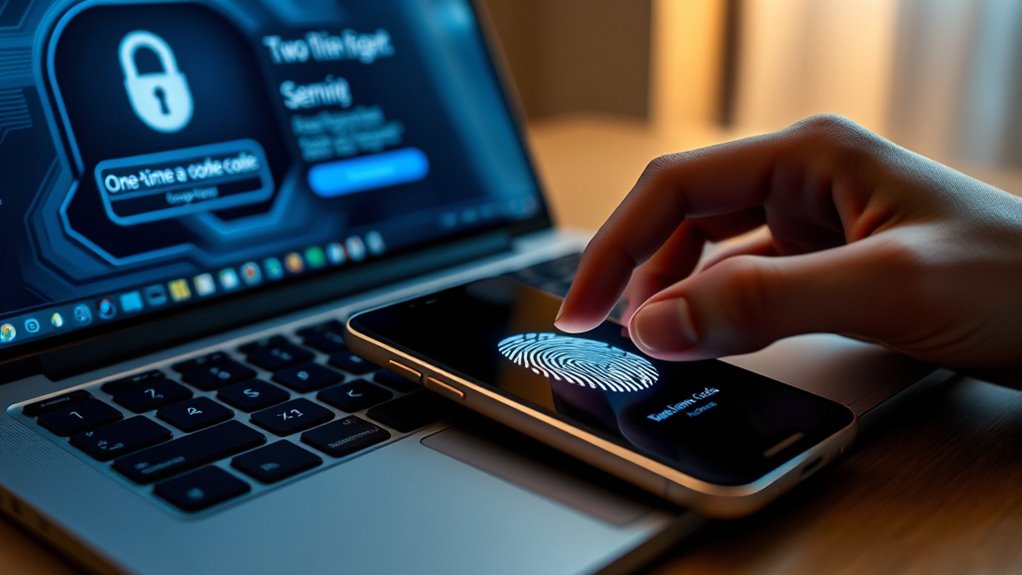
Two-factor authentication (2FA) adds an extra layer of security to your digital documents by requiring you to verify your identity through two separate methods. This approach notably reduces the risk of unauthorized access, especially when handling sensitive or confidential information. When implementing 2FA, you’re likely to encounter biometric verification, a method that uses your unique physical traits—like fingerprints, facial recognition, or retina scans—to confirm your identity. Biometric data offers a high level of security because it’s difficult to replicate or steal, making it an ideal second factor alongside traditional passwords or security tokens. Incorporating biometric verification into your access control policies ensures that only authorized individuals can view or modify critical documents.
Your access control policies should clearly specify how biometric verification is integrated into your security framework. For example, you might require users to authenticate with their fingerprint before gaining access to certain files or systems. These policies also define when and where biometric verification is necessary, such as during login, document editing, or sharing. By establishing strict access control policies, you set clear boundaries for users and minimize the chance of accidental or malicious breaches. When designing these policies, consider factors like data privacy regulations and the need for biometric data encryption, ensuring user information remains protected from potential leaks or misuse.
Implementing 2FA with biometric verification involves selecting the right tools and technologies that align with your access control policies. Many organizations use multi-factor authentication platforms that support biometric options, allowing seamless integration into existing security systems. You’ll need to inform users about the importance of biometric data security, including how their data is stored and protected. It’s vital to choose solutions that encrypt biometric information both in transit and at rest, reducing vulnerabilities. Additionally, you should establish protocols for fallback options if biometric authentication fails, such as backup codes or alternative verification methods, to prevent lockouts and maintain productivity.
Frequently Asked Questions
Can Two-Factor Authentication Be Bypassed?
Yes, two-factor authentication can be bypassed. Biometric vulnerabilities, like fingerprint or facial recognition flaws, may let attackers gain access. Additionally, social engineering attacks can trick you or your team into revealing authentication codes or credentials. While 2FA adds a strong security layer, it’s not foolproof. Staying vigilant, using complex biometric data, and educating users about social engineering helps reduce the risk of bypassing 2FA.
What Are the Best Methods for Two-Factor Authentication?
You should choose methods like biometric options, such as fingerprint or facial recognition, and hardware tokens, which provide physical security. Biometric options are convenient and hard to duplicate, enhancing security. Hardware tokens, like USB keys, add an extra layer by requiring physical possession. Combining these options with other authentication factors makes it markedly harder for unauthorized users to access your documents, ensuring robust protection.
How Does Two-Factor Authentication Impact User Productivity?
Like a gatekeeper guarding a treasure, two-factor authentication enhances your security, but it can somewhat slow your user experience. You might experience minor delays when accessing documents, yet the added security boosts your confidence. Overall, it encourages vigilance without sacrificing efficiency, helping you balance productivity with robust security. Think of it as a necessary step that ultimately safeguards your work without substantially hindering your daily tasks.
Are There Industry Standards for Implementing Two-Factor Authentication?
Yes, industry standards guide implementing two-factor authentication to guarantee security protocols are effective without overly complicating user experience. You should follow established frameworks like NIST guidelines, which emphasize balancing security with usability. By adhering to these standards, you help maintain strong protection while keeping access straightforward for users. This approach minimizes friction, boosts compliance, and strengthens overall security without sacrificing user convenience.
What Are the Common Challenges in Deploying Two-Factor Authentication?
You might face challenges like integrating biometric systems smoothly and ensuring users understand how to use two-factor authentication effectively. Resistance to change can occur if users aren’t familiar with new methods, making user education essential. Also, biometric integration requires secure infrastructure, which can be complex. Address these challenges by providing clear instructions, training, and choosing user-friendly biometric options, ensuring a seamless and secure authentication process.
Conclusion
Now that you’ve set up two-factor authentication, the document’s security feels stronger than ever. But remember, cyber threats are constantly evolving, and no system is foolproof. Will your next login be enough to thwart a sophisticated attack? Stay alert, keep your authentication methods updated, and don’t let your guard down. The true test isn’t just implementation—it’s knowing you’re prepared for what’s lurking just beyond the horizon.
Halloween Picks
halloween
As an affiliate, we earn on qualifying purchases.