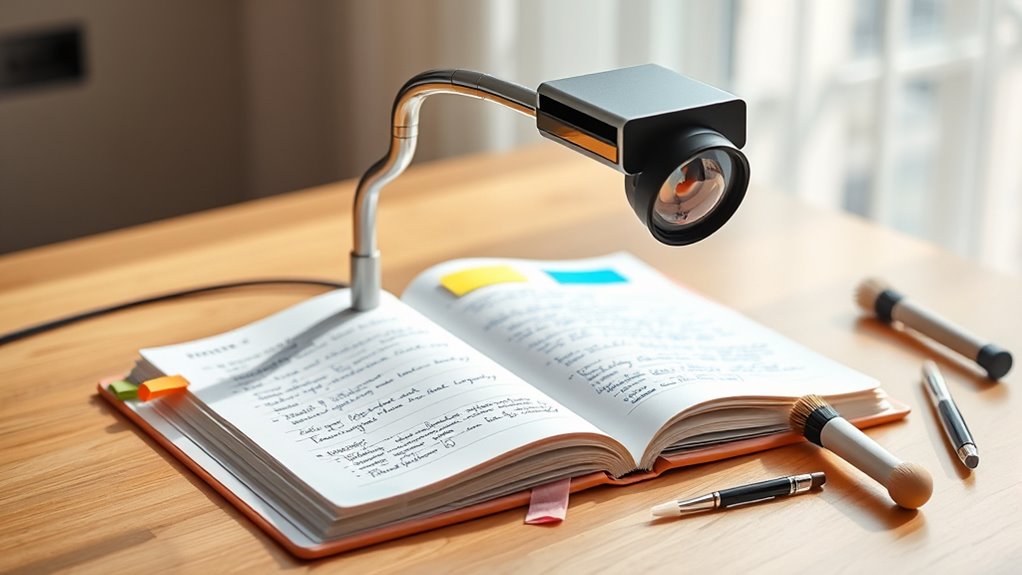

To keep your document camera in top shape, regularly perform calibration, clean the lens with a soft cloth using gentle solutions, and carefully handle and store it in a clean, dry place. Inspect cables and connections often to prevent malfunctions, and monitor internal components like batteries for wear. Proper maintenance not only maintains image clarity but also extends your device’s life. By following these steps, you’ll guarantee reliable performance — discover more tips to optimize your camera’s care.
Key Takeaways
- Regularly calibrate the camera to ensure clear images and proper alignment.
- Inspect batteries, cables, and internal parts periodically to prevent malfunctions.
- Clean lenses and surfaces with a soft, lint-free cloth and appropriate cleaning solutions.
- Store the device in a dust-free, dry environment and handle it gently during movement.
- Check and secure all connections regularly to maintain consistent image transmission.
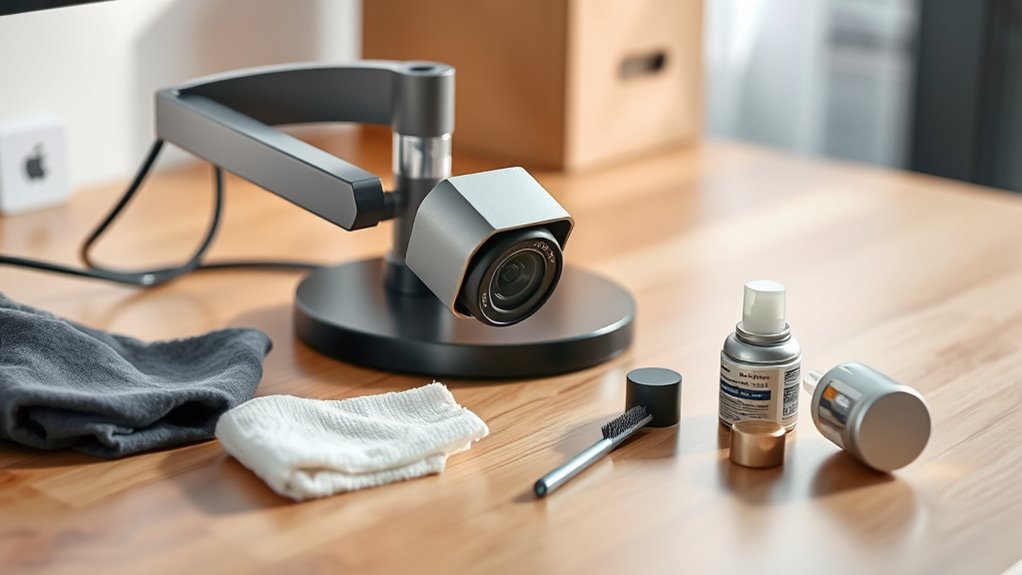
A document camera is a valuable tool that can enhance your presentations and lessons, but to keep it functioning smoothly, proper maintenance and care are essential. One of the most important aspects of maintaining your device involves regular calibration procedures. Over time, the camera’s alignment can drift, causing blurry images or misaligned projections. To prevent this, you should routinely perform calibration procedures as outlined in your user manual. This typically includes adjusting focus, aligning the camera lens, and ensuring the image is correctly centered. Proper calibration ensures that your presentations are clear and professional, minimizing distractions or confusion for your audience. Taking a few minutes to recalibrate your document camera regularly can save you time and frustration during important lessons or meetings. Additionally, monitoring the expiration of components such as batteries or internal parts can prevent unexpected malfunctions. In addition to calibration, cleaning techniques play a vital role in maintaining your device. Dust, fingerprints, and smudges on the camera lens or the document platform can considerably degrade image quality. To keep your camera in ideal condition, you should develop a consistent cleaning routine. Use a soft, lint-free cloth to gently wipe the lens and the document surface, avoiding harsh chemicals that could damage sensitive components. For stubborn smudges or fingerprints, a small amount of lens cleaning solution applied to the cloth can help restore clarity. Always turn off the device before cleaning, and avoid spraying liquids directly onto any part of the camera. Proper cleaning not only improves image quality but also prolongs the lifespan of your equipment. Furthermore, proper storage and handling are essential for ongoing maintenance. When not in use, cover your document camera with a dust cover or store it in a clean, dry place. Avoid exposing it to extreme temperatures or humidity, which can affect internal components. Handle the device gently when moving or adjusting it to prevent misalignments or mechanical damage. Regularly inspecting cables and connections is also important; loose or frayed cables can lead to connectivity issues or poor image transmission.
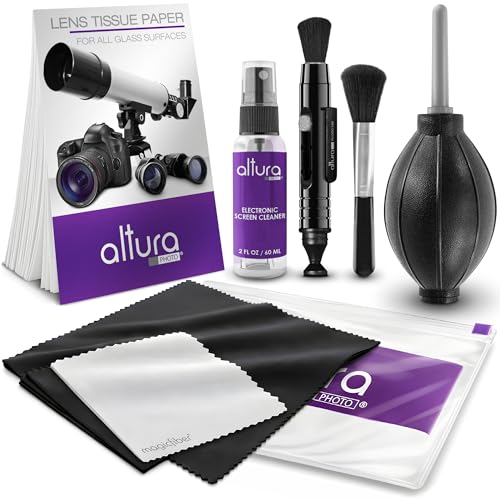
Altura Photo Camera Cleaning Kit – Lens Cleaner Spray, Brush, Pen, Blower, Microfiber Cleaning Cloths, Tissue Wipes for Canon Nikon Sony Fuji Olympus Pentax Sigma Tamron DSLR & Mirrorless Cameras
COMPLETE CAMERA CLEANING KIT: Our camera lens cleaning kit includes an alcohol & ammonia-free lens cleaner spray, cleaning…
As an affiliate, we earn on qualifying purchases.
As an affiliate, we earn on qualifying purchases.
Frequently Asked Questions
How Often Should I Calibrate My Document Camera?
You should calibrate your document camera regularly, ideally every few months, or whenever you notice image quality issues. The best calibration timing depends on usage and environmental changes, like temperature or humidity shifts. If your camera is used frequently or moved often, consider calibrating more often to guarantee sharp, accurate images. Consistent calibration maintains image clarity, helping you deliver professional, clear presentations or lessons.
Can I Use Regular Cleaning Supplies on the Lens?
You shouldn’t use regular cleaning supplies on the lens, as they can damage the delicate surface. Instead, opt for specialized cleaning solutions designed for optics or gentle, lens-specific cleaners. For lens maintenance, use a soft, lint-free cloth to gently wipe away dust and smudges. Avoid harsh chemicals or abrasive materials that could scratch or harm the lens, ensuring your document camera stays clear and functions properly.
What Should I Do if the Camera Freezes or Malfunctions?
If your camera freezes or malfunctions, start by power cycling it—turn it off, unplug, wait a few seconds, then plug in and turn it back on. Check for any available software updates, as these often fix bugs. If issues persist, consult the user manual or contact support. Regularly updating your firmware and performing a power cycle can keep your camera running smoothly and prevent future problems.
Are There Specific Storage Conditions to Prolong My Document Camera’s Lifespan?
Your document camera’s lifespan depends on proper storage. Keep it in a cool, dry place away from direct sunlight, extreme temperatures, and humidity—think of it as a fortress protecting your investment. Store it in a padded case or dust-free cabinet to prevent dust buildup and accidental damage. Avoid environmental factors like moisture or heat, which can cause long-term harm, ensuring your camera stays sharp and ready for action.
How Do I Troubleshoot Connectivity Issues With Projectors or Computers?
To troubleshoot connectivity issues with projectors or computers, first check for wireless interference that might disrupt signals. Make certain your cables are well-managed and securely connected, avoiding tangles or damage. Restart your devices and update any relevant drivers or firmware. If problems persist, test with different cables or move devices away from potential sources of interference, like microwaves or other wireless gadgets. Proper cable management and reducing wireless interference can often resolve these issues quickly.

DSLRKIT Lens Focus Calibration Tool Alignment Ruler Folding Card(Pack of 2)
This compact ruler allows you to determine if your lens is auto-focusing accurately as it should. It is…
As an affiliate, we earn on qualifying purchases.
As an affiliate, we earn on qualifying purchases.
Conclusion
By taking good care of your document camera, you’re nurturing a reliable tool that can serve you like a trusted friend through countless lessons. Regular cleaning and gentle handling keep it shining bright and functioning smoothly. Think of your camera as a garden—tend to it with care, and it’ll bloom with clarity whenever you need it. With a little attention, your document camera will be a steadfast partner, always ready to bring your lessons into focus.
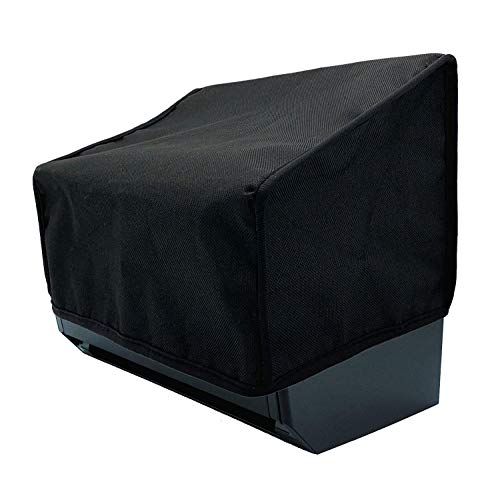
Wanty Black Antistatic Water-Proof Dust-Proof Nylon Fabric Printer Cover Case Protector for Epson FastFoto FF-680W Wireless High-Speed Photo and Document Scanning System
Specially design for the specifications of Epson FastFoto FF-680W Wireless High-Speed Photo and Document Scanning System
As an affiliate, we earn on qualifying purchases.
As an affiliate, we earn on qualifying purchases.

CJP-Geek 6.6ft USB Cable Cord Replacement for Elmo TT-02 TT-02U TT-02s Projector XGA Document Camera
Easy to Use:Plug directly into the wall for use both beautiful and practical,Reasonable design, sophisticated technology
As an affiliate, we earn on qualifying purchases.
As an affiliate, we earn on qualifying purchases.