
To safeguard your documents off-site, you should use secure remote printing methods that encrypt data during transmission and enforce strict access controls. Authenticate users with PINs, biometrics, or IDs to prevent unauthorized printing. Also, utilize secure release procedures so documents are only printed when you’re present. Combining these measures ensures your sensitive information stays safe from interception and misuse. Keep exploring for more ways to bolster your remote printing security.
Key Takeaways
- Implement encryption protocols like SSL or TLS to secure data during remote transmission.
- Use authentication methods such as PINs, user IDs, or biometrics to verify users before printing.
- Enable secure print release to ensure documents are only printed when the authorized user is present.
- Monitor and log print activities to detect unauthorized access or suspicious activity.
- Combine encryption, access controls, and secure release for comprehensive protection of off-site printed documents.
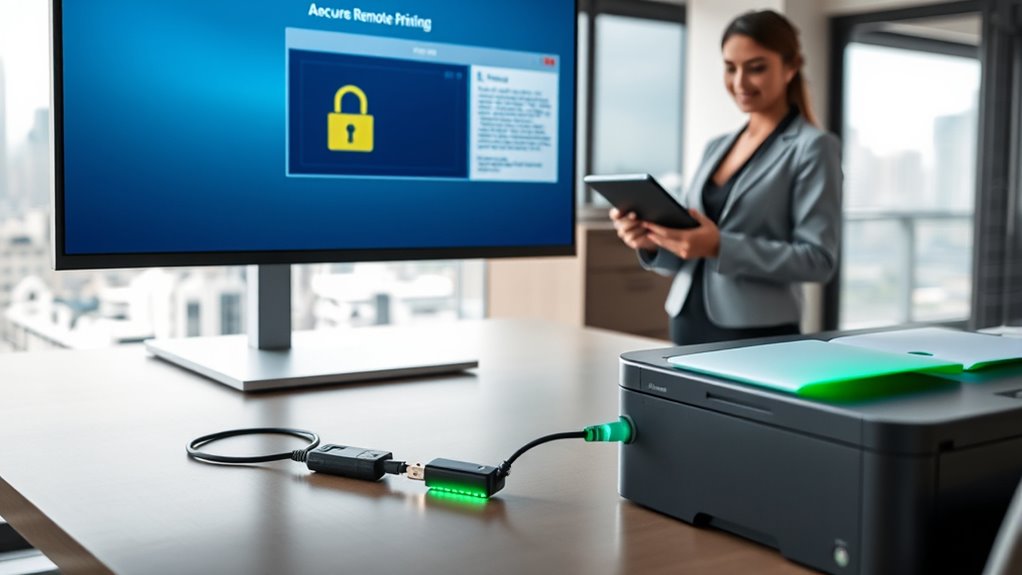
In today’s digital workplace, secure remote printing has become essential for protecting sensitive information while maintaining flexibility. When you print documents off-site, you need to ensure that the data doesn’t fall into the wrong hands. One of the most effective ways to do this is through encrypted transmission. By encrypting the data as it travels from your device to the printer, you shield it from potential interception or eavesdropping. This means even if someone attempts to access the data during transmission, they won’t be able to read or understand it without the decryption key. Implementing encryption protocols like SSL or TLS adds an extra layer of security, making remote printing safer and more reliable.
However, encryption alone isn’t enough. You also need to control who has access to print sensitive documents. Access controls play a vital role in managing this. With robust access controls in place, you can specify exactly who has permission to print certain types of documents or access particular printers. This ensures that only authorized personnel can retrieve sensitive information, minimizing the risk of accidental exposure or intentional misuse. You might use authentication methods such as PIN codes, user IDs, or biometric verification to verify identities before allowing a print job to proceed. These measures help you maintain accountability and prevent unauthorized printing, even when employees are working remotely.
You should also consider integrating secure print release features. This means that a document isn’t released to the printer until the authorized user is physically present and verifies their identity at the device. It’s an effective way to prevent sensitive materials from sitting unattended on a printer tray, which could be accessed by unauthorized individuals. Additionally, setting up user-specific print queues helps you track and audit printing activity. This way, you can monitor who printed what, when, and where, making it easier to identify any suspicious or unauthorized actions.
Combining encrypted transmission with strict access controls creates a thorough security framework for remote printing. Not only does this protect your documents during transit, but it also ensures that only the right people can access or release the information. This approach minimizes the risk of data breaches and helps you stay compliant with privacy regulations. As remote work continues to grow, investing in secure remote printing solutions becomes not just a best practice, but a necessity. By focusing on these key elements, you safeguard your organization’s sensitive data while empowering your team with the flexibility they need.
Top picks for "secure remote print"
Open Amazon search results for this keyword.
As an affiliate, we earn on qualifying purchases.
Frequently Asked Questions
How Does Remote Printing Impact Compliance With Data Privacy Laws?
Remote printing impacts your compliance with data privacy laws by requiring strict control over encryption protocols and user access. You need to guarantee that sensitive documents are encrypted during transmission and that only authorized users can access or release them. By implementing these measures, you reduce the risk of data breaches, helping you stay aligned with legal requirements and protect your organization’s confidential information off-site.
What Are the Best Practices for Authenticating Remote Print Jobs?
To authenticate remote print jobs effectively, you should implement robust user authentication methods, such as multi-factor authentication or secure login credentials. Always verify print jobs through print job verification processes before releasing documents, ensuring only authorized users access sensitive information. These best practices help prevent unauthorized printing, protect data privacy, and maintain compliance with data security regulations, giving you confidence that your remote printing environment remains secure and trustworthy.
How Can Organizations Monitor Remote Printing Activities Effectively?
You can monitor remote printing activities effectively by implementing detailed print activity logs and regular audits. Use secure print management software to track who prints what and when, ensuring user accountability. Set alerts for unusual activity, like large or abnormal print jobs, to catch potential misuse. Regularly reviewing print activity helps you identify security issues early and maintains control over sensitive documents, ensuring that accountability remains clear across all remote printing tasks.
What Are the Common Vulnerabilities in Remote Printing Setups?
Think of your remote printing setup as a fortress with open gates. Common vulnerabilities include weak user authentication, which allows unauthorized access, and unencrypted printer data, making sensitive info vulnerable to interception. Without robust printer encryption and strict user authentication, your documents are like fragile glass in a storm—easily shattered. Strengthening these defenses guarantees your remote printing remains secure, keeping your confidential information safe from prying eyes.
How Does Remote Printing Integration Affect Existing Security Infrastructure?
Remote printing integration can bolster your security infrastructure when you implement strong encryption protocols and device authentication. These measures guarantee that data remains protected during transmission and only authorized devices access your printers. By integrating these security features, you reduce vulnerabilities, prevent unauthorized access, and maintain control over sensitive documents, even when printing remotely. This proactive approach helps you safeguard your network and sensitive information effectively.
Conclusion
By implementing secure remote printing, you can safeguard sensitive documents outside your office. Did you know that 60% of data breaches involve some form of printing vulnerability? Staying proactive with encryption and authentication not only protects your information but also builds trust with your clients. Don’t leave your data exposed—embrace secure remote printing today, and guarantee your documents stay safe, wherever they are.