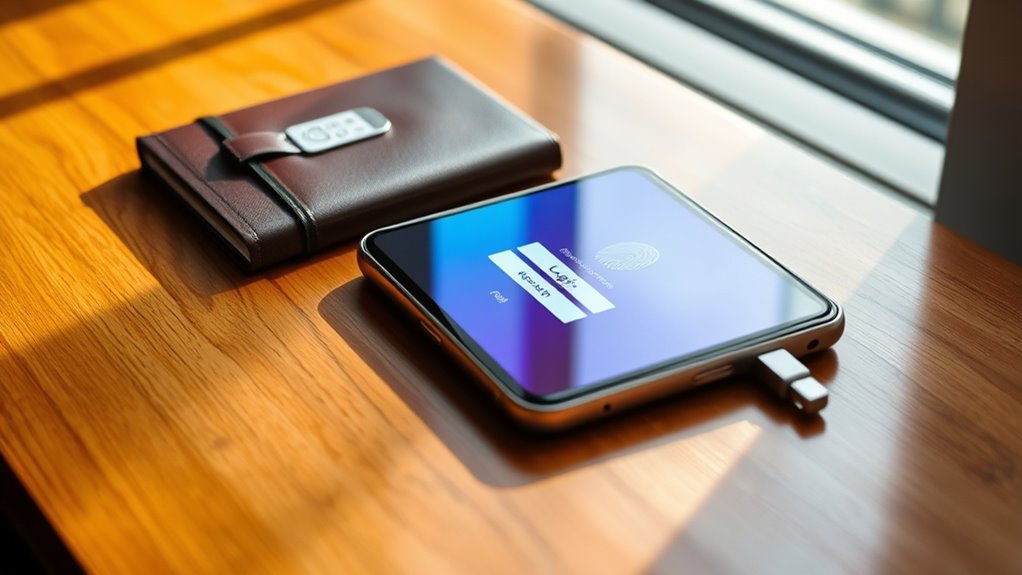

To protect your data on the go, use strong security measures like biometric authentication, which makes it harder for others to access your sensitive files, and encryption, which turns your data into a secure code both during transfer and storage. Keep your device’s security features up to date and use trusted apps to minimize risks. Continuing with this information, you’ll discover more ways to keep your mobile documents safe wherever you are.

Prime made for students and young adults
- Fast, free delivery for dorm and study essentials
- Prime Video and Amazon Music included
- Member-only deals
Key Takeaways
- Implement biometric authentication like fingerprint or facial recognition for quick, secure access to sensitive documents.
- Use strong encryption protocols such as AES to protect data during storage and transmission.
- Enable automatic device encryption and secure cloud app settings for comprehensive data protection.
- Keep security software and device firmware up to date to defend against evolving digital threats.
- Combine multiple security layers to ensure robust protection against unauthorized access and data breaches.
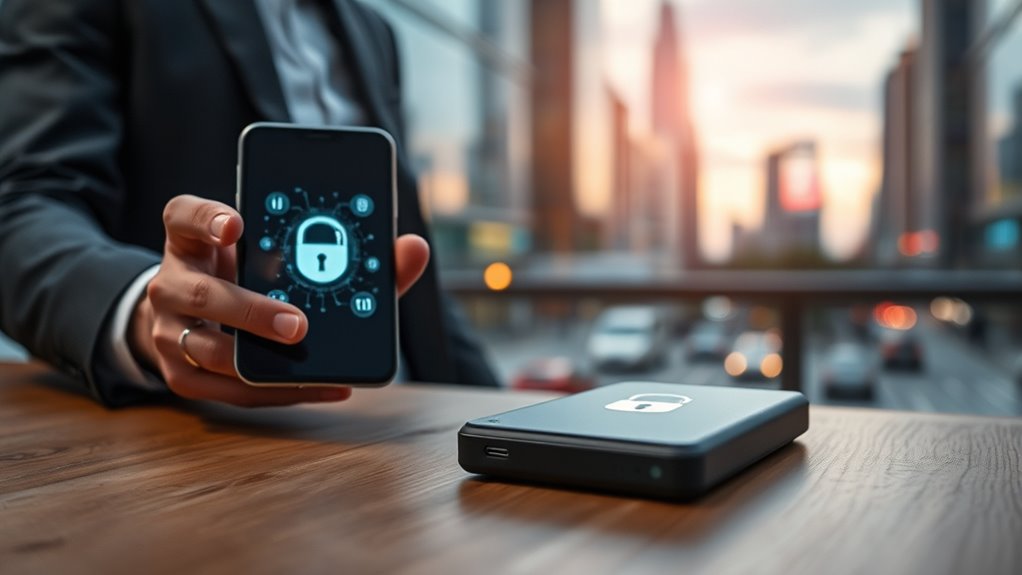
Have you ever wondered how secure your sensitive documents are when accessed via mobile devices? As you carry your phone or tablet everywhere, it becomes increasingly important to guarantee that your data remains protected from unauthorized access. Mobile document security isn’t just about having a password; it involves multiple layers of protection designed to keep your information safe, even if your device falls into the wrong hands. One of the most effective methods is biometric authentication. Instead of relying solely on traditional passwords or PINs, biometric authentication uses unique physical traits like fingerprints or facial recognition to verify your identity. This approach makes it considerably harder for someone else to access your documents without your permission because these traits are difficult to replicate or steal. When you set up biometric authentication on your device, you add an extra layer of security that’s both convenient and robust. It guarantees that only you can unlock your sensitive files, preventing accidental or malicious access. But biometric authentication isn’t enough on its own. To further secure your documents, encryption protocols come into play. Encryption transforms your data into an unreadable format that can only be decrypted with a specific key. When you access or transfer sensitive documents, encryption protocols scramble the data, making it useless to anyone who intercepts it. This means that even if someone manages to access your files during transmission or while stored on your device, they won’t be able to read them without the decryption key. Modern mobile security solutions incorporate strong encryption standards, such as AES (Advanced Encryption Standard), to safeguard your data at every stage. Using encryption protocols alongside biometric authentication creates an all-encompassing security system. You gain peace of mind knowing that your documents are protected both at rest and in transit. Many mobile apps and operating systems automatically encrypt data on your device, but you can also enable additional encryption for cloud storage or document-sharing services. Always guarantee your device’s security settings are up to date and that you’re using trusted, encrypted apps for managing sensitive information. Combining biometric authentication with robust encryption protocols is a clever way to guard your most valuable data on the go. It’s a proactive approach that adapts to today’s digital landscape, where threats are always evolving. By understanding how these technologies work together, you can make informed decisions to keep your mobile documents secure, no matter where you are. Implementing vetted security measures is essential for maintaining your privacy and preventing data breaches.
biometric fingerprint scanner for mobile devices
As an affiliate, we earn on qualifying purchases.
As an affiliate, we earn on qualifying purchases.
Frequently Asked Questions
How Can I Recover Lost Encrypted Files?
You can recover lost encrypted files by first checking your cloud backups, which often store previous versions or copies. If your files aren’t there, use your password management tool to recall the encryption key or password. It’s also helpful to contact your IT support or data recovery specialist if the files were encrypted with strong security measures. Regularly backing up and managing passwords reduces future risks.
What Are the Best Practices for Secure Document Sharing?
Think of sharing documents as passing a secret in a crowded room—you want to keep it safe. Use cloud encryption to safeguard files during transfer, and control user access to make certain only authorized individuals see sensitive content. Always verify recipient identities, enable multi-factor authentication, and avoid sharing links openly. These best practices help keep your data secure, maintaining your control while allowing seamless collaboration.
How Do I Update Security Settings on Mobile Devices?
To update security settings on your mobile device, start by reviewing and adjusting app permissions to limit access to sensitive data. Use strong, unique passwords and manage them with a reliable password management app. Make certain your device’s operating system and apps are up to date, enabling automatic updates whenever possible. Regularly check security settings, enable two-factor authentication, and disable unnecessary features to keep your data safe on the go.
Are There Specific Laws Governing Mobile Document Security?
Did you know that over 80% of countries have laws addressing data privacy? Yes, there are specific laws governing mobile document security, like GDPR in Europe and CCPA in California. You must guarantee legal compliance and adhere to privacy regulations to protect sensitive info. These laws require implementing security measures, reporting breaches, and respecting user rights, so staying informed helps safeguard your data and avoid hefty penalties.
How Does Biometric Authentication Enhance Data Protection?
Biometric authentication enhances data protection by providing a highly accurate and unique method to verify your identity. It guarantees that only you can access sensitive information, reducing the risk of unauthorized access. While biometric accuracy is generally high, privacy concerns may arise if your biometric data is mishandled or stored insecurely. By using secure biometric systems, you can balance strong security with your privacy, keeping your data safer on the go.
AES encryption software for smartphones
As an affiliate, we earn on qualifying purchases.
As an affiliate, we earn on qualifying purchases.
Conclusion
Think of your mobile device as a treasure chest—full of valuable data that needs safeguarding. By implementing strong security measures, you’re acting as the vigilant guardian, ensuring your information stays safe no matter where you go. Remember, every lock and key you add is a step toward keeping your digital treasures secure. Stay proactive, stay protected, and turn your mobile device into a fortress that’s tough to breach. Your data’s safety depends on it.
As an affiliate, we earn on qualifying purchases.
secure cloud storage for sensitive documents
As an affiliate, we earn on qualifying purchases.
As an affiliate, we earn on qualifying purchases.
Fall Picks
fall essentials
As an affiliate, we earn on qualifying purchases.




![The Recently Proposed O(n Log N) Integer Multiplication Algorithm [Pdf]](https://documente.net/wp-content/uploads/2026/10/the-recently-proposed-o-n-log-n-integer-multiplication-algorithm-pdf-featured-260x140.jpg)