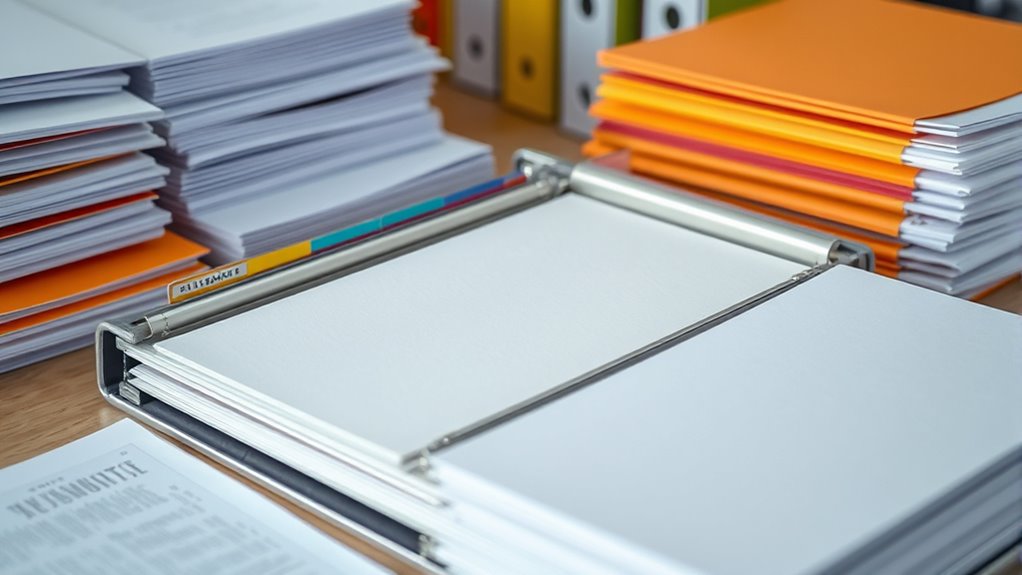

To organize your papers by category in a binder, start by choosing a sturdy binder and planning your categories ahead of time. Use dividers or tabs labeled clearly for each section, and consider color-coding for quicker access. Place important or frequently used documents at the front, and keep everything neat with folders or sheet protectors. Regularly review and update your system to keep it efficient—continue for more tips on perfecting your setup.
Key Takeaways
- Plan categories based on document types like financial, medical, and personal before setting up the binder.
- Use clear labels and dividers or tabs to separate each category for easy identification.
- Incorporate color-coded tabs or labels to visually distinguish different sections quickly.
- Organize papers within each category chronologically or by relevance for efficient retrieval.
- Regularly review and update sections to maintain order and adapt to changing document needs.
Are you ready to organize your important papers efficiently? Setting up a document binder is a straightforward way to keep everything in order, but the key is doing it thoughtfully. Start by considering digital organization alongside your physical files. Digital tools can help you create an inventory of your papers, label files, and even back up critical documents. This way, you’ll have quick access both online and offline, reducing the risk of losing essential information. When you move to physical organization, binder customization becomes your most powerful tool. Think of your binder as a tailored system rather than a generic folder; customize it to suit your specific needs.
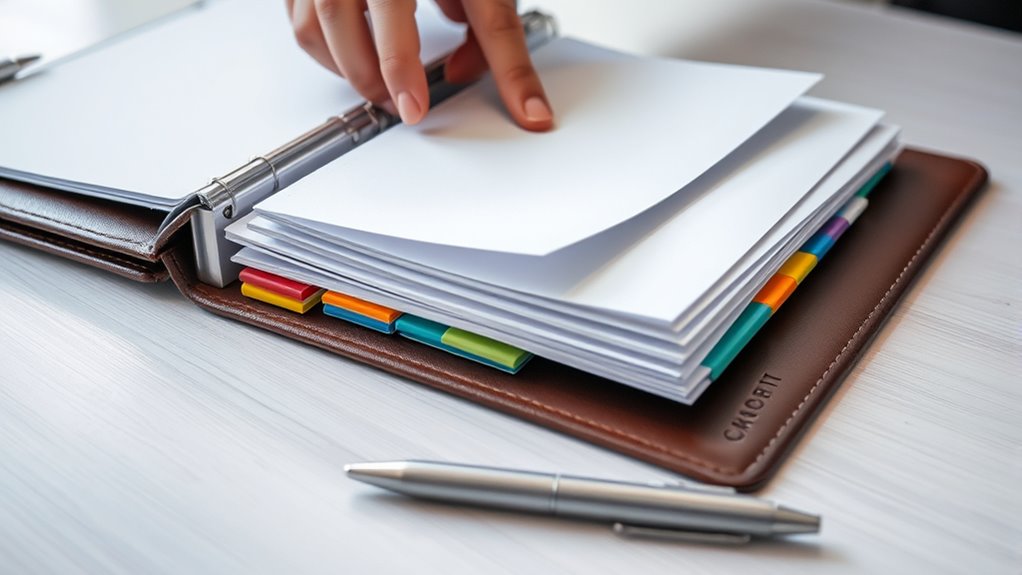
Begin by choosing a sturdy binder that can handle your collection of papers. Once you have your binder, plan how you’ll categorize your documents. Common categories include financial records, medical files, work-related documents, warranties, and personal papers. Label each category clearly using dividers or tabs, making it easy to locate what you need without flipping through every page. When customizing your binder, consider using color-coded tabs or labels that reflect the importance or frequency of access. This visual cue speeds up your retrieval process and keeps your system intuitive.
Choose a durable binder, categorize documents with clear labels, and use color-coded tabs for quick, intuitive access.
Next, set up your sections with clear, organized dividers. Use them to separate each category, and inside each section, organize papers chronologically or by relevance. For example, in your financial section, place recent statements at the front for quick review, and older documents toward the back. Keep your papers neat by using sheet protectors or folders within each section—this prevents damage and extends the lifespan of your documents. If you have recurring papers, like bills or receipts, create a dedicated space for them to avoid clutter. Additionally, digital organization can complement your physical filing system, making it easier to search and retrieve documents quickly.
Frequently Asked Questions
How Do I Choose the Best Binder for My Needs?
To select the best binder for your needs, consider its durability and paper capacity. Opt for a sturdy, high-quality binder if you handle frequent use or heavy documents. Check the paper capacity to make certain it meets your storage needs without overstuffing, which can damage the rings. Think about your typical document size and how often you’ll access it. This will help you pick a durable binder with the right capacity for your organization.
What Are the Most Effective Labeling Techniques?
Ever wonder how to make your binder instantly understandable? You should use clear labeling combined with color coding to differentiate categories easily. Write labels that are concise and legible, and consider using bold fonts or larger text for important sections. Color coding helps you identify sections at a glance, while clear labels guarantee you know exactly what’s inside. Together, these techniques create an efficient, organized system that saves you time and frustration.
How Can I Prevent Papers From Slipping Out?
To prevent papers from slipping out, use page protectors to keep documents secure and prevent tears or spills. Additionally, wrap elastic bands around your binder or individual sections to hold papers tightly in place. This combination ensures your papers stay organized and intact, even if the binder gets jostled. Regularly check and replace worn page protectors or loose elastic bands to maintain a secure system.
What Storage Solutions Complement a Document Binder?
You can complement your document binder with digital archives and storage containers. Digital archives let you scan important papers for easy access and backup, reducing clutter. Storage containers, like labeled boxes or folders, keep physical papers organized and protected. Use them alongside your binder to maintain order, make certain quick retrieval, and prevent papers from slipping out or getting lost. This combination keeps your documents secure and easily accessible.
How Often Should I Reorganize My Binder?
Reorganize your binder every three to six months, like tending a garden to keep it thriving. Regular updates help you stay on top of digital organization and guarantee your paper categorization remains accurate. If your workload increases or you add many new documents, consider more frequent reorganizations. This way, your binder stays neat, accessible, and prevents clutter from taking over, making it easier to find what you need when you need it.
Conclusion
Now that you’ve organized your papers into a perfect binder, you’ll feel like a hero with the world’s most powerful filing system—ready to conquer chaos at a moment’s notice! Every category neatly in place, you’ll effortlessly find anything you need in seconds, like wielding a magic wand of order. Say goodbye to clutter and hello to unstoppable efficiency. Your documents are now your army, perfectly aligned and ready to conquer any task that comes your way!