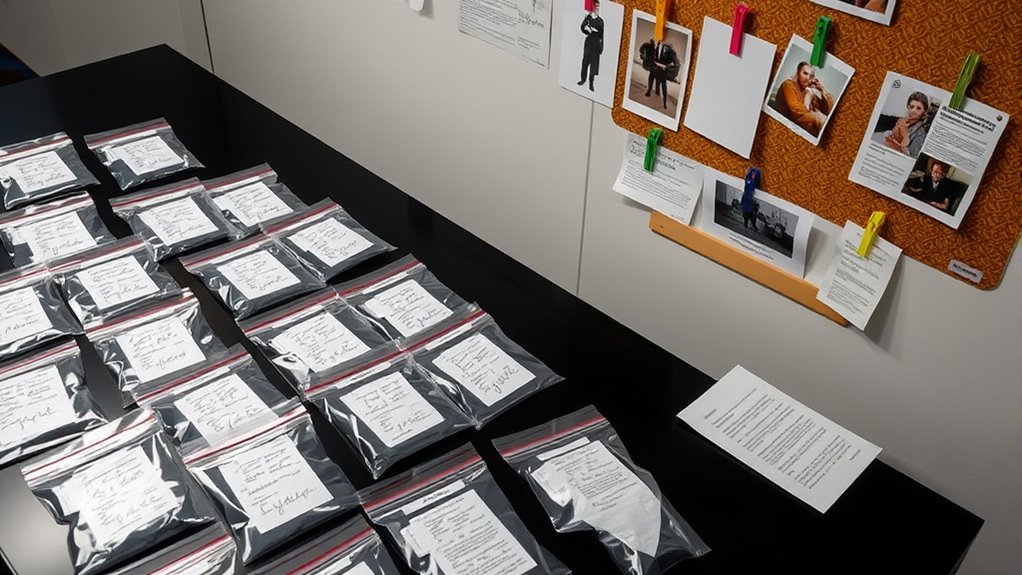

To document evidence effectively, you should create a clear, organized digital filing system. This involves establishing designated folders for different exhibit types, labeling files with descriptive names, and arranging them chronologically to mirror case timelines. Maintaining a master index can help you quickly locate items when needed. Consistent naming conventions and secure storage practices guarantee efficiency and confidentiality. Continuing this approach will help you master systematic exhibit management for seamless evidence documentation.
Key Takeaways
- Create clear, consistent folder structures for different exhibit types and label files with descriptive, date-based naming conventions.
- Arrange exhibits chronologically to reflect case timelines, facilitating easier reference and review.
- Maintain a master index or log listing all exhibits with file names, dates, and brief descriptions for quick access.
- Use digital tools like encryption and access controls to ensure the security and confidentiality of evidence files.
- Regularly update, back up, and review organizational systems to sustain efficiency and prevent data loss.
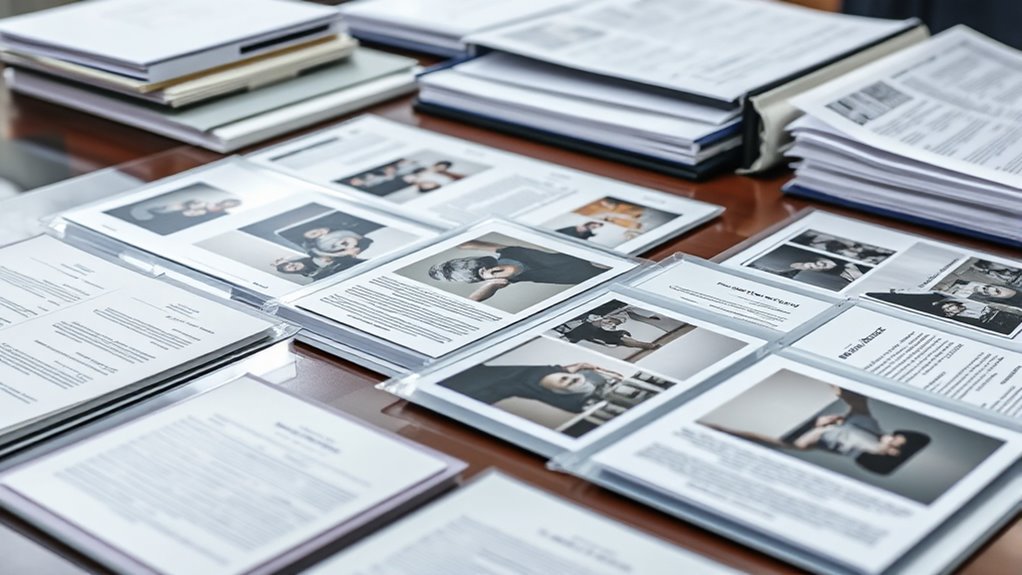
Have you ever struggled to find a specific exhibit or attachment when preparing a report or presentation? If so, you’re not alone. Managing numerous exhibits and attachments can quickly become overwhelming, especially if they’re not organized effectively. One of the most efficient ways to tackle this challenge is through digital filing combined with a clear chronological arrangement. Digital filing allows you to categorize and store files electronically, making retrieval simple and fast. By organizing your exhibits and attachments in a digital format, you eliminate the clutter and confusion that often come with paper documents. This approach also guarantees that your files are backed up securely and accessible from multiple devices.
The key to effective digital filing is establishing a consistent system from the start. Create designated folders or directories for different types of exhibits, such as contracts, photographs, emails, or financial records. Within each folder, label files clearly with descriptive names that include dates, subjects, or case numbers. This naming convention is vital because it allows you to quickly identify the contents without opening each file. When files are systematically stored, you won’t waste time searching for a specific attachment during tight deadlines or critical meetings.
In addition to digital filing, adopting a chronological arrangement can markedly enhance your ability to locate documents efficiently. Arrange your exhibits and attachments in the order they occurred or were created, which mirrors the natural flow of most investigations, reports, or case progressions. For instance, if you’re documenting a series of events, keeping files in the sequence they transpired helps you follow the timeline easily. This method also simplifies referencing specific points within your report, as you can point to the exact date or period when an exhibit was generated or relevant.
Implementing a chronological arrangement requires some initial effort but pays off by streamlining your workflow. Use date stamps or numbering systems in your file names and folder structures to maintain consistency. For example, prefixing files with the year, month, and day (like 2024-04-27_Contract.pdf) keeps everything sorted automatically when viewed in digital folders. You can also create a master index or log, which lists all exhibits with their corresponding file names, dates, and a brief description. This index acts as a quick reference guide, saving you time when you need to locate a particular exhibit swiftly. Incorporating cybersecurity best practices such as encryption and access controls further ensures the integrity and confidentiality of your organized files.
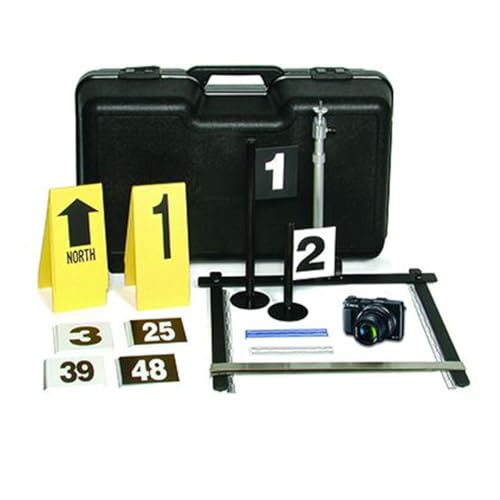
Sirchie Digital Evidence Photo System with English Scales
As an affiliate, we earn on qualifying purchases.
As an affiliate, we earn on qualifying purchases.
Frequently Asked Questions
How Should Digital Exhibits Be Securely Stored?
You should securely store digital exhibits by implementing strong digital security measures and strict storage protocols. Use encrypted storage solutions, such as secure cloud services or encrypted external drives, to safeguard sensitive data. Regularly update passwords and access controls, and back up files in multiple locations. Follow established storage protocols to guarantee the evidence remains tamper-proof and accessible only to authorized personnel, maintaining the integrity of your digital exhibits.
What Are Common Mistakes in Labeling Attachments?
Did you know mislabeling artifacts often happens because of inconsistent formatting? You might think you’re avoiding mistakes but still slip up. Common errors include vague descriptions, missing dates, or unclear references, making attachments hard to identify later. To prevent this, always double-check labels for clarity, maintain a consistent format, and make sure each attachment’s details match its content. This helps keep your evidence organized and accessible.
How Can I Ensure Consistency Across Multiple Exhibits?
To guarantee consistency across multiple exhibits, you should follow standardization protocols and formatting guidelines strictly. Create a master template for labels and numbering, and apply it uniformly to all exhibits. Double-check each label against these standards before finalizing. Using consistent fonts, sizes, and styles also helps maintain uniformity. Regularly review your organization process to catch and correct any discrepancies early, ensuring a professional and cohesive presentation.
What Legal Considerations Exist for Sensitive Evidence?
You must follow strict confidentiality protocols to protect sensitive evidence and maintain its integrity. Ensuring a clear chain of custody is essential, as it documents who handled the evidence and when, safeguarding against tampering or disputes. Be aware of privacy laws and privilege issues, and secure evidence properly. These legal considerations help uphold the credibility of your case and prevent challenges based on mishandling or unauthorized disclosure.
How Often Should Exhibits Be Reviewed or Updated?
You should review your exhibits regularly, ideally every few months, to guarantee evidence updates are current and relevant. Conducting an exhibit review periodically helps catch outdated or missing information and maintains the integrity of your evidence collection. Stay proactive by setting reminders for ongoing exhibit review, especially when new evidence arises or case details change, so your exhibits remain accurate and well-organized throughout the legal process.
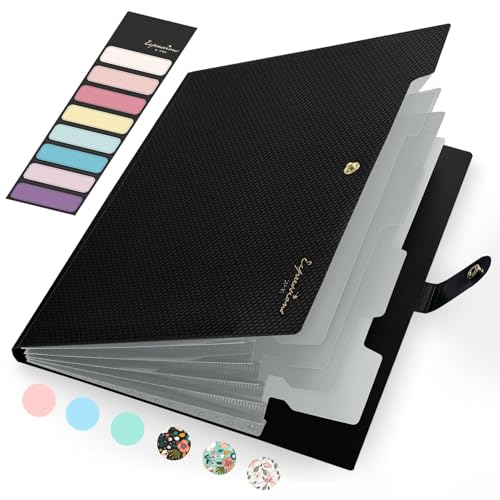
Sooez Accordion File Organizer, Letter Size Expanding File Folder with Labels, 5 Pocket Folders for Document, Portable Paper Bill Receipt Organizer for Home School Office Supplies, A4 Size, Black
Eye-Catching Colors: Designed to stand out, this folder combines fresh, vibrant hues with sleek patterns, making organization not…
As an affiliate, we earn on qualifying purchases.
As an affiliate, we earn on qualifying purchases.
Conclusion
Now that you’ve learned how to organize your exhibits and attachments, you’re ready to make your evidence compelling and clear. But remember, the way you present your documents can make all the difference when it counts most. Will your carefully arranged evidence stand up under scrutiny? The next step could reveal surprises, twists, or vital revelations. Stay prepared—your organized exhibits might just be the key to unfastening the truth when it matters most.

EZ Home and Office Address Book Software
Address book software for home and business (WINDOWS 11, 10, 8, 7, Vista, and XP. Not for Macs)….
As an affiliate, we earn on qualifying purchases.
As an affiliate, we earn on qualifying purchases.

Digital Forensic Evidence U.S. Vet Business – Premium Quiet Seal Suede Universal Vehicle Anti-Theft Suede Faraday Case (X2 Shielding) + Carabiner – Frosted Stone – 1 Pack – All Vehicle Types
🔒 Security Features: Our Suede Key Fob Blocks are equipped with two layers of advanced Faraday blocking material….
As an affiliate, we earn on qualifying purchases.
As an affiliate, we earn on qualifying purchases.