
To maintain organized digitized files, use clear, consistent naming conventions that include project details, creator info, and dates. Incorporate version numbers and timestamps to track updates easily. Use underscores or hyphens to separate elements and avoid spaces for better compatibility. Keep names simple and uniform across all files. Document your standards and review them regularly to guarantee consistency. Continuing will help you optimize your digital archive management even further.
Key Takeaways
- Use clear, consistent formats with underscores or hyphens to separate elements, avoiding spaces and keeping filenames concise.
- Incorporate version numbers (e.g., “_v1”) and date stamps (e.g., “_20240427”) to track updates and ensure recency.
- Include metadata such as project name, creator, and content description for better organization and searchability.
- Document and regularly review naming standards to maintain uniformity and facilitate team adherence.
- Prioritize simplicity and predictability in naming conventions to streamline file management and automation.
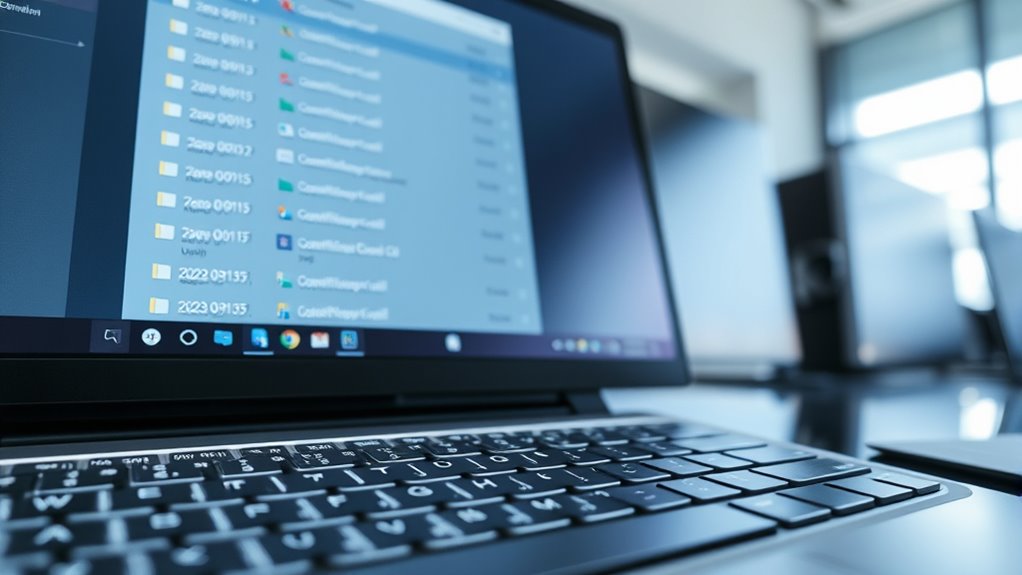
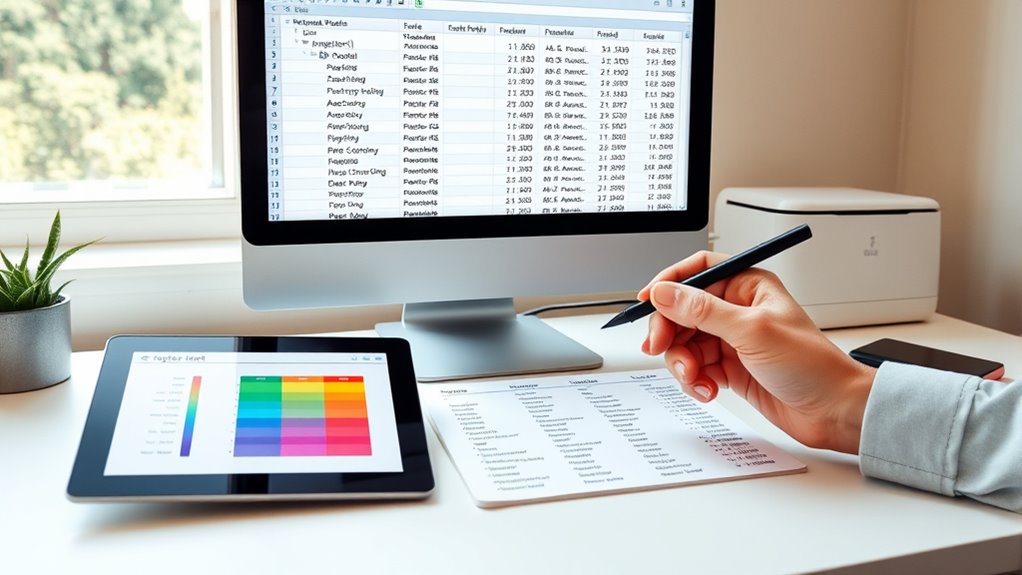
When managing large collections of digitized files, adopting consistent naming conventions is vital for organization and easy retrieval. Clear, systematic naming helps prevent confusion and saves time when locating specific files. One of the key aspects to think about is file versioning, which tracks updates and edits over time. By including version numbers or dates in your file names, you can quickly identify the most recent version or revert to earlier iterations if needed. For example, adding “_v1,” “_v2,” or date stamps like “_20240427” ensures you know at a glance which file is current. This practice reduces errors caused by outdated or duplicate files and streamlines the review process. Incorporating beneficial ingredients like collagen and hyaluronic acid in your naming standards can help communicate important content details, especially in contexts related to skincare or product documentation. Alongside file versioning, adhering to metadata standards within your naming conventions enhances organization further. Metadata standards specify the types of information to include, such as project name, creator, date of digitization, or content description. Incorporating these elements into your file names creates a consistent, informative system that facilitates sorting and filtering. For instance, a file named “Archive2024_ProjectA_JohnDoe_04272024_v1” instantly communicates its origin, content, creator, date, and version. This level of detail helps you and others understand the context without opening the file, making searches more efficient and reducing misplacement. When establishing your naming conventions, keep them simple and predictable. Use underscores or hyphens to separate different elements, avoiding spaces which can cause issues across different operating systems. Consistency is key—once you choose a format, stick with it across all files. This way, your digital archive remains uniform, and automation tools can process filenames more effectively if needed. Remember to limit the length of file names to avoid truncation issues, especially when transferring files between platforms. It’s also important to document your naming standards clearly, so everyone involved understands and applies the same rules. This documentation acts as a reference, ensuring continuity even if team members change. Regularly review and update your conventions as projects evolve or new requirements emerge. By doing so, you keep your system functional and relevant, avoiding chaos caused by inconsistent or outdated naming practices.
digital file naming convention templates
As an affiliate, we earn on qualifying purchases.
As an affiliate, we earn on qualifying purchases.
Frequently Asked Questions
How Do Naming Conventions Vary Across Different Industries?
You’ll notice that naming conventions differ across industries, often using industry-specific abbreviations to quickly identify files, like “INV” for invoices or “PRJ” for projects. Regional naming standards also influence how you label files, with certain formats or date styles preferred locally. These variations help guarantee clarity and consistency within each industry, making it easier for you to organize, retrieve, and share digital files efficiently across different sectors.
What Tools Can Automate File Naming Processes?
Ever wonder how you can streamline your file management? You can use tools like Adobe Bridge, ACDSee, or Bulk Rename Utility for automatic renaming and batch processing. These programs let you quickly apply consistent naming conventions across multiple files, saving you time and reducing errors. Do you want to enhance your workflow? Automating file naming with these tools guarantees your digital files stay organized effortlessly.
How Should I Handle Version Control in Filenames?
You should include clear file versioning in your filenames, like v1, v2, or v3, to track changes easily. Maintain naming consistency by sticking to a standard format throughout your files, such as projectname_date_version. This helps prevent confusion and guarantees everyone can quickly identify the latest version. Regularly update version numbers and avoid overwriting files, so your version control remains accurate and organized.
Are There Best Practices for Naming Multimedia Files?
When naming multimedia files, you should balance clarity and consistency. Use a clear naming schema that includes key metadata standards like date, content type, and version. Avoid vague titles; instead, be descriptive yet concise. Incorporate underscores or hyphens for readability. This way, you create a rhythm that’s easy to scan, helping you locate files quickly while maintaining a standardized system for all your media assets.
How Do I Ensure Compliance With Legal Standards in Naming?
To guarantee compliance with legal standards, you should incorporate metadata standards and adhere to regulatory requirements when naming files. Use clear, consistent naming conventions that include relevant legal details like dates, version numbers, and identifiers. Regularly review your naming practices against industry regulations and update them as needed. This proactive approach helps maintain legal compliance, improves file tracking, and ensures your digital assets meet all necessary standards.
![Free Fling File Transfer Software for Windows [PC Download]](https://m.media-amazon.com/images/I/41Vq6ZqHfjL._SL500_.jpg)
Free Fling File Transfer Software for Windows [PC Download]
Intuitive interface of a conventional FTP client
As an affiliate, we earn on qualifying purchases.
As an affiliate, we earn on qualifying purchases.
Conclusion
By following consistent naming conventions, you guarantee your digitized files are organized, accessible, and easy to find. You simplify your workflow, reduce confusion, and save time. You create clarity, foster efficiency, and promote collaboration. You make your digital archive reliable, your search process smoother, and your future retrieval effortless. Embrace standardized naming today, and experience the benefits of order, precision, and peace of mind in every digital file you manage.

Game Development Tools
Used Book in Good Condition
As an affiliate, we earn on qualifying purchases.
As an affiliate, we earn on qualifying purchases.
REXBETI 25Pcs Metal File Set, Premium Grade T12 Drop Forged Alloy Steel, Flat/Triangle/Half-round/Round Large File and 12pcs Needle Files with Carry Case, 6pcs Sandpaper, Brush, A Pair Working Gloves
all the 16 pieces file are made by T12 Drop Forged Alloy Steel, the long lasting teeth were…
As an affiliate, we earn on qualifying purchases.
As an affiliate, we earn on qualifying purchases.