To speed up digitization, establish an efficient batch scanning workflow by organizing your documents beforehand, removing staples, and aligning pages. Use automation software to handle multiple pages, applying consistent naming and categorization automatically. Regularly verify the quality of scanned files to catch errors early and avoid rework. Keep your process steady with clear procedures for long-term management. If you want to learn how to optimize each step, keep exploring the key strategies.
Key Takeaways
- Implement automated batch scanning software to process multiple pages continuously and reduce manual handling.
- Prepare documents by organizing and removing staples to prevent jams and ensure smooth scanning.
- Use predefined naming conventions and metadata standards to streamline organization and retrieval.
- Incorporate quality control checkpoints for verifying scan quality without halting the entire batch.
- Optimize workflow steps to maintain steady throughput and minimize delays during large-scale digitization.
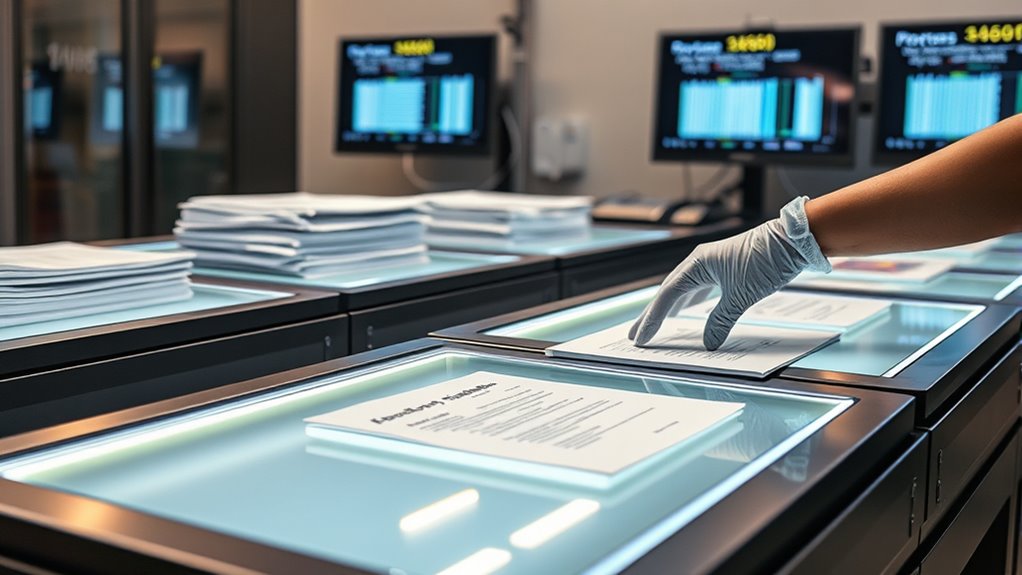
Batch scanning workflows streamline the process of digitizing large volumes of documents efficiently. When you adopt this approach, you’re able to convert stacks of paper into digital formats quickly, saving time and reducing manual effort. The key to success lies in designing a system that optimizes each step, from preparation to final review, guaranteeing smooth progression without bottlenecks. You’ll want to organize your documents beforehand, removing staples, paper clips, and ensuring pages are aligned properly. This preparation minimizes jams and errors during scanning, helping maintain a steady flow.
Once your documents are ready, you can utilize batch scanning software that automates much of the process. These tools often support multiple pages at once, allowing you to feed large stacks into scanners continuously. As pages move through the workflow, the system can automatically apply naming conventions, categorize files, and even compress images for easier storage. This level of automation markedly accelerates the digitization process, especially when dealing with thousands of documents. You’ll find that consistent workflows mean less manual intervention, freeing up your time for quality control tasks.
Quality control remains a critical aspect of batch scanning workflows. Even with automation, you need to verify that each document has been scanned correctly, with legible images and complete data capture. Incorporate checkpoints into your process where you can review a sample of scanned files, checking for issues like skewed pages, missing content, or poor image quality. If problems are detected, you can quickly re-scan the affected documents without disrupting the entire batch. This proactive approach prevents errors from propagating into your document management system, which could cause confusion or misfiling later on.
Furthermore, implementing consistent naming conventions and metadata standards during scanning helps streamline document retrieval within your management system. When files are properly labeled and categorized, you save time searching for specific records later. It also facilitates integration with existing document management systems, making long-term organization more manageable. In this way, batch scanning workflows not only speed up digitization but also enhance overall document management by maintaining high standards of accuracy and consistency.
Additionally, understanding pool terminology and how digital archives are structured can improve the organization and searchability of your files. When files are properly labeled and categorized, you save time searching for specific records later. It also facilitates integration with existing document management systems, making long-term organization more manageable. In this way, batch scanning workflows not only speed up digitization but also enhance overall document management by maintaining high standards of accuracy and consistency.
Ultimately, the combination of automation, preparation, and quality control makes batch scanning workflows a powerful method for handling large document volumes efficiently. They enable you to digitize faster while maintaining the integrity and accessibility of your files. This approach minimizes errors, improves productivity, and ensures that your digital archives are reliable and easy to navigate for years to come. Whether you’re managing legal records, medical files, or business documents, a well-structured batch scanning workflow keeps your project on track and delivers consistent, high-quality results.

ScanSnap iX2500 Wireless or USB High-Speed Cloud Enabled Document, Photo & Receipt Scanner with Large 5" Touchscreen and 100 Page Auto Document Feeder for Mac or PC, Black
OUR MOST ADVANCED SCANSNAP. Large touchscreen, fast 45ppm double-sided scanning, 100-sheet document feeder, Wi-Fi and USB connectivity, automatic…
As an affiliate, we earn on qualifying purchases.
As an affiliate, we earn on qualifying purchases.
Frequently Asked Questions
What Are the Best Practices for Organizing Physical Batches Before Scanning?
To organize physical batches before scanning, start with proper document sorting to group similar items together, making the process smoother. Use clear labeling to guarantee labeling accuracy, so you can quickly identify and retrieve batches later. Keep documents flat and in order, removing any staples or clips. This approach minimizes errors and speeds up the scanning process, ensuring your digital files are accurate and easy to access.
How Do I Handle Fragile or Delicate Documents During Batch Scanning?
When handling fragile or delicate documents during batch scanning, prioritize document preservation by using gentle handling techniques. Support the entire document with both hands, avoid unnecessary bending or folding, and use acid-free sleeves or supports if needed. Move slowly and carefully to prevent damage, and consider using specialized equipment like soft brushes or rollers designed for delicate items. Proper handling guarantees your documents stay intact throughout the digitization process.
What Software Features Improve Batch Scanning Efficiency?
Imagine your scanner as a well-oiled machine, effortlessly gliding through stacks of documents. You’ll enhance efficiency with software features like automatic separation, which sorts pages seamlessly, and multi-page recognition, which stitches related documents together in a flash. These tools turn a tedious task into a smooth cruise, letting you focus on the bigger picture. With these features, your batch scanning process becomes faster, more accurate, and far less frustrating.
How Can I Ensure Consistent Image Quality Across Large Batches?
To guarantee consistent image quality across large batches, you should regularly perform color calibration on your scanner to maintain accurate colors, and enable image stabilization features to reduce blurriness caused by movement. Additionally, set consistent scanning parameters like resolution and brightness, and monitor your scans periodically. This approach helps you produce uniform, high-quality images, minimizing post-processing corrections and speeding up your digitization workflow.
What Are Common Challenges Faced in Large-Scale Batch Digitization Projects?
You’ll face challenges like metadata management chaos and staff training nightmares that seem to stretch endlessly. Managing massive volumes of data can overwhelm your systems, leading to inconsistencies and errors. You need to guarantee your team is well-trained to handle complex workflows, and metadata is accurately captured and organized. Without these, your large-scale batch digitization project risks delays, poor quality, and lost information, making success feel like an impossible feat.

Canon imageFORMULA R10 – Portable Document Scanner, USB Powered, Duplex Scanning, Document Feeder, Easy Setup, Convenient, Perfect for Mobile Users, White
STAY ORGANIZED – Easily convert your paper documents into digital formats like searchable PDF files, JPEGs, and more.Power…
As an affiliate, we earn on qualifying purchases.
As an affiliate, we earn on qualifying purchases.
Conclusion
By mastering batch scanning workflows, you transform your digitization process into a well-oiled machine, turning chaos into clarity. Think of it as assembling a puzzle—each step fits perfectly to reveal the bigger picture faster and more efficiently. Embrace these workflows, and you’ll speed up your project without sacrificing quality. Soon enough, you’ll find yourself sailing smoothly through your digitization journey, with each batch bringing you closer to a streamlined, professional archive.

Bostitch Office Professional Magnetic Easy Staple Remover, Black (40000M-BLK)
Staple grabber eliminates loose staples
As an affiliate, we earn on qualifying purchases.
As an affiliate, we earn on qualifying purchases.
ISO 9001 Document Control Specialist: Journal, Notes, Ideas, Actions, Priorities, Checklists, Log | Tool for Daily Goal Setting Tracker | Time … | Project Office Book Gifts for Meetings
As an affiliate, we earn on qualifying purchases.
As an affiliate, we earn on qualifying purchases.