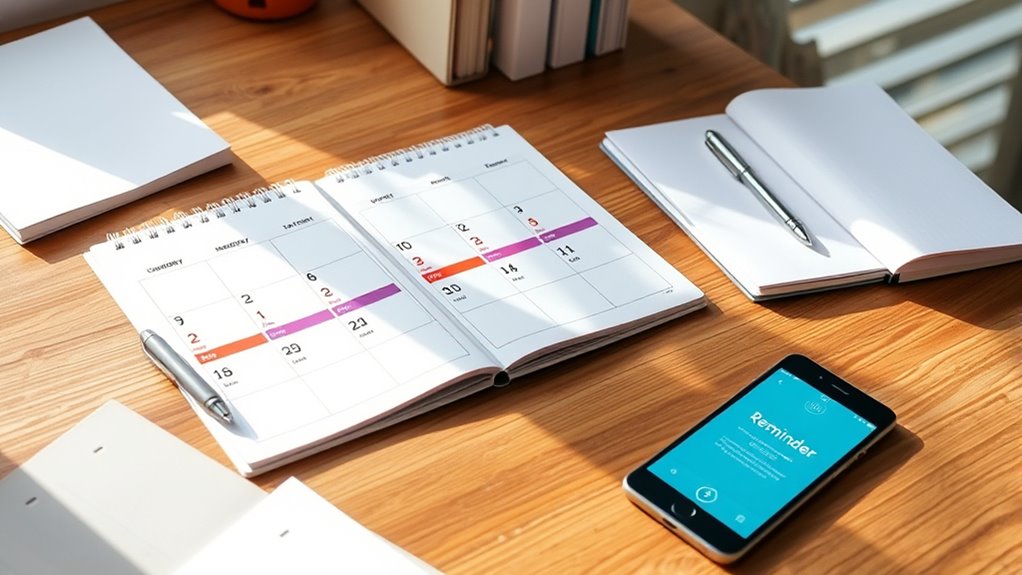

To effectively track deadlines with calendars, you should regularly review your schedule and use digital tools like Google Calendar or Outlook for flexibility and reminders. Color coding tasks by priority or project helps you quickly identify urgent deadlines and stay organized. Setting alerts and customizing visual cues keep you accountable and reduce missed deadlines. Implementing consistent routines and adjusting your calendar as needed guarantees you stay on top of everything—keep exploring to learn how to optimize your system further.

Prime made for students and young adults
- Fast, free delivery for dorm and study essentials
- Prime Video and Amazon Music included
- Member-only deals
Key Takeaways
- Use digital calendars like Google Calendar or Outlook for easy access and real-time updates.
- Set reminders and alerts for upcoming deadlines to prevent missed tasks.
- Color-code events based on priority, project, or urgency for quick visual identification.
- Regularly review and adjust your schedule weekly to stay organized and responsive to changing deadlines.
- Add labels, icons, or emojis to categorize tasks and enhance visual clarity and prioritization.

Staying organized is essential to meeting your deadlines, and calendars are one of the most effective tools to help you do that. Whether you prefer traditional paper calendars or digital tools, the key is to keep your schedule clear and accessible. Digital calendars, such as Google Calendar or Outlook, offer versatile features that can streamline your planning process. These tools allow you to set reminders, schedule recurring events, and easily update deadlines as needed. Plus, with the ability to access your calendar across devices, you won’t miss important dates no matter where you are.
One of the most impactful ways to stay on top of multiple deadlines is through color coding. Assigning different colors to various projects, priority levels, or types of tasks helps you quickly identify what’s upcoming or urgent. For example, you might use red for urgent deadlines, blue for ongoing projects, and green for personal commitments. This visual distinction makes it easier to scan your calendar and grasp your workload at a glance. It’s especially helpful when managing a busy schedule, as it reduces the mental effort needed to interpret the information.
Digital tools make color coding simple and flexible. You can customize colors for specific events or categories, and changes are reflected instantly across all your devices. This immediate visual feedback keeps you aware of your deadlines without the need to click into each event for details. Additionally, many digital calendars allow you to add labels, icons, or emojis to further categorize your tasks, which can boost your ability to prioritize effectively. Incorporating visual cues like color coding can further enhance your organizational system and improve your workflow.
To maximize the benefits of digital tools and color coding, establish a routine for updating your calendar regularly. At the start of each week, review upcoming deadlines and adjust your schedule accordingly. Use color coding to flag urgent tasks or those that require more time, so you allocate your efforts wisely. Setting up alerts and reminders within your digital calendar keeps you accountable, preventing last-minute scrambles. It’s also helpful to color code your recurring tasks, so they stand out and don’t get overlooked amidst other commitments.
Ultimately, integrating digital tools with thoughtful color coding creates a dynamic, visual system that keeps your deadlines front and center. It transforms a simple calendar into a powerful organizational aid, giving you clarity and confidence in managing your time effectively. By making these strategies part of your routine, you’ll cultivate better habits and markedly reduce the stress of missed deadlines.
As an affiliate, we earn on qualifying purchases.
Frequently Asked Questions
How Do I Choose the Best Calendar Type for Deadlines?
When choosing the best calendar type for deadlines, think about how you prefer to organize your tasks. Look for options that offer calendar customization, so you can set up categories and reminders tailored to your needs. Deadline visualization is key—pick a calendar that clearly displays upcoming deadlines, helping you stay on top of your schedule. Whether digital or paper, choose one that makes your deadlines easy to see and manage.
Can Digital Calendars Sync With Other Productivity Tools?
Ever wonder if your digital calendar can play nice with other productivity tools? Good news: many do! They offer seamless digital integration, allowing your schedule, emails, and task managers to sync effortlessly. This productivity synchronization means fewer missed deadlines and more time for coffee breaks. So, yes—your digital calendar can be the hub of your organized chaos, making sure everything works together like a well-oiled machine.
What Are Common Mistakes When Tracking Deadlines?
When tracking deadlines, you might miss reminders or forget to update your calendar consistently. These mistakes can lead to missed deadlines or last-minute stress. To avoid this, double-check your entries regularly, set alarms or notifications, and keep your calendar synchronized across devices. By staying disciplined and proactive, you make certain that your deadlines stay clear and manageable, reducing the risk of errors and overlooked commitments.
How Often Should I Review My Calendar for Upcoming Deadlines?
They say “a stitch in time saves nine,” so you should review your calendar at least once a day. This helps you stay on top of upcoming deadlines, improve your time management, and adjust your priorities as needed. Regular reviews prevent last-minute stress and make sure you’re prepared. By routinely checking your calendar, you set yourself up for success and keep your tasks well-organized and manageable.
Are There Any Apps That Automatically Remind Me of Deadlines?
Many apps offer automatic reminder notifications to help you stay on top of deadlines. You can customize your calendar to set alerts for specific tasks, ensuring you never miss important dates. Popular options like Google Calendar, Microsoft Outlook, and Todoist let you personalize reminders and sync across devices. By utilizing these features, you’ll receive timely alerts and keep your schedule organized, reducing stress and improving your productivity.
As an affiliate, we earn on qualifying purchases.
Conclusion
Using calendars to track your deadlines is like having a reliable compass guiding you through busy waters. It keeps you organized, prevents last-minute stress, and guarantees nothing slips through the cracks. By consistently updating and reviewing your calendar, you turn chaos into clarity. Remember, staying on top of deadlines isn’t just about meeting dates — it’s about sailing smoothly toward your goals with confidence and ease. Your future self will thank you for staying ahead of the tide.
calendar alert and reminder system
As an affiliate, we earn on qualifying purchases.
As an affiliate, we earn on qualifying purchases.
As an affiliate, we earn on qualifying purchases.
Halloween Picks
halloween
As an affiliate, we earn on qualifying purchases.