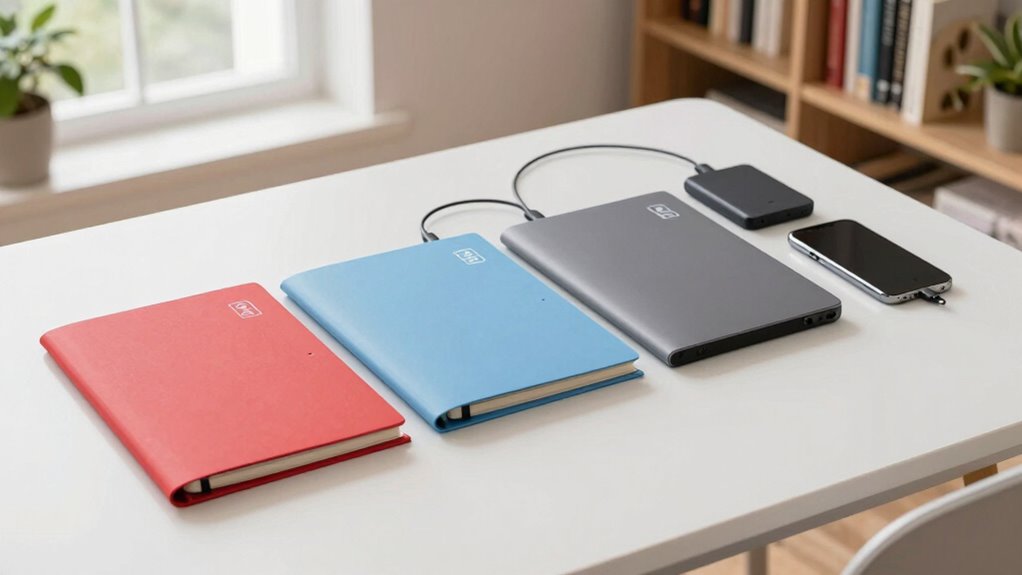

The 3-2-1 backup rule is a simple way to protect your personal documents. It recommends having three copies of your data, stored on two different types of storage, with at least one located off-site. This way, if your device is lost, damaged, or stolen, your files stay safe elsewhere. Following this rule makes backups straightforward and less scary — keep exploring to learn how to set it up effectively.

Prime made for students and young adults
- Fast, free delivery for dorm and study essentials
- Prime Video and Amazon Music included
- Member-only deals
Key Takeaways
- The 3-2-1 rule means keeping three copies of your documents, on two different types of storage, with one stored off-site.
- Use cloud storage or physical external drives for off-site backups to protect against theft or disasters.
- Regularly update your backups to include new or changed files, ensuring quick recovery when needed.
- Encrypt your backups to secure sensitive personal documents from unauthorized access.
- Organize files with clear folder structures and descriptive names for easy management and quick retrieval.
As an affiliate, we earn on qualifying purchases.
Why Losing Personal Documents Is a Risk and How Backup Rules Help

Losing personal documents can happen unexpectedly due to theft, hardware failure, or accidental deletion, and the consequences can be serious. Without proper backup, you risk losing irreplaceable photos, legal files, or financial records forever. Implementing backup rules, like the 3-2-1 strategy, helps protect your data. Using data encryption ensures your backups stay secure from unauthorized access. Cloud storage offers a convenient way to keep copies off-site, reducing the risk of physical damage or theft. By saving copies in multiple locations, you reduce the chance of total loss. Regularly updating your backups with encrypted files stored securely in the cloud makes recovery faster and easier, giving you peace of mind knowing your personal documents are safe no matter what happens. Additionally, ensuring that your backups are stored in multiple locations further minimizes the risk of data loss.
cloud storage services for personal files
As an affiliate, we earn on qualifying purchases.
As an affiliate, we earn on qualifying purchases.
How to Choose the Best Storage Locations for Your Documents
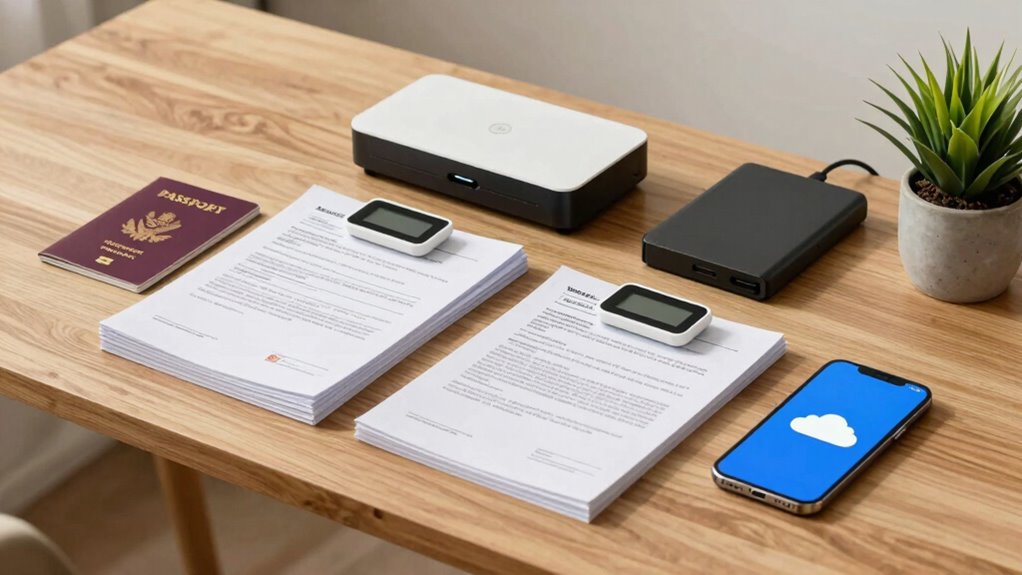
When choosing storage locations for your documents, think about geographic diversity to protect against regional disasters. You should also evaluate the security of each option to prevent unauthorized access, and verify they’re easy enough for you to access when needed. Balancing these factors helps keep your files safe and reachable. Additionally, consider incorporating interactive murals into your workspace to create a positive environment that inspires gratitude and organization. For added peace of mind, explore eco-friendly practices that help ensure your storage methods align with sustainable values. Remember that effective communication about your backup strategies can also encourage others to adopt similar practices. Implementing financial strategies for safeguarding your documents can further enhance your overall security plan. Electric bikes, known for their high-speed capabilities, can also serve as a unique alternative for transporting important documents securely.
Consider Geographic Diversity
Have you considered how storing your documents in multiple locations can protect them from unforeseen events? Distributing your backups across different regions helps mitigate risks like natural disasters, theft, or regional climate impact. When choosing storage sites, think about regional storage options that account for climate resilience. Additionally, ensuring that your documents are retrievable through quick recovery routines can further enhance your preparedness. A well-organized backup strategy can also benefit from recycled materials used in creating storage solutions that are both eco-friendly and functional.
To guarantee effective geographic diversity, consider these factors:
- Avoid placing all backups in areas prone to similar weather patterns or natural disasters.
- Use regional storage locations that balance accessibility with safety.
- Opt for locations with different climate impacts to reduce the chance of simultaneous damage. Additionally, ensure that your chosen storage methods comply with extension cord standards to prevent electrical hazards during power use.
Evaluate Storage Security
Choosing secure storage locations is essential to protecting your personal documents from theft, tampering, or unauthorized access. Look for storage options that prioritize strong encryption protocols, which safeguard your data both in transit and at rest. Storage encryption is a key feature to take into account, as it ensures your files are automatically encrypted, reducing the risk of exposure if someone gains physical or digital access. Avoid locations that lack robust security measures or rely solely on passwords without encryption. Cloud services with end-to-end encryption offer added protection, while physical storage devices should be kept in locked, secure areas. By evaluating these security features, you guarantee your documents are well-protected against threats, giving you peace of mind that your sensitive information remains private. Additionally, consider how performance parts like flywheels can enhance your understanding of effective storage solutions, as they share principles of efficiency and security in their design. Furthermore, utilizing essential oils for respiratory health can help maintain a clear mind, which is beneficial when assessing storage options. Incorporating smart home automation can also enhance your document security by providing additional layers of monitoring and protection in your storage environment. It’s crucial to understand the role of necessary cookies in maintaining website security, as they ensure basic functionalities that protect your information online. Using GPS tracking devices can also help you keep tabs on physical storage locations, ensuring they remain secure and monitored.
Opt for Accessible Options
To guarantee you can easily access your important documents when needed, prioritize storage options that are convenient and user-friendly. Choose locations that fit your daily routine and offer quick retrieval. Cloud storage is a popular choice because it’s accessible from any device, with options for encryption methods that keep your data secure. Look for providers that offer straightforward interfaces, reliable uptime, and seamless syncing. Additionally, exploring new frontiers in digital content can help you stay updated on the best practices for document storage. Using safe home products can also enhance your overall comfort while organizing your space. Furthermore, understanding essential home safety tips can provide insights on how to securely store physical documents.
Traveling can also inspire you to think about document organization in fresh ways, emphasizing the importance of keeping your files tidy and accessible.
Additionally, consider using essential DIY tools that can help you organize your physical documents effectively.
Consider these factors:
- User-friendly interfaces for quick access
- Compatibility across devices and platforms
- Robust encryption methods to protect your files
As an affiliate, we earn on qualifying purchases.
How to Protect Your Paper Files With Physical Backups

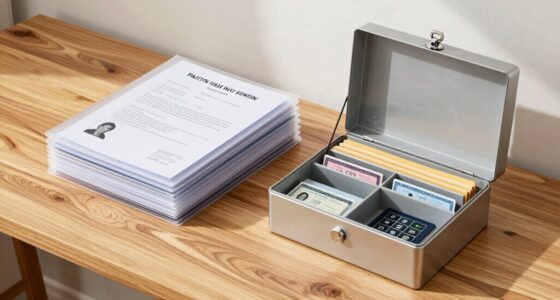
Protecting your paper files with physical backups is essential to guarantee important documents remain safe even if digital copies are lost or damaged. To do this effectively, store copies in a secure, fireproof, and waterproof location. Consider creating duplicates and keeping them in separate places, like a safe or a lockbox. While physical backups don’t involve digital encryption, you can safeguard sensitive information by limiting access to these copies. Using cloud storage for digital backups adds an extra layer of security, but physical backups ensure you still have access if digital systems fail. Regularly update your paper backups, and keep them organized for easy retrieval. This layered approach offers peace of mind, assuring your important documents stay protected under any circumstance.
As an affiliate, we earn on qualifying purchases.
How to Create Digital Backups That Are Secure and Easy to Access
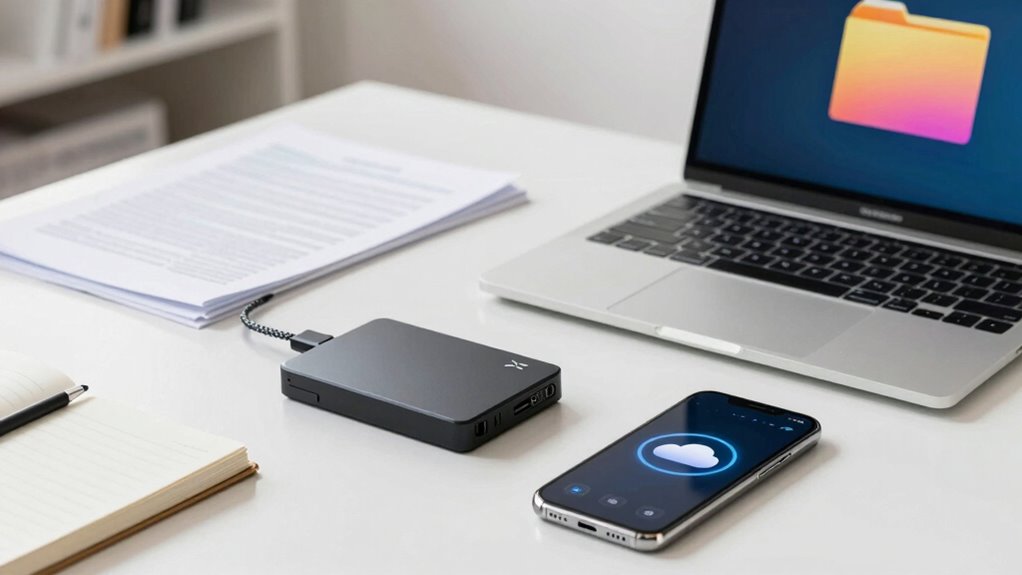
After securing your paper files with physical backups, it’s equally important to establish digital copies that are both secure and easy to access. To do this, consider using encryption techniques to protect sensitive data from unauthorized access. Choose reputable cloud storage providers that offer robust security features, such as end-to-end encryption. Organize your files logically, using folders and consistent naming conventions. Additionally, enable two-factor authentication for added security and regularly update your passwords. This approach guarantees your backups are not only protected but also readily accessible when needed. By combining encryption techniques with trusted cloud storage, you create a reliable digital backup system that’s simple to manage yet highly secure. Incorporating enterprise USB backups can further enhance your data redundancy strategy.
Tips for Organizing Your Backup Files Effectively

Organizing your backup files effectively starts with creating a clear, consistent folder structure that makes it easy to locate what you need quickly. Use a logical folder hierarchy, grouping related files together—such as by year, project, or document type. This structure helps you avoid clutter and find files fast. Pay attention to file naming; use descriptive, uniform names that include dates or keywords, so you know what each file contains at a glance. Avoid vague titles like “Document1” or “Backup.” Regularly review and tidy your folders and files to keep everything organized. Consistent file naming and a well-planned folder hierarchy save time and reduce the stress of searching for important documents when you need them most.
Top Mistakes to Avoid When Backing Up Your Personal Documents
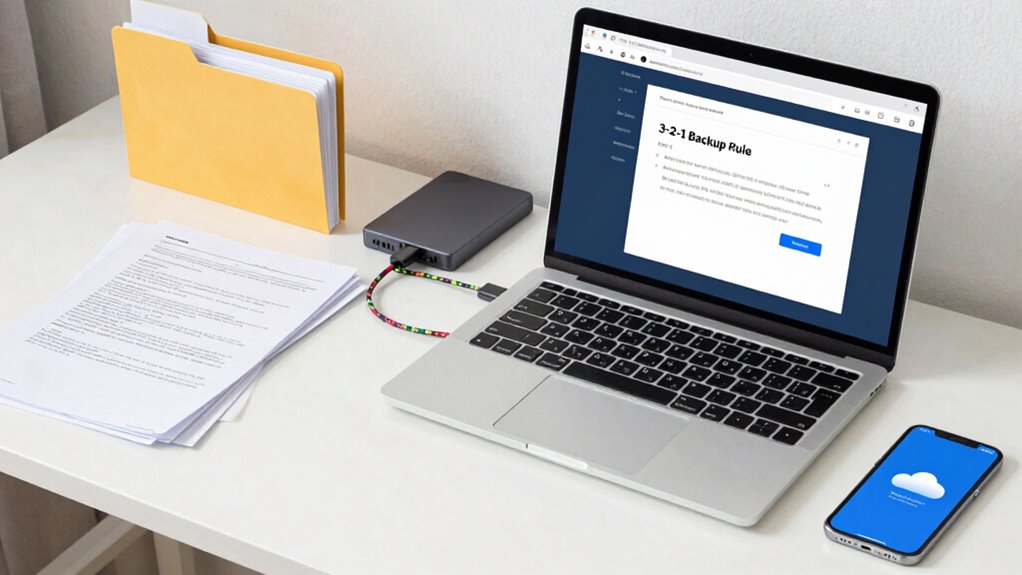
One common mistake people make when backing up personal documents is relying solely on a single storage method, such as just an external hard drive or only cloud storage. This increases the risk of data loss if that method fails. To avoid this, use a combination of backups, ensuring data encryption for security and cloud synchronization for real-time updates.
Be mindful of these pitfalls:
- Relying exclusively on unencrypted backups, risking exposure of sensitive information
- Ignoring cloud synchronization, which keeps your files current across devices
- Failing to verify backups regularly, leaving you unaware of incomplete or corrupted files
How Often Should You Update Your Backups?

How often you update your backups depends on how frequently your files change. If you add or modify documents daily, consider backing up at least weekly to keep your copies current. For infrequent updates, monthly backups may suffice. When using cloud storage, guarantee your data is protected with strong encryption methods to prevent unauthorized access. Regular updates help minimize data loss risks, especially if your files are sensitive or valuable. Automating backups can make this process easier, making sure you don’t forget to update them. Keep in mind that the more often you update, the less you’ll lose if something goes wrong. Consistency is key—set a schedule that aligns with your file activity and stick to it. This way, your backups stay relevant and reliable.
Quick Tips for Recovering Lost Documents
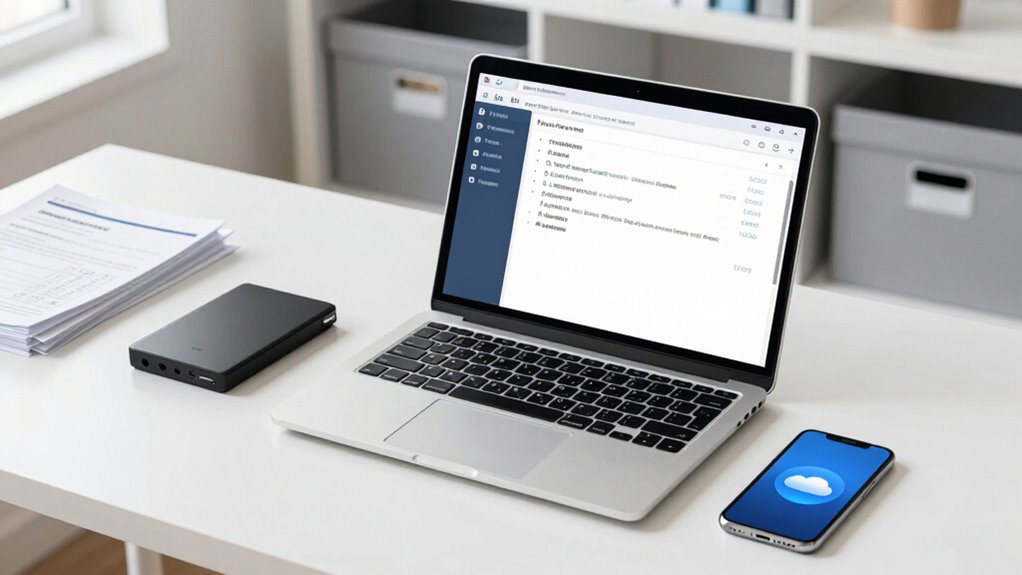
When you realize a document is missing, acting quickly can make all the difference. First, check your cloud storage services, as recent backups might contain the file. Use search functions to locate the document across devices. If the file was encrypted with specific encryption methods, verify if you have the correct password or decryption key. For files accidentally deleted, look in the recycle bin or trash folder. To avoid future issues, guarantee your backups are current and securely encrypted. Keep these tips in mind:
- Regularly review your cloud storage for misplaced files
- Confirm your encryption methods are robust yet accessible
- Maintain recent backups to streamline recovery
Additionally, utilizing necessary cookies can enhance your experience and help in tracking document interactions. Quick action minimizes data loss, helping you recover documents swiftly and securely.
Tools and Resources to Simplify Your Backup System

To make your backup system more manageable, leverage tools and resources designed for simplicity and efficiency. Cloud storage services like Google Drive, Dropbox, or OneDrive offer automatic backups and easy access from any device. They simplify the 3-2-1 rule by providing off-site copies without complex setup. To keep your data secure, use encryption methods offered by these platforms or third-party tools. Encrypting files before uploading adds an extra layer of protection, especially for sensitive documents. Many cloud services now include built-in encryption, making the process straightforward. Additionally, dedicated backup software can automate local backups, ensuring your files are consistently saved without hassle. These tools help you stay organized, secure, and confident that your personal documents are protected with minimal effort.
Frequently Asked Questions
Can I Use Cloud Services for My Backups Safely?
Yes, you can use cloud services for your backups safely if you choose providers that use strong encryption methods for data both during transit and at rest. Make certain the cloud storage locations are reputable and have robust security measures. It’s also wise to enable two-factor authentication and regularly update your passwords. This way, your personal documents stay protected, and you get the convenience of easy access and reliable backups.
What Types of Documents Should I Prioritize Backing Up?
You should prioritize backing up essential documents like passports, birth certificates, and financial records. Even if you’re worried about digital encryption, make sure your backups are secure and regularly verified. Backup verification helps confirm your files are intact, while encryption keeps your data safe from prying eyes. By focusing on these critical documents and maintaining security practices, you can confidently protect what matters most without stress.
How Do I Securely Dispose of Outdated Paper Files?
To securely dispose of outdated paper files, start with document shredding to guarantee sensitive information can’t be retrieved. Once shredded, you can recycle the paper responsibly by placing it in your local paper recycling bin. This process keeps your personal data safe from identity theft and promotes eco-friendly disposal. Regularly review and securely dispose of old documents to maintain privacy and keep your space clutter-free.
Is There a Recommended Backup Schedule for Busy Individuals?
You should back up your personal documents weekly to stay current, especially if you’re busy. Use external hard drives for reliable storage and set up backup automation so the process happens automatically. This way, you won’t forget or delay backups, ensuring your files stay safe without adding extra stress to your schedule. Regular, automated backups give you peace of mind, knowing your important documents are protected consistently.
What Are the Signs That My Backup System Is Failing?
Did you know that 60% of data loss is caused by backup failures? You’ll notice signs like incomplete backups, error messages during verification, or corrupted files, indicating your backup system might be failing. Regular backup verification ensures your files are intact, while storage redundancy helps catch issues early. If backups aren’t completing or files seem inconsistent, it’s time to review your system and make certain your backups are reliable and current.
Conclusion
Think of your backups as a lighthouse guiding you through stormy seas. Just like a lighthouse keeps ships safe from hidden rocks, your 3-2-1 backup rule shields your important documents from unexpected loss. By setting up your backup system wisely, you create a beacon of security amid life’s chaos. Stay consistent, and your cherished memories and essential files will always find their way home, no matter the storm.
Halloween Picks
halloween
As an affiliate, we earn on qualifying purchases.




![The Recently Proposed O(n Log N) Integer Multiplication Algorithm [Pdf]](https://documente.net/wp-content/uploads/2026/10/the-recently-proposed-o-n-log-n-integer-multiplication-algorithm-pdf-featured-260x140.jpg)