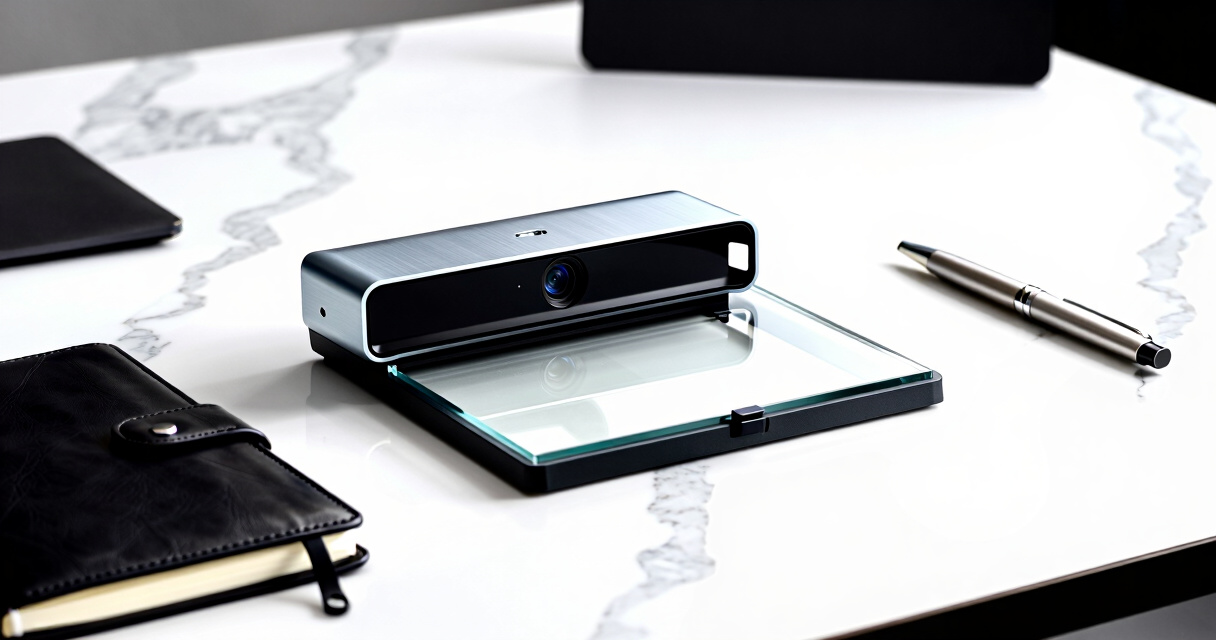

When searching for the best document camera for scanning documents to a PC, you want a device that combines high-resolution imaging, reliable connectivity, and ease of use. The VIISAN Large Format Book & Document Scanner stands out for its large scanning area and OCR capabilities, making it ideal for detailed projects. The CZUR Fancy S Pro offers 4K video quality and auto-focus, perfect for live demonstrations or teaching. However, tradeoffs in price, complexity, and compatibility mean you should consider your specific needs carefully. Continue reading to see how the top options compare and find the best fit for your workflow.

Prime made for students and young adults
- Fast, free delivery for dorm and study essentials
- Prime Video and Amazon Music included
- Member-only deals
Key Takeaways
- High-resolution sensors (12MP and above) deliver clearer scans, especially for detailed documents.
- Auto-focus and built-in lighting significantly improve image quality and user experience, particularly in varied lighting conditions.
- Connectivity options like USB and Wi-Fi influence ease of setup and portability, affecting workflow flexibility.
- Larger scanning areas (A3/A2) cater to wide-format documents but may come with increased size and cost.
- Price often correlates with features like OCR, real-time streaming, and build quality; balance your budget with required features.


More Details on Our Top Picks
VIISAN Large Format Book & Document Scanner (A2/A3, 26MP, USB, Auto-Flatten, OCR)
The VIISAN S21 stands out for its ability to capture extremely detailed images of large documents up to A2 size, making it ideal for scanning maps, blueprints, or bound books. Its 26MP sensor ensures sharp, high-resolution images, surpassing the 12MP CZUR Fancy S Pro in detail quality. The auto-flattening and finger removal features streamline the scanning process, giving cleaner results with less post-processing. While its compatibility with Windows and macOS is a plus, it’s less suited for ARM-based devices like Surface Pro X and requires software support for x64/x86 architectures, which could be a limitation. Compared to smaller or less powerful scanners, this device prioritizes size and resolution but sacrifices portability and ease of use for casual users.
Pros:- Exceptional 26MP resolution captures intricate details
- Supports large A2 documents and 3D objects
- Auto-flattening reduces manual correction
Cons:- Requires x64/x86 software support, limiting compatibility with some devices
- Built-in LEDs may be too bright for some environments
Best for: Professionals working with large-format documents, such as architects, engineers, or archivists, who need high-resolution scans for detailed review or digital archiving.
Not ideal for: Casual users or small office settings where document size and resolution are less critical, as the device is bulky and more complex to set up.
- Maximum Scan Size:A2 (594×420 mm)
- Resolution:26MP (5888 x 4522 pixels)
- Supported DPI:up to 600 DPI
- Compatibility:Windows (x64, x86), macOS
- Lighting:Built-in 3-level LED
- Connectivity:USB
Bottom line: This scanner is best suited for users who prioritize large-format, high-resolution scans over portability or simplicity.
CZUR Fancy S Pro 12MP USB Document Camera for Teacher, 4K Webcam with Microphone and LED Light, Up to 60fps, Auto Focus, for Remote Teaching, Live Streaming, Web Conference
The CZUR Fancy S Pro excels as a versatile tool for educators and remote presenters, combining a 12MP camera with 4K streaming capabilities to deliver crisp images at up to 60fps. Its ability to function as a webcam, document scanner, and live presenter makes it more adaptable than dedicated scanners like the VIISAN. The multi-joint design allows for flexible positioning, and the PiP feature supports multiple camera inputs—ideal for interactive lessons or multi-angle demonstrations. However, it relies on the CZUR Visualizer software, which may require an additional purchase and setup effort. Unlike dedicated high-res scanners, it’s not optimized for large-format documents or high-volume scanning, making it a better fit for dynamic presentations rather than archival work.
Pros:- 4K streaming at 60fps for smooth live presentations
- Flexible multi-joint arm for varied angles
- Can serve as a webcam and document scanner
Cons:- Requires additional scanning mat for full document digitization
- Software setup and licensing may be complex for some users
Best for: Teachers, remote presenters, or content creators needing real-time document display and multi-angle capture during live sessions.
Not ideal for: Those seeking a dedicated, high-resolution scanner for bulk document digitization, as it is more suited for dynamic visuals than high-volume scanning.
- Resolution:12MP 4K UHD (3840×2160)
- Frame Rate:Up to 60 fps
- Viewing Area:16.5 x 11.7 inches
- Compatibility:Windows, Mac
- Includes:USB cable, adjustable arm
- Lighting:Integrated LED
Bottom line: This camera is ideal for educators and remote presenters who need versatile, real-time visual collaboration tools rather than dedicated scanning for high-volume tasks.
OKIOCAM S2 Pro 13-MP USB Document Camera with 4K UHD, Built-in Light & Mic, and Smart Pointer
The OKIOCAM S2 Pro offers a compelling blend of high-resolution 4K video and interactive features, making it a strong choice for live demonstrations rather than bulk document scanning. Its 13MP sensor provides sharp image quality, suitable for real-time viewing and sharing, but it’s less ideal for scanning large volumes of documents compared to the VIISAN. The fast autofocus and built-in light enhance image clarity in various settings, and the smart pointer adds interactivity. However, since it relies on a USB connection and is overkill for simple digitization tasks, users primarily interested in fast, high-quality live visuals will find this most suitable. It’s not designed for extensive archiving or high-volume scanning.
Pros:- 4K UHD resolution offers crisp, detailed live images
- Fast autofocus for seamless switching between objects
- Includes OKIOPoint smart pointer for interactivity
Cons:- Requires USB connection, not wireless
- Overpowered for simple document scans
Best for: Educators, presenters, or live streamers who need high-quality, interactive visuals during real-time sessions rather than bulk document scanning.
Not ideal for: Users seeking a dedicated scanner for digitizing large document collections or academic archives, as it’s optimized for live visuals and interactivity.
- Resolution:13MP 4K UHD (3840×2160)
- Frame Rate:30 fps
- Viewing Area:13.6 x 10.6 inches
- Compatibility:Windows, Mac, Chrome OS
- Includes:USB Type C, smart pointer
- Built-in Light:Yes
Bottom line: Ideal for users needing high-resolution, real-time visuals and interactivity over high-volume document digitization.
VIISAN DB8401 16MP Document Camera Scanner with OCR & TTS Technology
The VIISAN DB8401 stands out for its high-resolution 16MP sensor, making it ideal for detailed scans of documents, barcodes, and text-to-speech functionality. Compared with the INSWAN INS-1, it offers more advanced OCR and barcode recognition, but its limited A4 scanning area and USB-only connection may restrict flexibility. It’s a strong choice for those who need precise, multi-purpose scanning in a compact form. However, setup may be somewhat complex, and its smaller scanning area means it isn’t suitable for large-format documents. Best for professionals requiring detailed scans and accessibility features, but less suited for users needing larger scans or plug-and-play simplicity.
Pros:- High-resolution 16MP sensor captures fine details
- OCR and TTS support enhance productivity and accessibility
- Compact, lightweight design ideal for limited desk space
- Supports barcode recognition for data management
Cons:- Limited to A4 scanning size, unsuitable for larger documents
- Requires USB connection, limiting mobility
- Setup can be complex for some users
Best for: Small offices, educators, or remote workers needing high-quality, multi-featured document capture with accessibility tools
Not ideal for: Users who need to scan large documents or prefer wireless setup, as it is limited to A4 and USB connection
- Resolution:16MP
- Scanning Area:A4
- Compatibility:Windows & macOS
- Features:OCR, TTS, Barcode Recognition
- Connectivity:USB
- Design:Foldable arm
Bottom line: This camera is best for users who need detailed, multi-functional scanning in a small footprint and don’t mind some setup complexity.
THUSTAR 8MP Document Camera & Webcam 4K with Dual Microphones, A3-Size, 3-Level LED Lights, Image Invert Function, Foldable for Live Demo and Distance Education
The THUSTAR 8MP/4K camera excels in delivering sharp, detailed images suitable for live demonstrations and teaching. Its foldable, portable design makes it easy to move between classrooms or remote setups. Compared with the VIISAN DB8401, it provides higher video resolution (4K vs. 16MP) for live streaming, but it’s less focused on document-specific features like OCR or barcode recognition. Its adjustable brightness and image reversal support versatile teaching needs, yet manual focus and environmental lighting can sometimes require fine-tuning. It’s less ideal for static, detailed document scans but shines in live, interactive scenarios.
Pros:- Crips 4K video quality for vibrant live presentations
- Foldable, lightweight design for portability
- Adjustable brightness and image invert functions for versatility
- Supports multiple OS and conferencing platforms
Cons:- Manual focus may need frequent adjustment during use
- Lighting control depends on external environment
- Limited to live video, not ideal for static document scans
Best for: Educators, trainers, and presenters who prioritize live, high-resolution video demonstrations over static scanning
Not ideal for: Users requiring detailed text or barcode scanning, as it emphasizes live video quality and has limited document-specific features
Bottom line: This model is perfect for educators and presenters who need high-quality live visuals and portability, rather than static document scanning.
AlKOR USB Document Camera for Teaching & Distance Learning, Manual Focus Webcam with Mic, Foldable Design for Mac/Windows/Chromebook
The AlKOR USB Document Camera offers a flexible 360-degree rotatable lens and 1080p resolution, making it ideal for capturing objects from multiple angles during online lessons or presentations. Compared with the INSWAN INS-1, it has a manual focus system, which can be less convenient but allows for precise control. Its foldable design lends itself well to portability, though its reliance on manual focus could slow down fast-paced demonstrations. It’s well-suited for educators or remote workers who value versatility and ease of setup over high-end automation features.
Pros:- Full HD 1080p clarity with manual focus for precise control
- 360-degree rotatable camera for multi-angle shots
- Lightweight, portable, and adjustable height
- Compatible across major devices and software
Cons:- Manual focus can be less convenient for dynamic scenes
- Limited to USB-C, may need adapters for older ports
- Focus adjustment may be distracting during fast changes
Best for: Teachers, remote workers, and students needing versatile, portable visualizers with flexible angles
Not ideal for: Users who prefer auto-focus and quick setup, as manual focus may require frequent adjustments
Bottom line: Ideal for educators and remote users who need a flexible, portable camera capable of capturing objects from various angles, despite manual focus demands.
INSWAN INS-1 USB Document Camera – 8MP Ultra HD, Auto Focus, LED, Built-in Mic, Compatible with Windows, Mac, iPad, Chromebook
The INSWAN INS-1 delivers crisp 8MP Ultra HD images with smooth 30 fps streaming and auto-focus, making it well-suited for detailed viewing and recording. Its software bundle supports annotation, digital zoom, and recording, surpassing basic capture solutions like the AlKOR, but some users might find the interface complex. Its macro focus at 3.9 inches allows close-up shots, ideal for intricate objects or documents. While it’s compatible across many platforms, the USB-A connection and the software learning curve may pose hurdles for less tech-savvy users.
Pros:- Sharp 8MP Ultra HD resolution with smooth streaming
- Auto-focus with macro capabilities for close-up detail
- Powerful software tools for annotation and recording
- Compatible with multiple platforms including iPad and Chromebook
Cons:- USB-A connection limits compatibility with newer devices without adapters
- Software complexity could be overwhelming for basic use
- Lower resolution compared to higher-end 16MP models
Best for: Remote educators, students, and professionals who need detailed, high-quality imaging and software tools for presentations
Not ideal for: Users seeking wireless or plug-and-play simplicity, as it relies on USB-A and may require software setup
Bottom line: This camera is best for users prioritizing high-quality detail, flexible software, and recording features, despite some setup complexity.
4K USB Document Camera for Teachers, 8MP Webcam & Visualizer with Dual Microphones, 3-Level LED Light, Foldable Design, Compatible with Windows, macOS, Chrome OS
The 4K USB Document Camera excels in delivering crisp, detailed images at 8MP with 4K video output, making it ideal for detailed live demonstrations. Its foldable, portable design allows easy setup in different environments. Compared to the VIISAN DB8401, it emphasizes high-definition streaming over static document scans, with features like adjustable brightness and dual microphones for clear audio. Its focus on live teaching and demonstration makes it less suited for static scanning of large documents. Connections are USB-C, which may require adapters for some older systems, and its 30 fps frame rate is sufficient for live use but not for high-speed recording.
Pros:- Crisp 8MP/4K video quality for detailed live demos
- Foldable, lightweight design for portability
- Adjustable brightness and focus for clarity
- Dual microphones for clear audio during live sessions
Cons:- Requires USB-C, may need adapters for older devices
- Limited to 30fps, not ideal for fast motion recording
- Manual focus may need frequent adjustments during demos
Best for: Educators and professionals conducting real-time demonstrations who need high-resolution, live video with portable convenience
Not ideal for: Users needing detailed static scans of large documents or those requiring wireless connectivity, as it prioritizes live streaming
Bottom line: Best suited for educators and presenters who need high-definition, real-time visuals with portability and integrated audio.
VIISAN A8401 Document Scanner Camera, 16MP Output, Portable USB Camera for Laptop/Desktop
The VIISAN A8401 stands out for its impressive 16MP camera, offering detailed scans that surpass many entry-level models like the OKIOCAM S2 Pro, which has a slightly lower resolution. Its built-in OCR and TTS technology make it particularly appealing for educational settings and accessibility needs, providing more than just simple image capture. However, it requires software installation to unlock its full potential, and the limited A4-sized scanning area could be restrictive for larger documents. The need for additional lighting in some environments might also pose a challenge for consistent image quality. Compared with larger, more feature-rich scanners like the VIISAN Large Format Scanner, this device prioritizes portability and ease of use but sacrifices some scanning capacity. This pick makes the most sense for users who need a compact, high-res camera with accessibility features for occasional or mobile use.Pros:- High-resolution 16MP camera for clear, detailed images
- Built-in OCR and TTS for converting images into editable text and reading aloud
- Supports barcode and QR code recognition for versatile document types
- Compatible with Windows and MacOS, enabling broad device connectivity
Cons:- Requires software installation, which may complicate setup
- Limited to A4 size scans, not suitable for larger documents
- May need additional lighting for optimal image clarity
Best for: Educators, accessibility advocates, and remote workers who need portable, high-quality scans and text-to-speech capabilities
Not ideal for: Users needing to scan very large documents or multi-page books frequently, as its A4 size limit can be restrictive
- Camera Resolution:16MP
- Shooting Area:A4
- Compatibility:Windows, MacOS
- Features:OCR, TTS, Barcode Recognition, Deskewing, Multiple Page Scanning
- Connectivity:USB
- Weight:Lightweight, portable
Bottom line: This camera is ideal for users who prioritize portability, high-resolution scans, and accessibility features in a compact form factor.
How We Picked
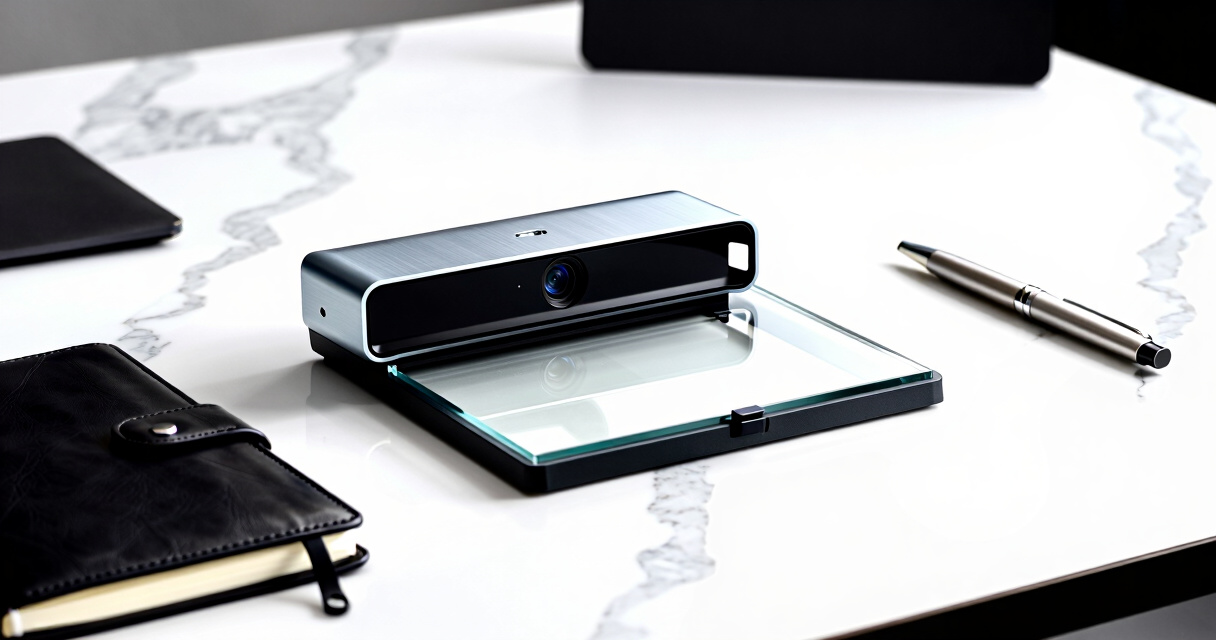
These products were selected based on their ability to produce sharp, accurate scans that are easily transferred to a PC. Key criteria included image resolution, ease of connection (USB, Wi-Fi), build quality, and additional features like OCR or live streaming capabilities. We prioritized models that offer a balance of performance and value, and that are suitable for different user needs, from professional digitization to classroom use. The ranking reflects overall versatility, reliability, and user-friendly design, with an eye toward common buyer tradeoffs such as price versus feature set.Factors to Consider When Choosing Best Document Camera For Scanning Documents To PC
Choosing the best document camera for scanning to PC involves several important factors. Beyond just resolution, consider how easy it is to connect, the size of the scanning area, and whether it has features like auto-focus or built-in lighting. Your specific use case—be it professional digitization, classroom teaching, or occasional scanning—should guide your priorities. Being aware of common pitfalls, such as overpaying for unnecessary features or selecting a model with poor compatibility, can help you make a smarter purchase. Let’s explore the key factors to keep in mind.Resolution and Image Quality
High-resolution sensors—at least 8MP, with many models offering 12MP or higher—are essential for capturing clear, detailed scans. This is especially true for documents with fine print, intricate diagrams, or photographs. Lower-resolution cameras might be sufficient for simple text, but they tend to produce blurry or pixelated images, reducing their usefulness in professional or archival contexts. Consider your specific needs: if you require high fidelity, investing in a model with 4K or comparable resolution can save you time re-scanning or editing images later.
Connectivity and Compatibility
Most document cameras connect via USB, which offers a straightforward setup, but models with Wi-Fi or Bluetooth can provide greater flexibility, especially for wireless streaming or multi-device use. Compatibility with common operating systems like Windows, macOS, and Chrome OS is vital to avoid frustration. Some models support direct integration with document management software, OCR tools, or live streaming platforms—valuable features if you plan to share scans instantly or archive them digitally. Assess your workflow to choose a connection type that minimizes hassle and maximizes convenience.
Size of the Scanning Area
The size of the camera’s scanning or capture area determines what documents you can work with without repositioning the device. Larger formats like A3 or A2 are ideal for wide documents, drawings, or books, but they often come at increased cost and bulk. Smaller formats, such as A4 or letter size, are more portable and typically less expensive, making them suitable for casual or occasional use. Think about your typical document sizes and storage space before committing to a larger, bulkier model.
Ease of Use and Additional Features
User-friendly designs—such as one-touch auto-focus, adjustable stands, and built-in lighting—make scanning more straightforward, especially for those less technically inclined. Features like OCR (Optical Character Recognition) enable direct text extraction, saving time in digitization projects. Smart features like automatic flattening for bound books or integrated microphones are bonuses that can enhance functionality but may also increase complexity and price. Weigh these extras against your actual needs to avoid overpaying for features you won’t utilize frequently.
Build Quality and Portability
Durability matters if you plan to move your device often or use it in different locations. Sturdy materials and foldable designs can extend longevity and ease transportation. Compact models are easier to store and carry but might sacrifice some features or size of the scanning area. Balance the importance of portability against the stability and robustness necessary for your environment. Investing in a well-built model can prevent costly repairs or replacements later on.
Frequently Asked Questions
Can a document camera directly scan to a PDF or image file on my PC?
Yes, most modern document cameras come with software that allows direct capturing of images or video streams, which can then be saved as PDF, JPEG, or other formats on your PC. The quality of the final file depends on the camera resolution and the software’s capabilities. Many models also support real-time annotation or OCR, which can be exported alongside images. It’s wise to verify that the included software supports your preferred file formats and workflow before purchasing.
Is Wi-Fi connectivity necessary for scanning documents to PC?
While Wi-Fi adds convenience by enabling wireless operation and multi-device sharing, it’s not strictly necessary if you prefer a simple, plug-and-play setup. USB connections tend to be more stable and faster, especially for large files or high-resolution images. If your workspace involves multiple devices or you need to scan from a distance, a Wi-Fi-enabled model provides greater flexibility. Consider your environment and workflow to determine whether wireless connectivity justifies the added cost or complexity.
Do I need a document camera with OCR for digitizing documents?
OCR functionality can significantly streamline digitization by converting scanned images into editable text, which is useful for archiving, editing, or searching documents. Not all document cameras include OCR, so if this feature is important, check the specifications carefully. Many models with high-resolution sensors and advanced software support OCR, but some may require additional apps or subscriptions. If your main goal is quick, searchable digital copies, a device with built-in OCR is worth the investment.
How important is the size of the scanning area for everyday use?
The size of the scanning or capture area directly impacts what documents you can scan without repositioning the device. For standard office or classroom tasks, A4 or letter-size coverage is usually sufficient and more portable. Larger formats like A3 are better suited for professionals working with large documents or artwork but tend to be bulkier and more expensive. Consider your typical document size and whether occasional repositioning is acceptable for your workflow.
What is the best way to ensure compatibility across different operating systems?
To maximize compatibility, look for document cameras that specify support for Windows, macOS, and Chrome OS. Check whether the device uses universal drivers or offers cloud-based software options. Reading user reviews can reveal whether the device works smoothly across platforms or if there are known issues. Investing in a model with versatile software support reduces frustration and ensures your device remains useful, even if your setup changes over time.
Conclusion
The best overall pick in 2026 is the VIISAN Large Format Book & Document Scanner for its combination of large scan area and advanced OCR, ideal for professionals or serious digitization. For budget-conscious users, the INSWAN INS-1 offers reliable 8MP quality with essential features at a lower price. The CZUR Fancy S Pro shines for educators or live streaming needs with its 4K resolution and user-friendly design. Beginners or casual users should prioritize models with simple interfaces and good software support, while professionals needing high fidelity and large formats should consider premium models with extensive features. Your choice should align with your typical documents, workflow preferences, and budget constraints.
Halloween Picks
halloween
As an affiliate, we earn on qualifying purchases.