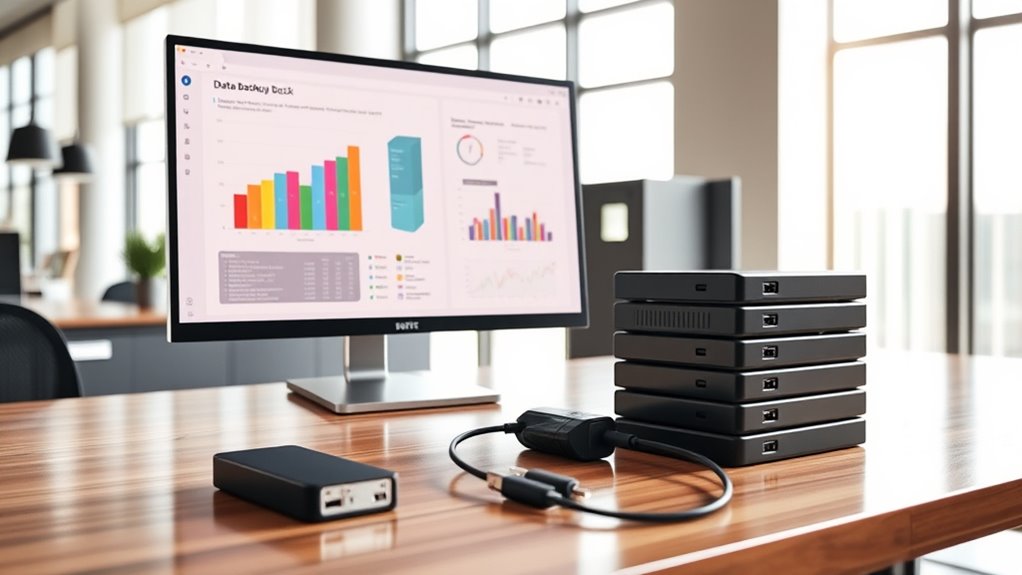

To safeguard your small business records, develop a backup strategy that includes regular, automated backups to a secure cloud service. Use strong encryption during data transfer and storage to keep sensitive information safe. Schedule consistent testing of your backups to ensure you can restore files when needed. Combining off-site cloud storage with encryption creates a resilient system against data loss or cyber threats. Keep improving your approach—more tips ahead can help you build an even stronger backup plan.
Key Takeaways
- Implement automated cloud backups with scheduled regularity to ensure up-to-date data protection.
- Use strong encryption methods, including end-to-end and local encryption, to secure data both in transit and at rest.
- Store backups off-site in cloud environments to mitigate risks of physical damage or device failure.
- Regularly test backup restore processes to verify data integrity and system reliability.
- Continuously update security measures and backup strategies to address emerging cyber threats and ensure resilience.
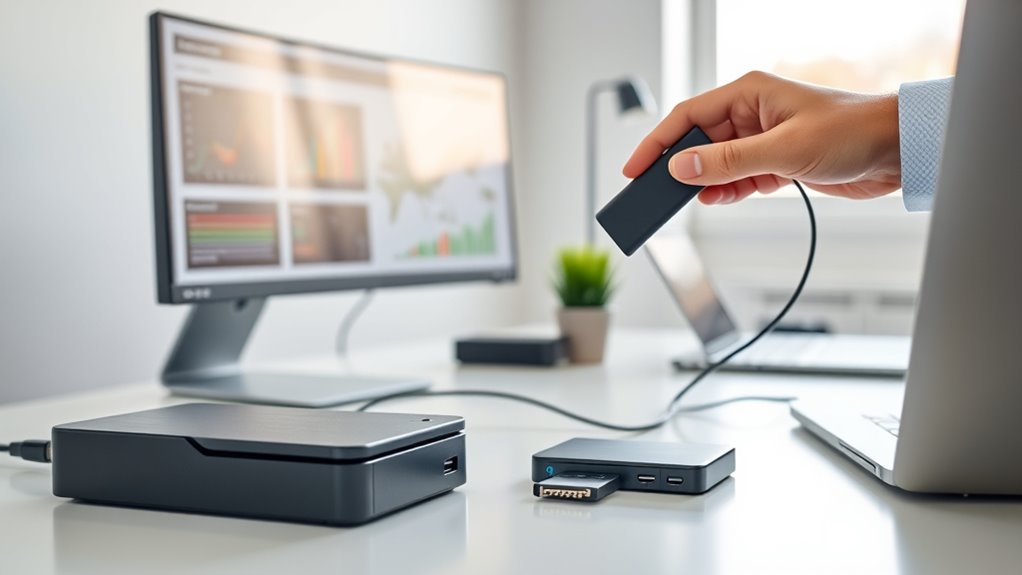
In today’s digital landscape, data is one of your most valuable assets, making effective backup strategies essential. As a small business owner, you need a reliable way to protect your records from hardware failures, cyberattacks, or accidental deletions. Implementing a solid backup plan ensures your critical information remains accessible and secure, even in emergencies. Cloud storage is an excellent solution because it offers scalable, off-site storage that you can access from anywhere. Instead of relying solely on physical drives, which can fail or be lost, cloud-based backups provide a safer alternative. You can automate uploads, so your data is consistently backed up without manual effort, reducing the risk of forgetting to save important files. When choosing a cloud storage provider, prioritize those that use robust encryption techniques to protect your data both in transit and at rest. Encryption transforms your information into unreadable code, making it substantially more difficult for cybercriminals to access sensitive records if a breach occurs. Many reputable cloud services incorporate advanced encryption standards, such as AES-256, ensuring your data remains confidential. It’s also wise to verify that your provider employs end-to-end encryption, which encrypts data from your device all the way to their servers. This additional layer prevents unauthorized access during upload or download. To maximize security, consider encrypting your files locally before uploading them to the cloud. This way, even the service provider cannot access your unencrypted data, providing an extra safeguard for sensitive information. Regularly updating your encryption techniques and staying informed about emerging security standards can further improve your data protection efforts. Additionally, incorporating whole-house water filtration systems into your backup plan can serve as a metaphor for comprehensive security, ensuring all aspects of your business are protected. Aside from encryption, establishing a clear backup schedule is indispensable. Automate backups at regular intervals—daily or weekly—so your records stay current without requiring manual intervention. Remember to test your backups periodically to confirm they work correctly and that you can restore files when needed. Combining cloud storage with encryption techniques creates a resilient backup system that prioritizes security and ease of access. It also gives you peace of mind, knowing your essential business records are protected from unexpected events. As cyber threats evolve, so should your backup strategy. Continually review and update your security measures, including encryption methods, to stay ahead of potential vulnerabilities. In short, leveraging cloud storage with strong encryption techniques not only streamlines your backup process but also substantially enhances your data security, ensuring your small business remains resilient in an increasingly digital world.
![Norton Small Business Premium, 10 Devices – Protect What You’ve Built, 24/7 Business Tech Support, VPN, PC Cloud Backup, Business Antivirus Software, & Data Protection [Digital Download]](https://m.media-amazon.com/images/I/41jD0JHYbgL._SL500_.jpg)
Norton Small Business Premium, 10 Devices – Protect What You’ve Built, 24/7 Business Tech Support, VPN, PC Cloud Backup, Business Antivirus Software, & Data Protection [Digital Download]
24/7 BUSINESS TECH SUPPORT** Our tech experts are ready 24/7 to help with viruses, setup issues, or just…
As an affiliate, we earn on qualifying purchases.
As an affiliate, we earn on qualifying purchases.
Frequently Asked Questions
How Often Should Small Businesses Perform Data Backups?
You should perform data backups daily or at least weekly, depending on your backup frequency needs. Regular backups guarantee your data remains protected and current, minimizing potential losses. Consider your data retention requirements—if you need to keep records for several months, schedule backups accordingly. Automate your backup process to avoid human error and ensure consistent data retention, so your important business information stays safe and accessible at all times.
What Are the Best Physical Storage Options for Backups?
Did you know 60% of small businesses risk data loss due to poor backup methods? For physical storage, consider offsite storage options like external hard drives or secure servers to protect against theft, fire, or natural disasters. Confirm physical security by keeping backups in locked, climate-controlled environments. Regularly test your backups and update security measures to keep your data safe and accessible when needed.
How Can Small Businesses Ensure Data Recovery After a Breach?
You can guarantee data recovery after a breach by implementing disaster planning that includes regular, secure backups. Use data encryption to protect sensitive information and prevent unauthorized access. Test your recovery process periodically to confirm it works smoothly. Keep multiple backup copies off-site or in the cloud, so you’re prepared for various scenarios. Staying proactive with disaster planning and encryption helps you restore data quickly and minimize downtime.
What Is the Cost Comparison Between Cloud and On-Site Backups?
When it comes to cost analysis between cloud and on-site backups, you get what you pay for. Cloud backups often have a lower upfront cost, but ongoing subscription fees from service providers can add up. On-site backups require bigger initial investments in hardware, but fewer recurring costs. Think of it as weighing convenience against control—evaluate your budget and needs before making a decision.
How Do I Secure My Backup Data From Cyber Threats?
You secure your backup data from cyber threats by implementing strong encryption protocols to protect sensitive information. Additionally, you should set strict access controls, limiting who can view or modify your backups. Regularly update your security measures and monitor for suspicious activity. Using multi-factor authentication further adds a layer of protection, ensuring that only authorized personnel can access or restore backup data, keeping your records safe from cyber attacks.

Emtec Click Secure B120 USB 3.2 Flash Drive 64 GB – Encryption software AES 256 – Read speed 100 MB/s – Black
Secure your data, Encrypt your files in one Click !
As an affiliate, we earn on qualifying purchases.
As an affiliate, we earn on qualifying purchases.
Conclusion
Now that you’ve got your backup strategy in place, think of it as your digital Swiss Army knife—ready for anything from a cyber dragon to a rogue VHS tape. Regular backups keep your business data safe and your mind at ease. Don’t wait for a catastrophe to strike like a meteor—be proactive. Remember, even in the age of floppy disks, staying prepared is the key to surviving and thriving in today’s fast-paced world.

SSK 2TB Portable External SSD with Wi-Fi Hotspot, Personal Cloud Smart Storage Supports Auto-Backup, Phone/Tablet PC/Laptop Wireless Remote Access
High speed and large capacity: 2TB storage capacity(SSD), Up to 300Mbps high speed wireless transmission, without geographical restrictions,remote…
As an affiliate, we earn on qualifying purchases.
As an affiliate, we earn on qualifying purchases.

The Data-Centric Revolution: Restoring Sanity to Enterprise Information Systems
As an affiliate, we earn on qualifying purchases.
As an affiliate, we earn on qualifying purchases.